

The Best AI Detector for Teachers - Top Tools
Teachers are in a weird spot right now.
On one hand, you’ve got students who can whip up a 1,500-word essay in like… 30 seconds flat with ChatGPT or some “AI writing tool” (and yes, I’ve tested it myself, it’s scary good).
On the other, you’ve got institutions demanding academic integrity like it’s the Holy Grail. And who gets stuck in the middle? Yep—teachers.
That’s why AI detectors suddenly became the hot topic. Everyone’s Googling “best AI detector for teachers” and hoping there’s some magic app that just yells: “This essay was written by a robot!” Spoiler: it’s not that simple.
But don’t stress. I’ve been digging into these AI detection tools for months—testing free versions, getting frustrated by false positives, and laughing at how some claim “100% accuracy” (lol, no software ever hits that).
This guide is my attempt to cut through the noise. No corporate fluff, just a real breakdown of what actually works, where the BS lies, and which tools are worth your time.
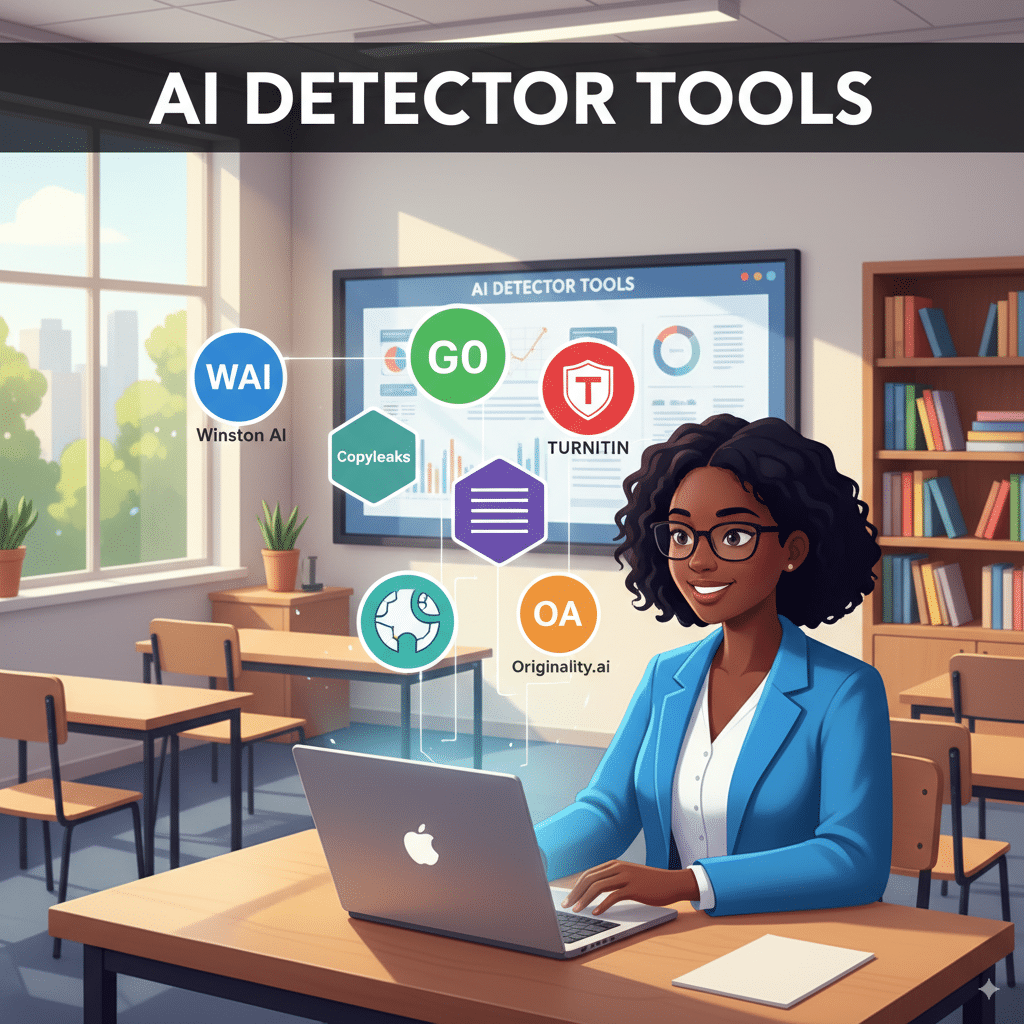
Why AI Detection Even Matters in the Classroom
Quick rant: I don’t think banning AI outright is the solution. Honestly, students will use AI tools whether you like it or not (kind of like calculators back in the day, right?). The real trick is teaching them how to use AI responsibly—but that’s a blog for another day.
Still, when it comes to academic honesty, schools can’t just shrug. If students are submitting full essays straight from ChatGPT without editing, that’s a problem. AI detectors step in to:
And here’s the kicker: these tools aren’t perfect. They throw false positives (flagging human-written content as AI) and false negatives (letting AI slip through). But right now, they’re the only safety net teachers have.
1. Winston AI – The “Only AI Detector” Claim
Let’s start with the flashy one: Winston AI.
They market themselves as “the only AI detector with 99.98% accuracy.” Bold claim. Maybe too bold. But to be fair, Winston AI has impressed a lot of educators because it’s simple, accurate (most of the time), and gives you a clean report card.
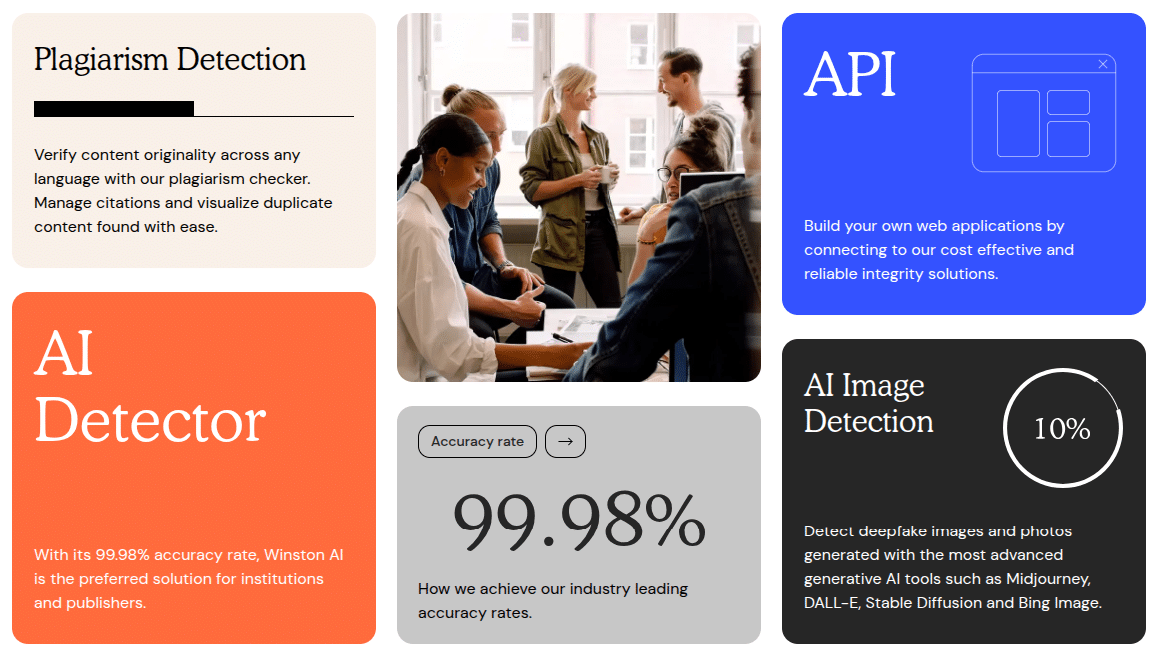
Features:
- Scans essays, assignments, even Google Docs.
- Shows a “Human Score” (fancy way of saying how likely it’s written by a human).
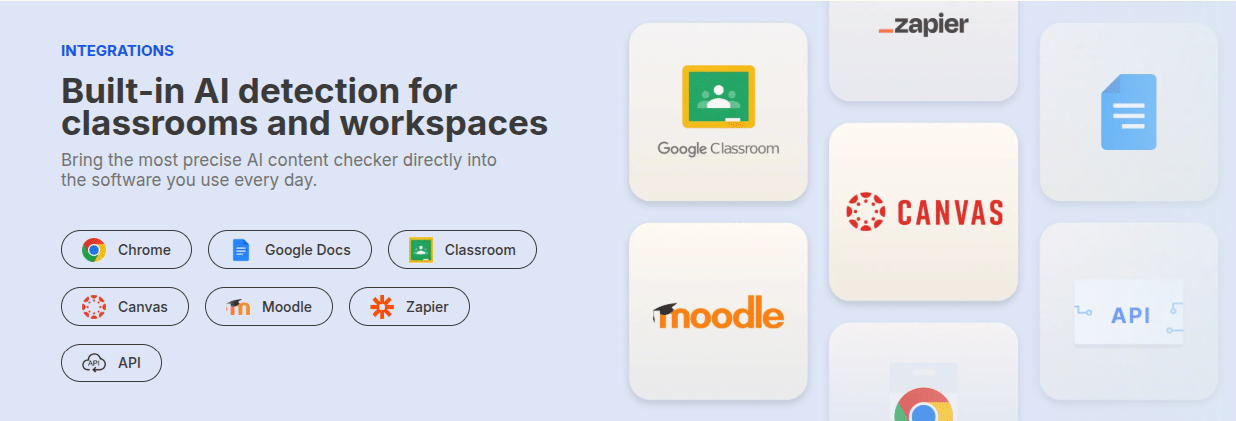
- Integrates with Google Classroom (huge win for teachers).
- Multi-language support (English, French, Spanish).
What I like:
- Reports are easy to read—even a non-tech teacher won’t get lost.
- Decent accuracy with AI-generated text detection.
- Free trial to test before committing.
What I don’t:
- That 99.98% claim feels like marketing jazz. I’ve seen false positives.
- Free plan is super limited. They nudge you hard toward paying.
👉 Side note: Winston AI might be the “teacher favorite” just because it looks trustworthy. Kind of like when Turnitin first came out.
2. GPTZero – The Student Whisperer
Ah yes, GPTZero. Famous for being the first viral AI checker when ChatGPT exploded.
It was literally made for teachers by a student (Edward Tian). So there’s a bit of credibility right there.
Features:
- Highlights sentences that are likely AI-written.
- Gives a human vs. AI probability score.
- Works in Google Docs + has a Chrome extension.
- Batch uploads for assignments (saves time if you’re swamped).
What I like:
- Transparent scoring (no mysterious “AI vibes” metric).
- Trusted by a lot of schools already.
- Strong community around it—feels less “corporate.”
What I don’t:
- Accuracy dips with edited/“humanized” AI text.
- Free plan is limited (shocker).
- Sometimes overly sensitive (I once had my own blog flagged).
👉 Side note: GPTZero feels like the “cool teacher” of AI detectors—maybe not the strictest, but approachable.
3. Copyleaks – The Old Guard with AI Muscles
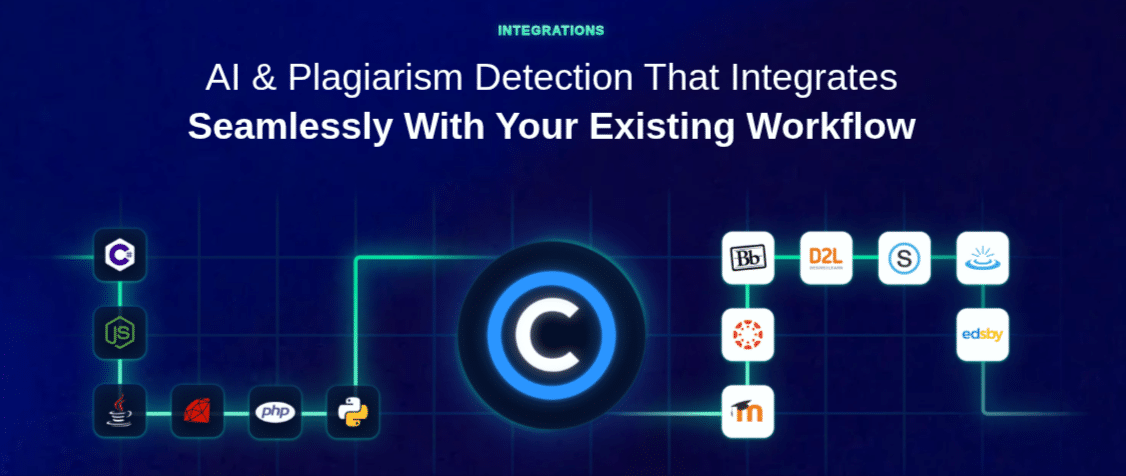
Copyleaks has been in plagiarism detection forever, and now they’ve bolted on AI content detection. Honestly, they’re one of the most reliable.
Features:
- Detects AI-generated text AND plagiarism in one go.
- Multi-language support.
- Integrates with Canvas, Moodle, Blackboard.
- Detailed sentence-level analysis.
What I like:
- Accurate for both plagiarism + AI.
- Huge database (been around for years).
- Easy integration into existing LMS systems.
What I don’t:
- Pricing isn’t teacher-friendly for individuals.
- Reports can be overwhelming (too much data sometimes).
👉 If you’re at a big institution, Copyleaks is gold. If you’re a solo teacher, maybe too heavy.
4. Originality.ai – The SEO Favorite
Okay, confession: Originality.ai wasn’t even made for schools. It’s for marketers, SEOs, and publishers. But teachers have been sneaking it into classrooms.
Features:
- High accuracy on detecting ChatGPT & GPT-4.
- Chrome extension for quick checks.
- Shows “Human Score” + detailed breakdown.
- Can check plagiarism too.
What I like:
- Probably the most accurate AI detector I’ve tested.
- Works well with polished, edited text.
- Affordable credits system.
What I don’t:
- No real “teacher features” like classroom integrations.
- Report design isn’t very “student-friendly.”
👉 Side note: If you’re a nerd about accuracy and don’t care about pretty dashboards, this one slaps.
5. QuillBot AI Detector – The Familiar Friend
You know QuillBot as the paraphrasing tool students already use. Irony: they now have an AI detector to catch those same students.
Features:
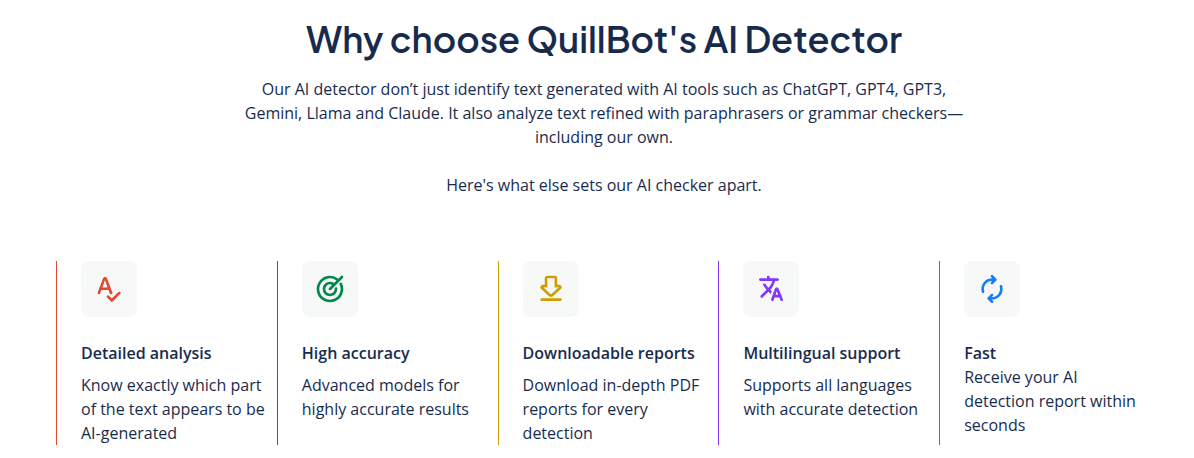
- Simple paste-and-scan interface.
- Free tool (with limits).
- Detects AI-generated sentences in seconds.
What I like:
- Free and fast.
- Teachers already know the brand (since students love it).
- Decent accuracy for shorter essays.
What I don’t:
- Falls apart with longer, edited text.
- Basic reports—nothing fancy.
👉 Honestly, I’d use this as a quick spot-checker, not my main tool.
6. Turnitin – The Old Sheriff in Town
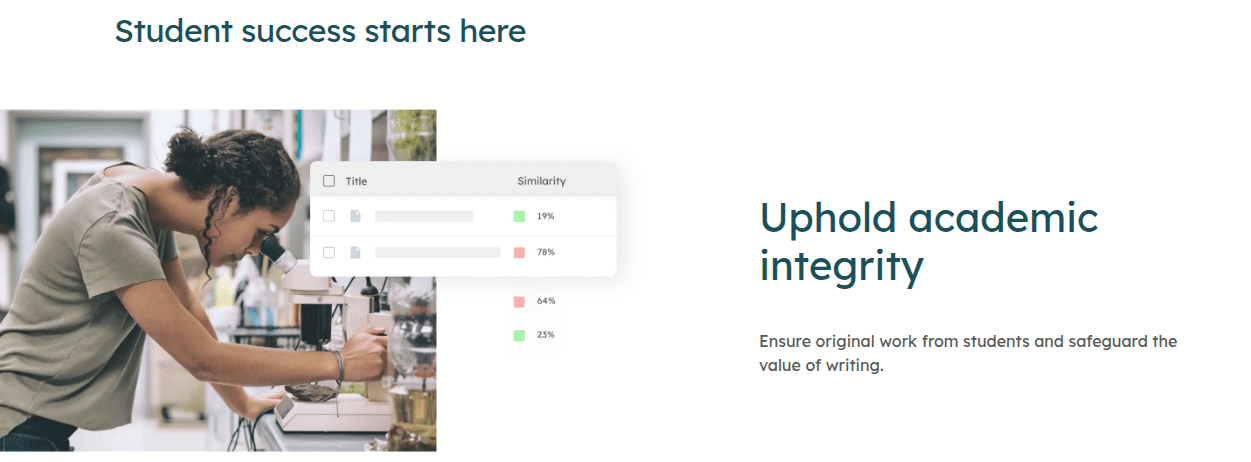
If you’ve been in education longer than five minutes, you know Turnitin. It’s been the go-to plagiarism detector for decades, and now it’s bolted on AI writing detection.
Features:
- Simple paste-and-scan interface.
- Free tool (with limits).
- Detects AI-generated sentences in seconds.
What I like:
- Trusted by institutions worldwide.
- Great for big schools/universities (already integrated).
- Combines plagiarism + AI in one scan.
What I don’t:
- Expensive (don’t expect freebies here).
- Reports can feel overwhelming for teachers who just want a yes/no.
- Occasionally over-flags, especially on clean student writing.
👉 Side note: Turnitin feels like that old sheriff in town who suddenly bought a Tesla. Still policing, but a little outdated compared to newer AI-native tools.
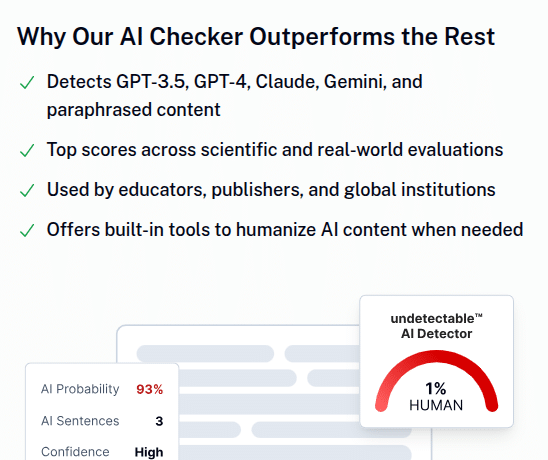
7. Undetectable AI – The Irony Tool
This one’s hilarious. Undetectable AI is literally marketed as a way to bypass AI detectors. And yet, teachers are also testing it to see how detectors fail.
Features:
- AI “humanizer” tool.
- Lets you paste AI text and rewrite it so detectors think it’s human.
- Works with essays, blogs, you name it.
What I like:
- Eye-opening for teachers: you can see how easy it is to trick detectors.
- Fast and simple.
- Helps you train your instincts when grading.
What I don’t:
- It’s basically the “cheat code” students might use.
- Doesn’t offer detection—just rewriting.
👉 Honest opinion: I don’t recommend teachers rely on this, but I do think it’s worth knowing about—because your students already do.
8. ZeroGPT – The Viral Free Checker
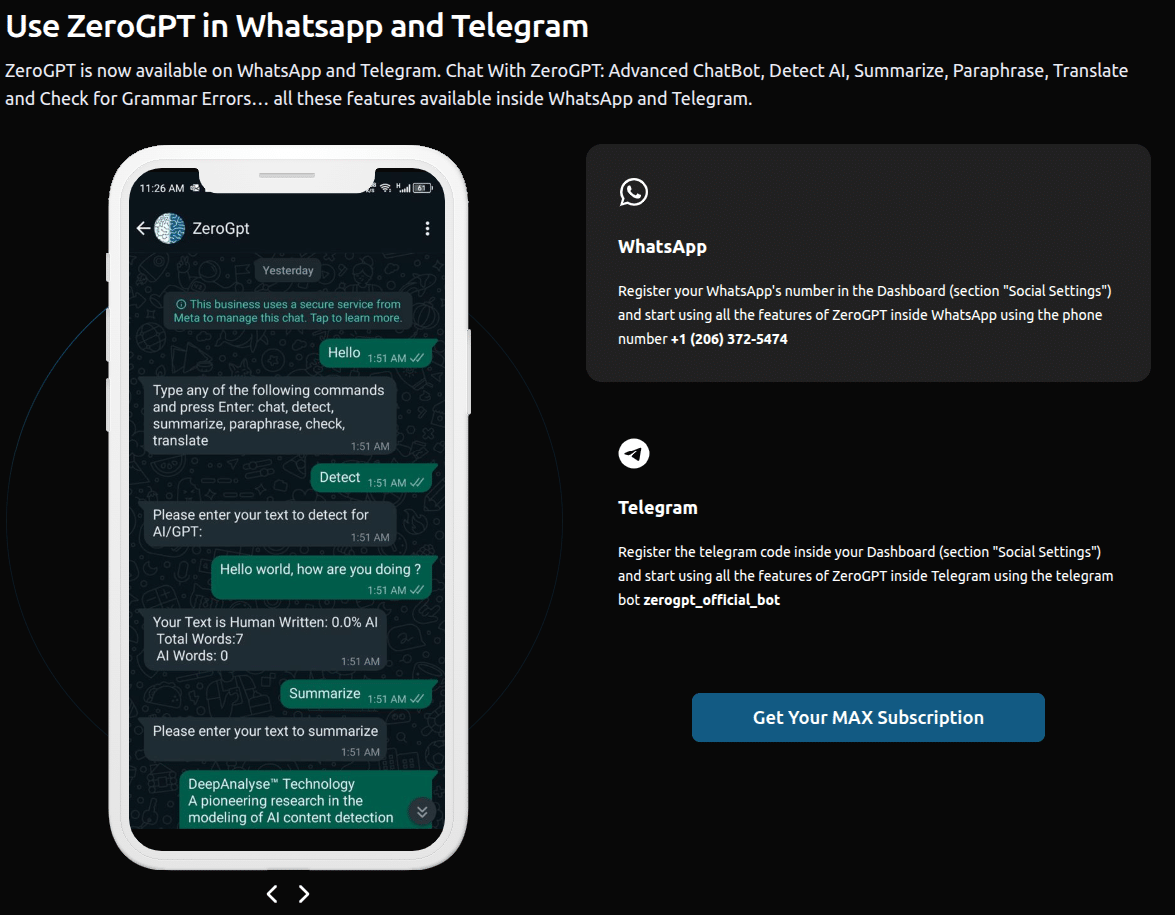
You’ve probably seen ZeroGPT floating around Reddit or teacher forums. It’s one of the most popular free AI detectors, and yeah—it works decently.
Features:
- Free tool (with a paid version if you want extras).
- Shows probability scores: “Human Written” vs. “AI Generated.”
- Chrome extension + multi-language support.
- Works on essays, assignments, even social posts.
What I like:
- Fast and simple.
- Teachers can use it without IT approval.
What I don’t:
- Accuracy isn’t top-tier.
- Sometimes gives vague results (“maybe AI, maybe not”—gee thanks).
- UI feels a little ad-heavy.
👉 Honestly? ZeroGPT is like the “calculator app” of AI detectors—everyone downloads it, uses it casually, but don’t expect miracles.
9. Sapling AI Detector – The Grammar Nerd’s Sidekick

Sapling started as a writing assistant (like Grammarly), but it quietly has an AI detection feature too. Not as hyped as Winston or GPTZero, but it works.
Features:
- Detects AI-written text.
- Real-time writing suggestions.
- Chrome extension.
- API access for schools/companies.
What I like:
- Lightweight and easy to use.
- Great for spot-checking student writing style.
- Free version is actually decent.
What I don’t:
- Not as accurate as Originality or Copyleaks.
- Doesn’t integrate deeply into classrooms.
- Reports are basic.
👉 Side note: Sapling feels like the sidekick character in a movie. Not the hero, but surprisingly useful when the main players screw up.
10. Content at Scale AI Detector – Built for Long Essays
Content at Scale is another SEO/marketing tool, but teachers love it for long-form essays. Why? Because it doesn’t break down after a few paragraphs.
Features:
- Free AI content detector (no login required).
- Handles long essays/blogs.
- Simple highlight system (AI vs. human).
What I like:
- Totally free (big plus for teachers).
- Great accuracy for long text.
- Easy interface.
What I don’t:
- Not designed for classrooms.
- No LMS integrations.
- Works better for essays than short-answer assignments.
👉 Real talk: if you’re grading a 10-page student paper, this one saves your sanity.
FAQs about Best AI Detector for Teachers
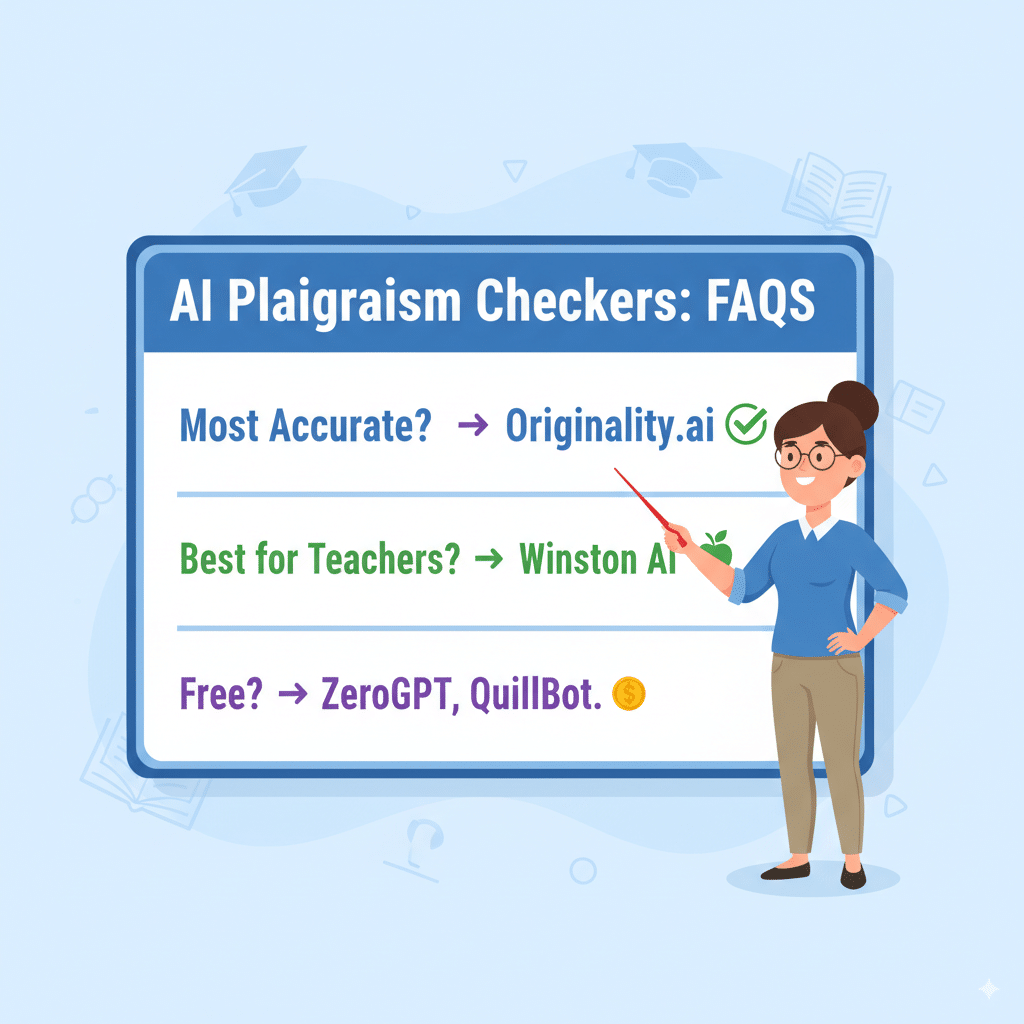
Q: What’s the most accurate AI detector right now?
👉 Honestly? Originality.ai for raw accuracy, Winston AI for classrooms.
Q: Can AI detectors work in Google Docs?
👉 Yep—Winston AI, GPTZero, and Copyleaks all integrate.
Q: Can students beat AI detectors?
👉 Sometimes. If they rewrite enough, detection drops. But false confidence is risky—tools are improving daily.
Q: Are free tools worth it?
👉 For spot checks, yes. For heavy classroom use? Probably not.
Q: Should schools ban AI entirely?
👉 Nope. Teach responsible use. Detection should be guardrails, not handcuffs.
Wrapping It Up
So yeah—AI isn’t going anywhere. Neither are students trying to cut corners with AI writing tools. But with the right AI detectors, teachers can at least stay ahead enough to keep academic honesty alive.
If I had to rank it?
- Winston AI → Best for actual classrooms (teacher-friendly).
- Originality.ai → Most accurate overall (nerd-approved).
- Copyleaks → Best all-rounder (AI + plagiarism).
- GPTZero → Teacher-built and student-tested.
- Turnitin → Trusted by institutions, but heavy-handed.
The others (Sapling, Content at Scale, ZeroGPT, Undetectable AI, QuillBot) are more like supporting tools—good for spot-checking or testing your instincts.
And remember: use these as guides, not gospel. If your gut says a student wrote it, but the tool screams “AI-generated,” don’t just slam the hammer. Context matters.
