

Pika vs Vizard: The Best AI Video Tools for Your Marketing Strategy
Video is eating the internet alive. Scroll through Instagram, TikTok, or even LinkedIn (yeah, the “serious” platform where CEOs used to post humblebrags), and it’s all video. Quick clips, explainer reels, funny AI avatars reading scripts—they’re everywhere.
Now, if you’re running a business, a coaching brand, a SaaS startup, or you’re just someone trying to get more eyeballs on your stuff, you’ve probably asked yourself: “Which AI video tool should I use?”
And suddenly two names keep coming up: Pika and Vizard.
So here we are: Pika vs Vizard—2025 edition. I’ve played around with both. They’re cool, annoying in their own ways, surprisingly powerful, and very different. Let’s dive in.
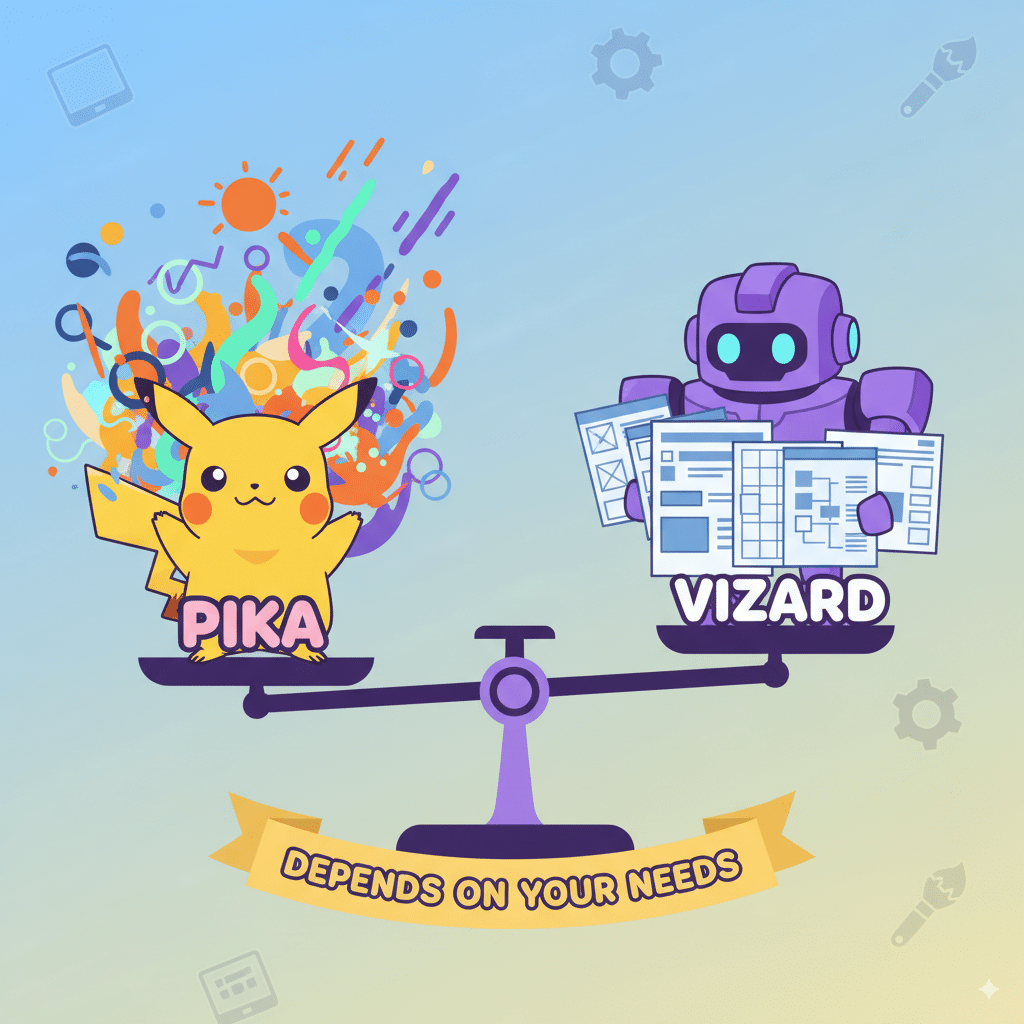
Pika vs Vizard: Quick Take
AI Video Generation: Why This Even Matters
If you’re still stuck editing videos manually in 2025… I’m sorry. You’re wasting your life. AI video generation is a huge time saver.
Here’s what tools like Pika and Vizard do:

Basically, these platforms let you crank out professional video content in minutes instead of weeks. No need for Hollywood editing teams.
Pika: What It Offers
Let’s start with Pika.
Features Pika Offers
- AI-powered short videos from text prompts and images.
- Pika Live (yep, live-style generation).
- Magic Write for scriptwriting.
- Ability to add music instantly.
- Great for quick social media content.
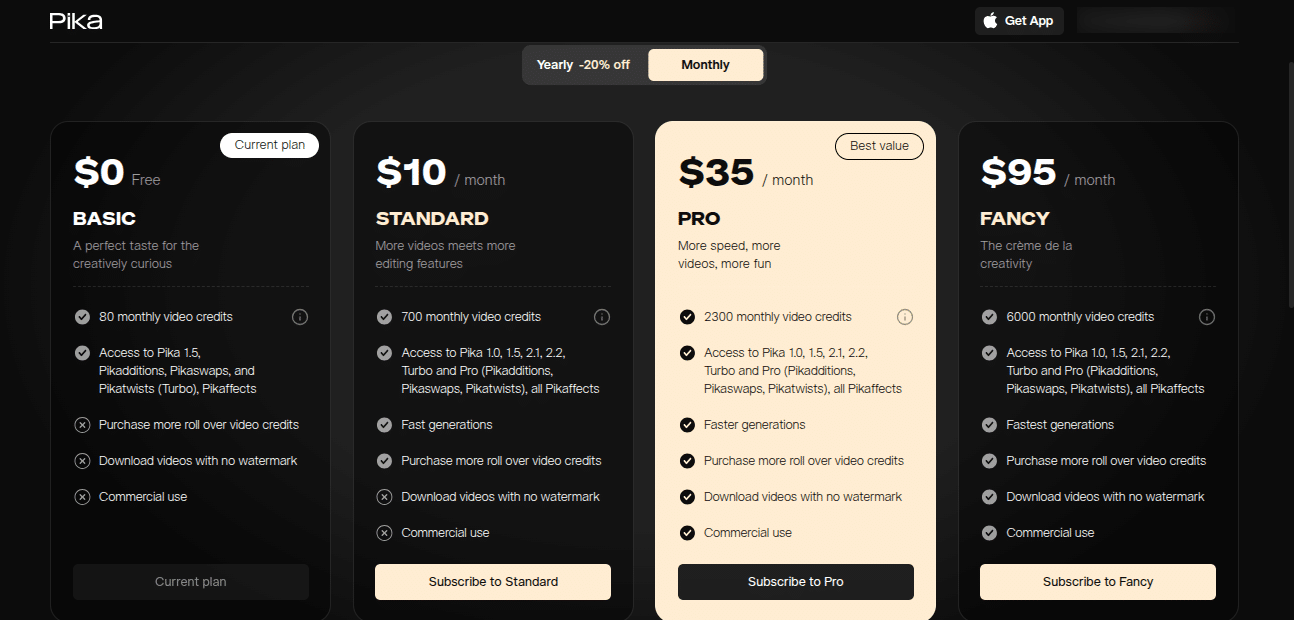
- Free plan, then affordable upgrades (starting around $10/month).
Pika feels designed for creators who care about speed and don’t want to learn heavy-duty video editing software.
Pros
- Beginner-friendly, very accessible.
- Fun and experimental.
- Great for TikTok/YouTube shorts.
- Affordable.
Cons
- Not as many advanced editing tools.
- Can produce weird, glitchy outputs.
- Collaboration? Meh. Basic.
(Note: I once tried to make a video of a cat wearing sunglasses driving through mountains. Pika nailed the vibe in seconds. But then it gave the cat three tails. That’s AI for you—hilarious, slightly cursed.)
Vizard: What It Offers
Now, let’s talk about the more “professional” sibling—Vizard.
Features of Vizard
- 100+ professional templates.
- Advanced editing tools (cut, mask, voiceover, fonts, brand kits).
- Collaboration tools for teams (client review features too).
- Handles different aspect ratios for all platforms.
- AI avatars and AI scriptwriting baked in.
- Premium plan at $30/month.
Vizard excels when you’re not just making random fun clips but want brand-consistent, high-quality video clips at scale.

Pros
- Vizard excels in advanced editing.
- Solid output quality across different platforms.
- Strong support and community.
- Perfect for professional video content.
Cons
- Pricier than Pika.
- Overkill for solo creators who just want fun videos.
- UI feels a bit corporate—less playful than Pika.
(Side note: If you’re managing a client account and they care about their logo being 2 pixels off—yeah, go Vizard, not Pika.)
Video Generation: Head-to-Head
Both generate videos fast. But how do they feel to use?
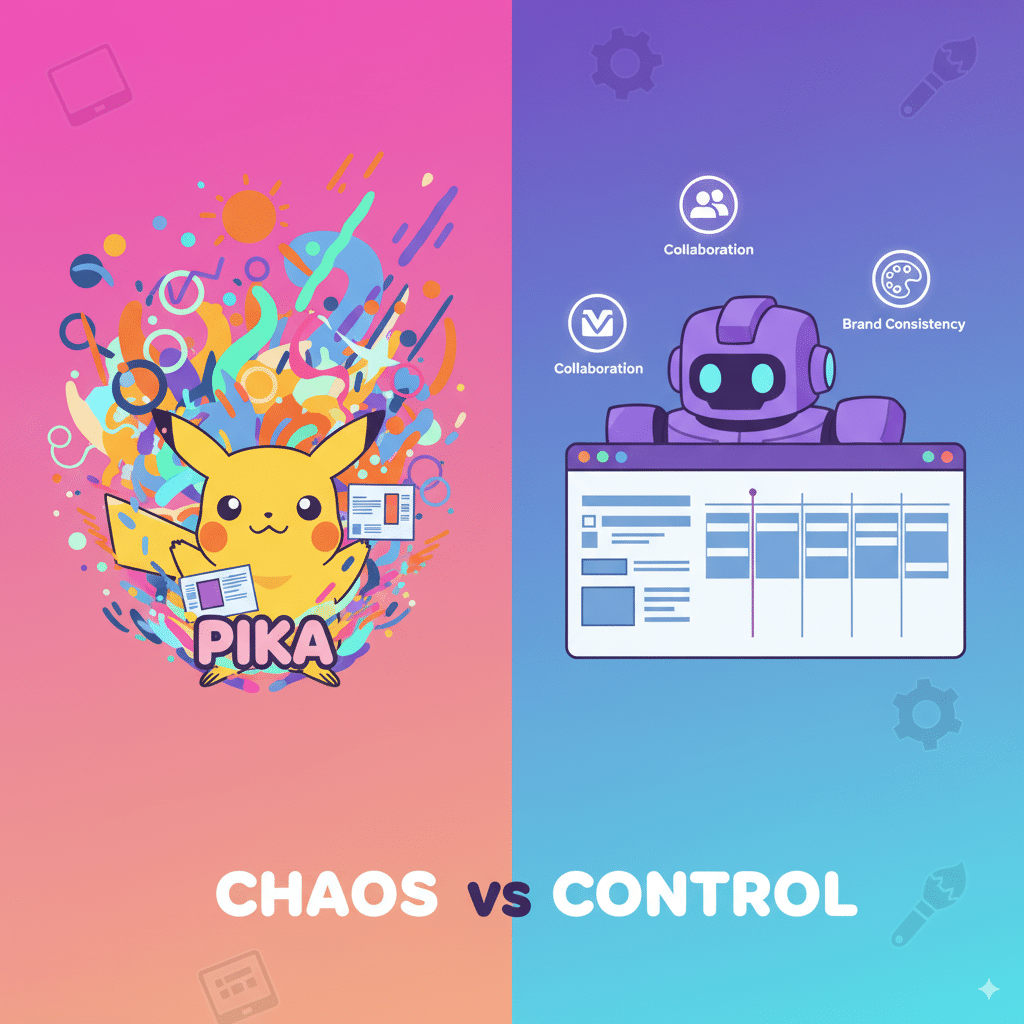
So if you want to create engaging videos for TikTok in your bedroom → Pika.
If you’re running a marketing campaign for a SaaS company → Vizard.
Aspect Ratios: Who Handles Them Better?
This sounds boring, but trust me—it’s make or break.
👉 Check Hootsuite’s guide to aspect ratios if you’re still confused why this matters.
Customization & Editing
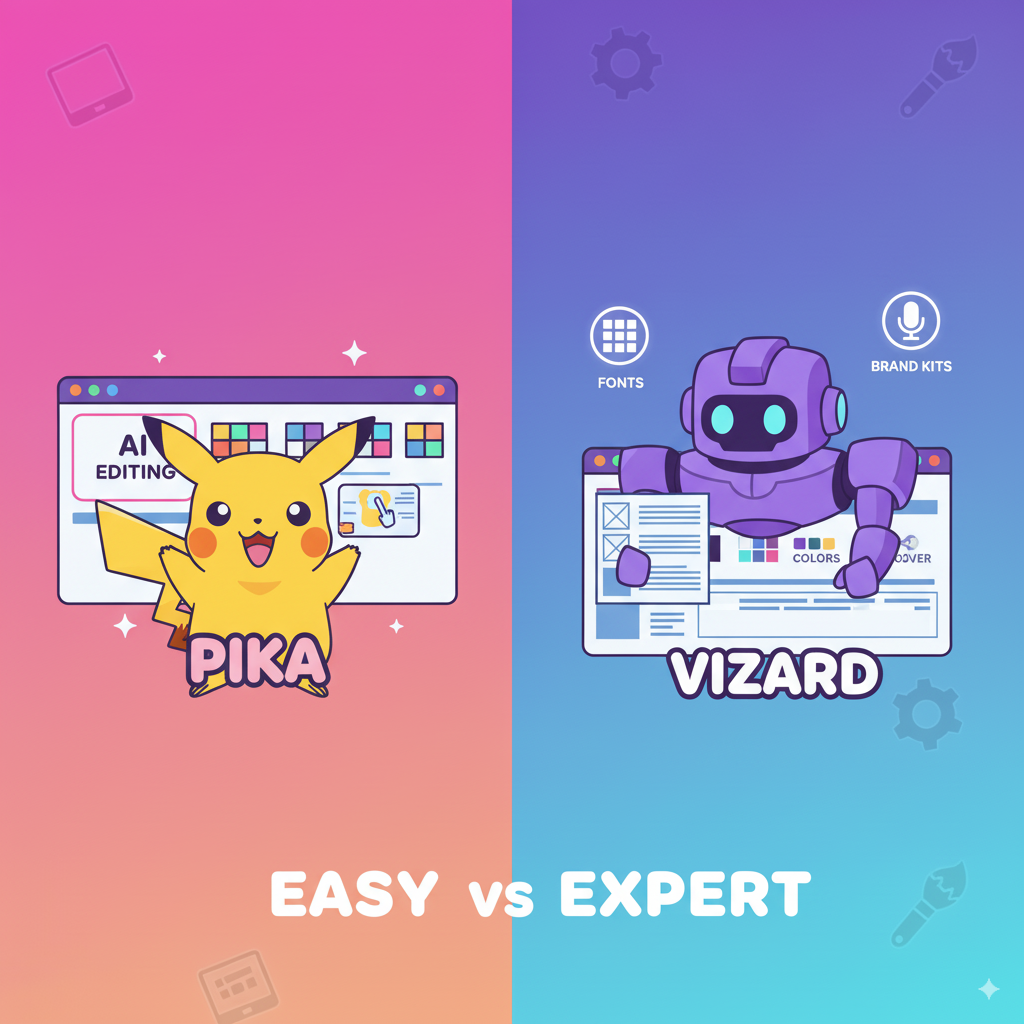
So if you want polished professional video content—go Vizard.
Support and Resources
Pricing Showdown
Pika = free plan, then ~$10/month.
Vizard = free plan, premium at $29/month.
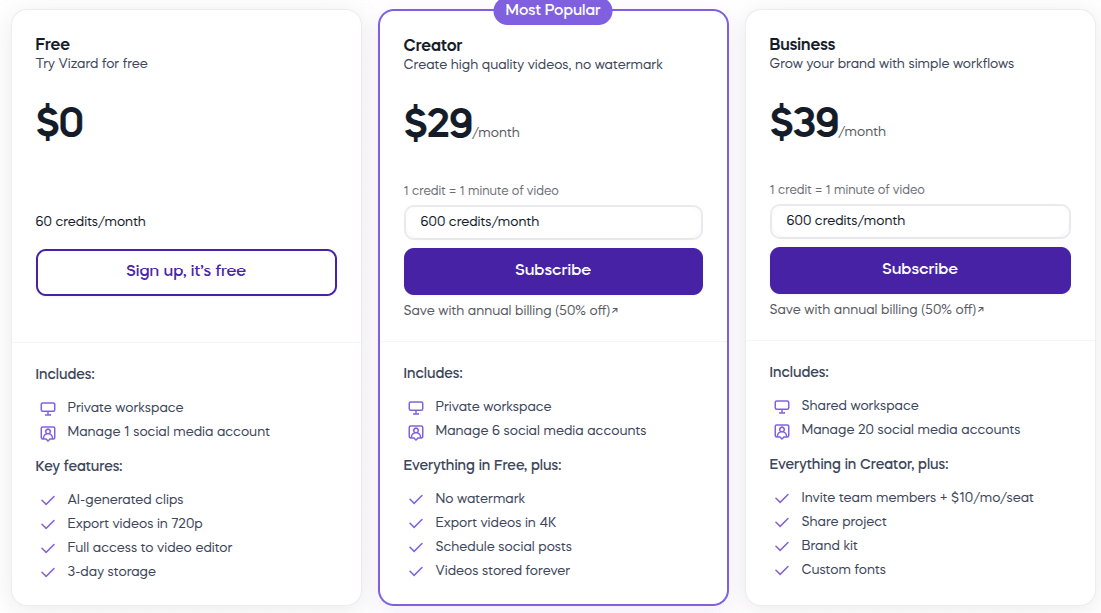
Choice depends on your budget. If you’re broke? Pika. If you’re a company with budget? Vizard.
FAQs
Q1: Which tool is better for social media content?
Pika is better for TikTok/Instagram creators. Vizard is better for LinkedIn/YouTube professional videos.
Q2: Do both tools have free plans?
Yes, both Pika and Vizard offer free plans to test the waters.
Q3: Can I make AI avatars with both?
Yes. Both have AI avatars, though Vizard’s feel more polished.
Q4: Is Vizard worth $30/month?
If you’re running campaigns, yes. If you’re just experimenting, probably not.
Q5: Why does Pika sometimes look weird?
Because it’s AI video generation. Expect a few cursed clips. Test, tweak, and try again.
Conclusion: Which One Should You Pick?
Here’s the deal.
Your choice depends on what kind of content you’re making, your budget, and whether you’re a solo creator or a team.
For me? I keep both. Pika for scrappy TikTok experiments. Vizard for client-facing, brand-polished content.
(And now, if you’ll excuse me, I’m gonna go watch a few YouTube videos of the real pika squeaking in the mountains. Priorities.)
