

Craiyon AI Review: A Comprehensive Look at Features and Limitations
AI art is no longer this “oh wow” experiment. It’s everywhere. People are making book covers, t-shirt designs, YouTube thumbnails, and even entire art collections with just a text box and some magic AI model behind it.
And Craiyon AI (yep, the tool that started as “DALL-E Mini”) is one of those OGs.
But is Craiyon actually good in 2025? Or is it one of those “fun to try once but nah I’ll stick to MidJourney/Stable Diffusion” kind of deals? I’ve used it (sometimes out of curiosity, sometimes because the other AI art tools were blocked at work 🙃), and here’s my honest take.
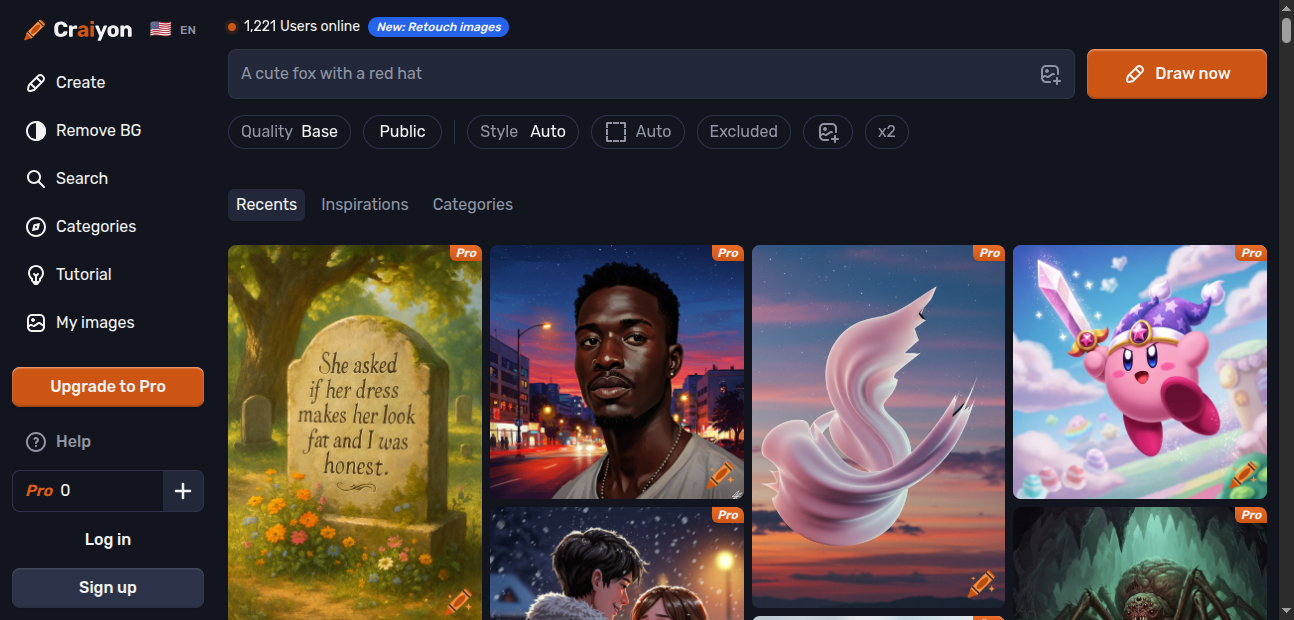
Spoiler: Craiyon AI is kinda like that friend who always shows up late to the party but still makes you laugh. Sometimes brilliant, sometimes messy.
Craiyon AI Review: Why Everyone’s Obsessed
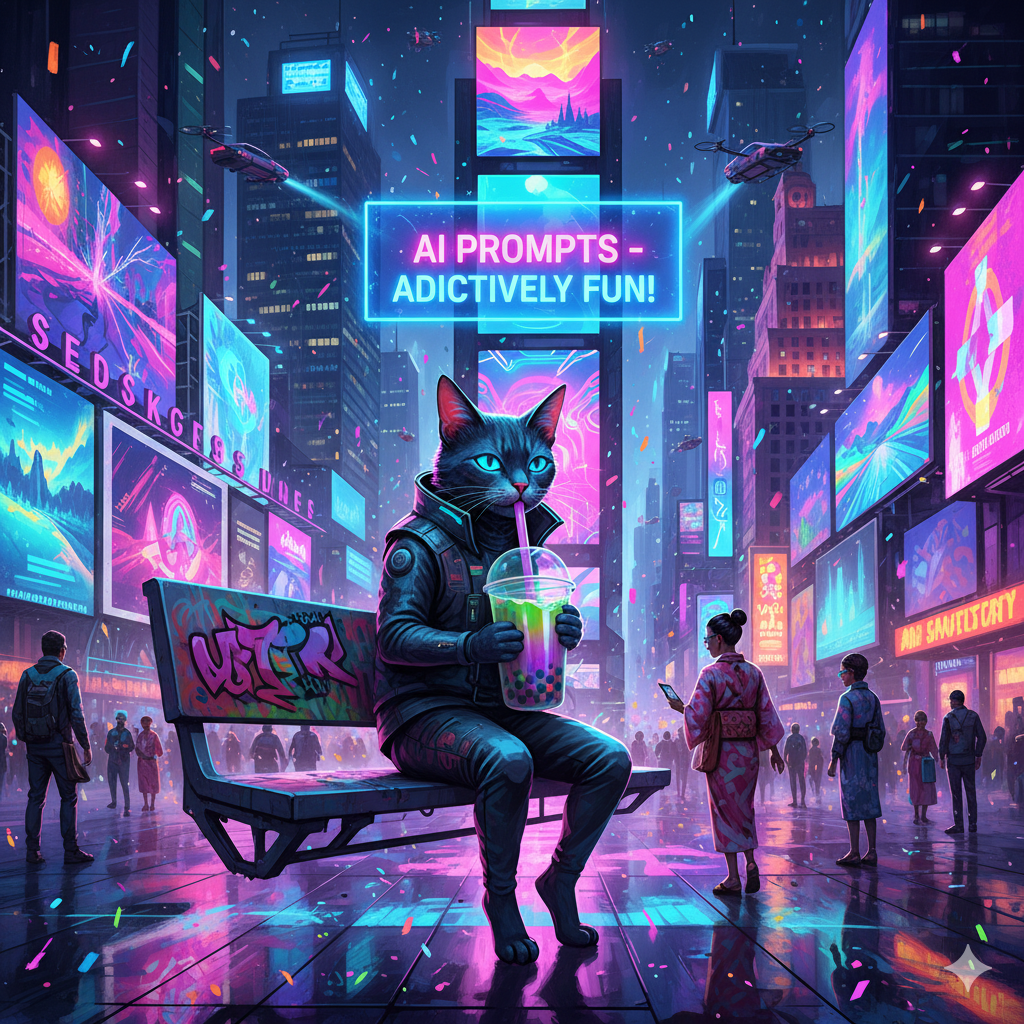
AI art isn’t just some gimmick anymore. Designers, marketers, teachers, heck—even grandparents are dabbling with AI art generators to create images. Why? Because typing “cyberpunk cat drinking bubble tea in Times Square” and watching it appear in seconds is… addictive.
AI art generation tools like Craiyon let you generate images with text prompts, which basically means: you tell it what you want, it spits out custom images. No Photoshop skills required.
Quick reality check though: not all AI generated images look good. Some look like nightmare fuel. Some look like stock photos after three espressos. But that’s the fun part.
(Side note: I once asked Craiyon to draw “Elon Musk riding a goat” and what it gave me still haunts me. Would I print it on a t-shirt? Absolutely.)
AI Art Generator: The Craiyon Way
So, Craiyon is one of the most accessible AI art generators. You literally go to Craiyon.com, type in your text description, and boom—it starts generating images. No credit card, no “you’ve used your 10 free prompts today” walls (well, unless you want fancier stuff).
Compared to some heavyweight AI tools like MidJourney or Stable Diffusion, Craiyon isn’t trying to be high-end couture. It’s more like fast fashion. Quick, easy, sometimes glitchy, but you still walk away with something to show.
And honestly? That’s its charm.
Create Images Without Overthinking
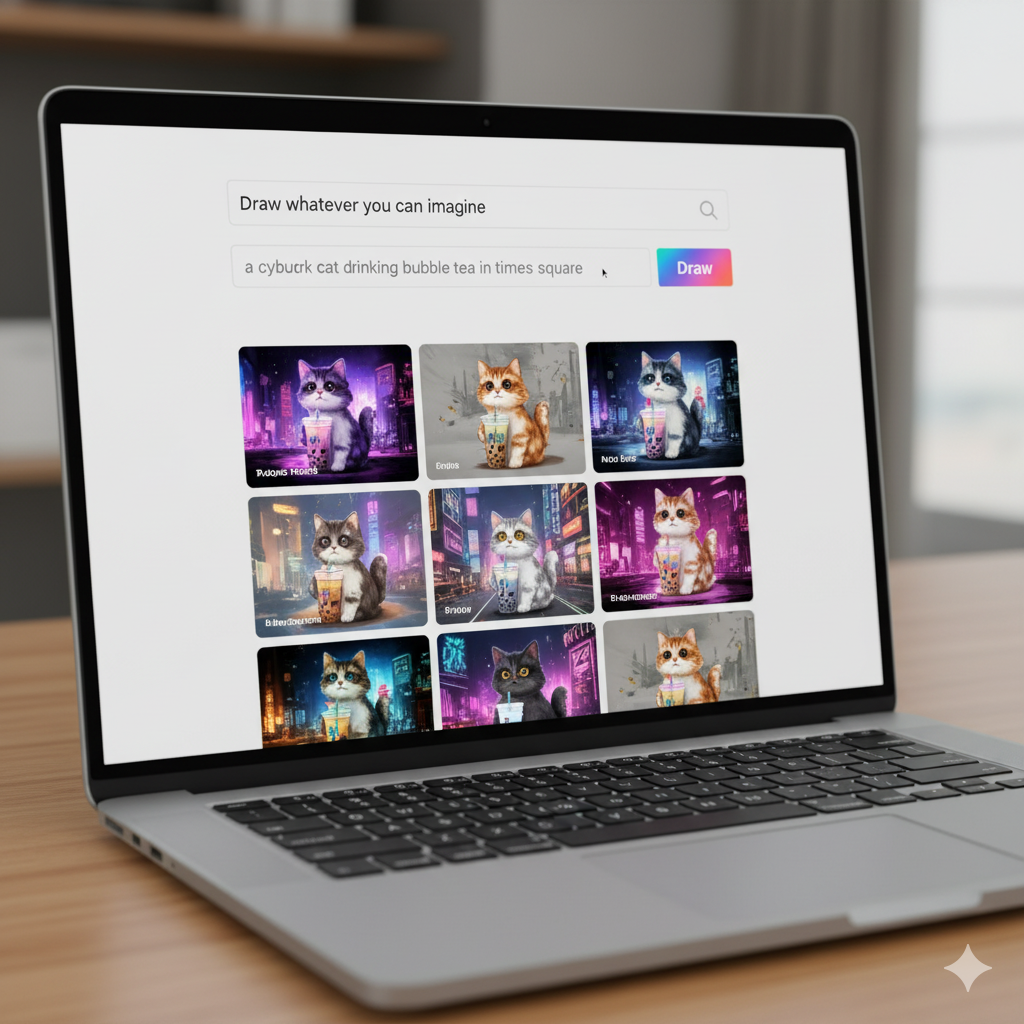
One of the best things about Craiyon is the speed. Quick image generation is its superpower. You type a prompt → it churns → you get 9 AI generated images.
I’ve used it to:
It’s not “higher quality” like DALL-E 3 or MidJourney v6, but it gives you variety. And sometimes, rough images spark better creativity than polished ones.
The AI Model Behind Craiyon
This tool runs on machine learning—originally DALL-E Mini trained on a whole mess of internet data. (If you’re curious, Boris Dayma created it. Absolute legend. Read about it here.)
Now, in 2025, Craiyon uses a more stable AI model, leaning closer to Stable Diffusion vibes. It’s still quirky though. Like, if you ask it for “photorealistic images” of a specific celebrity, sometimes you get a melted wax museum version. Fun? Yes. Professional use? Eh, depends.
But the fact that it’s constantly being updated means it’s not just stuck in 2021 meme territory.
Digital Art for Everyone
Here’s the kicker: Craiyon makes AI image generation feel like play. You don’t need to be an advanced user or some digital Picasso. Even beginners can create unique art, whether it’s abstract art, custom images, or just doodle-like fun stuff.
Some ways I’ve seen people use it:
And yes—there are watermarks if you’re on the free plan. But hey, that’s fair. They gotta pay the bills somehow.
Art Generator With… Personality?
Unlike polished AI tools, Craiyon’s art generator sometimes feels like it has a personality. You’ll throw in text prompts, and instead of precise results, you’ll sometimes get happy accidents.
I once tried to generate “a detailed image of a dragon eating ramen.” One version looked like a ramen bowl with dragon wings sticking out. Another looked like the dragon was the chopsticks. Not what I asked, but hilarious enough that I screenshotted it.
That unpredictability is either a drawback or a fun feature—depends on your patience.
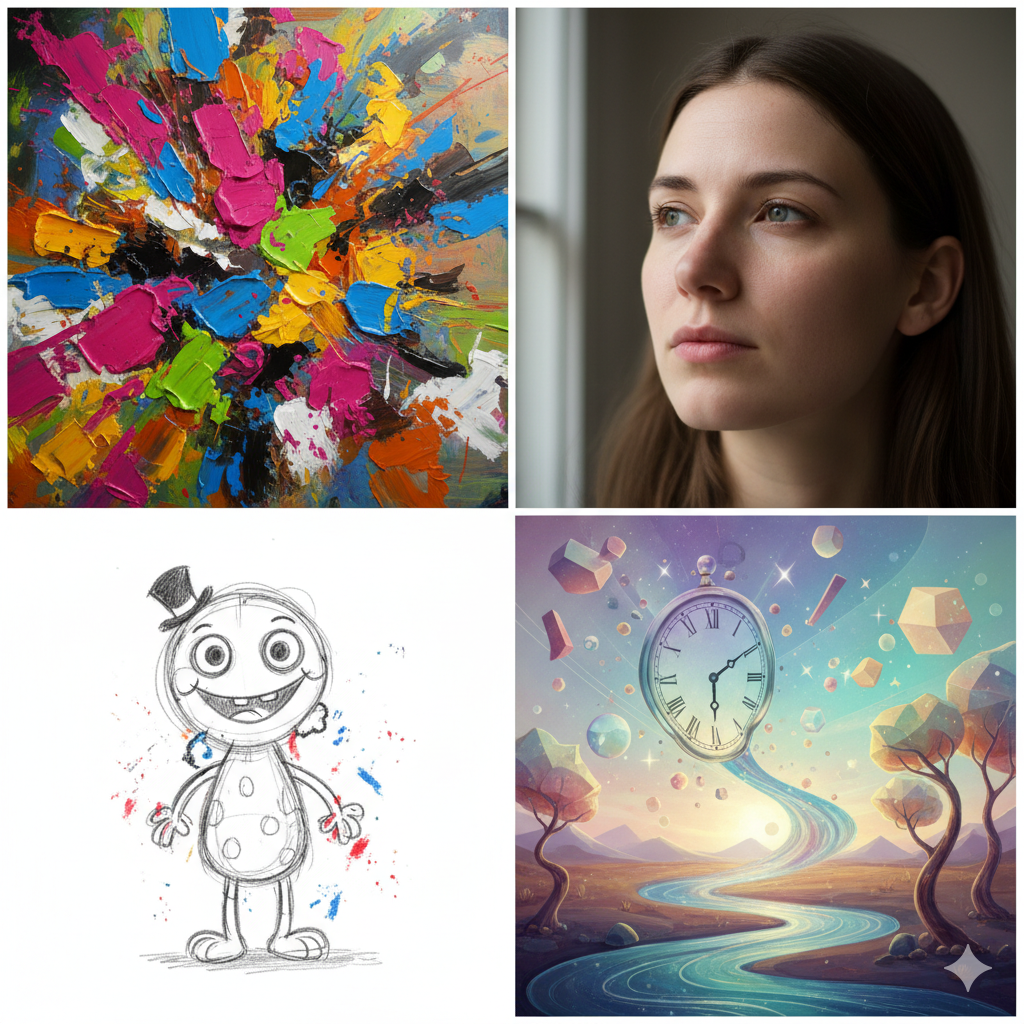
Art Styles You Can Play With
Craiyon AI isn’t limited to one vibe. You can try:
Not gonna lie: if you’re chasing higher quality, sometimes it struggles. But if you’re into experimenting with unique images, it’s a playground.
Pros
Cons
Comparing Craiyon AI to Other AI Tools
Now, how does Craiyon compare to the big dogs like DALL-E, DALL-E Mini, and Stable Diffusion?
Craiyon offers faster generation, easier access, and a user friendly interface. But no, it’s not going to replace those if you need precise results.
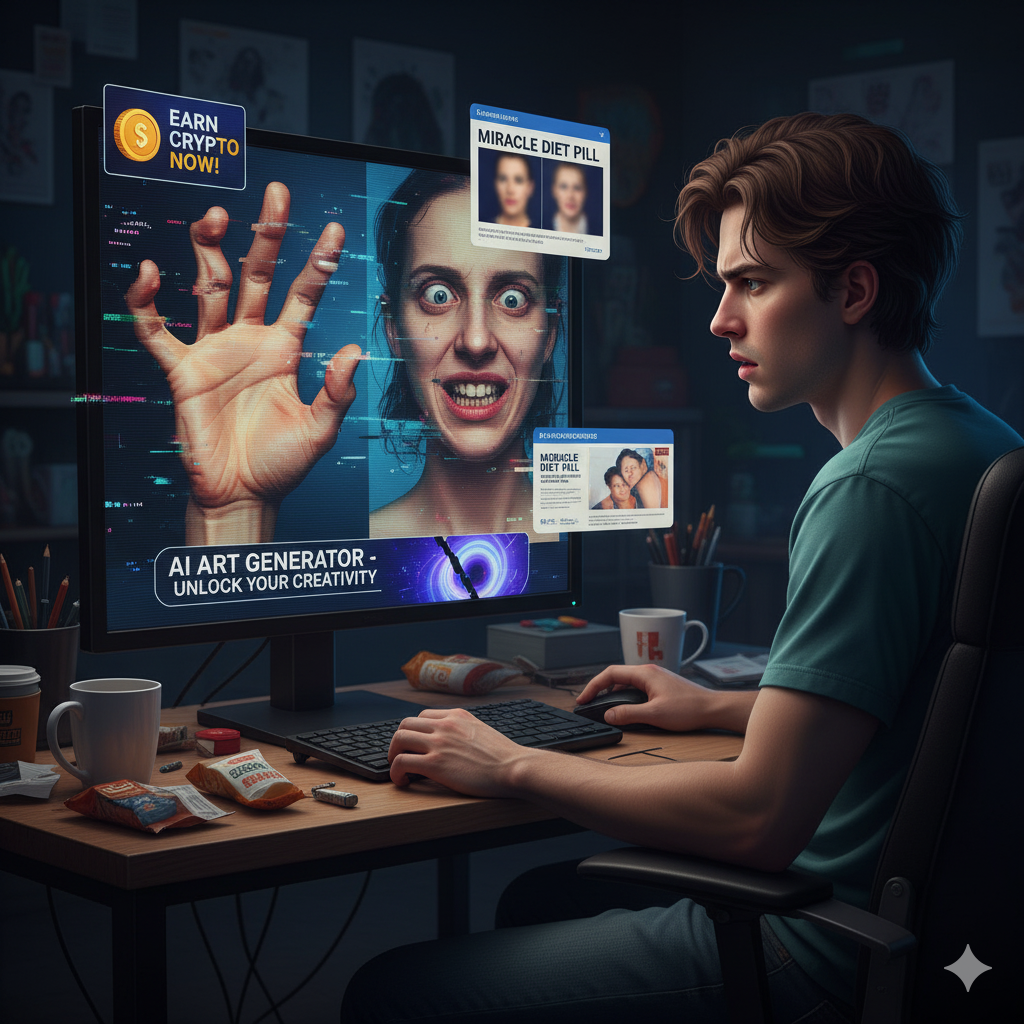
Limitations (a.k.a. Why You Might Rage Quit)
Alright, here’s me being brutally honest: Craiyon AI is not perfect.
But hey, for a free plan, you can’t complain too much.
Who’s It For? (Target Audience)
Craiyon AI is for:
It’s not for:
Pricing: Free vs Paid
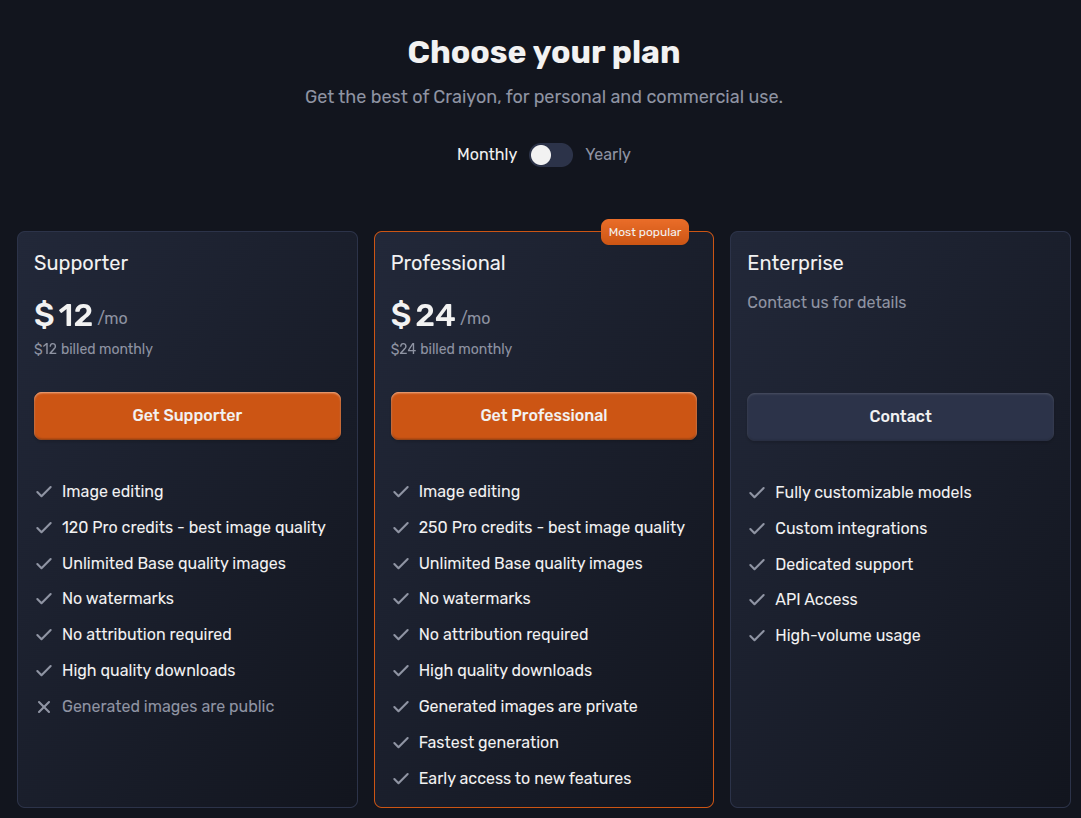
Craiyon offers a free plan (with ads + watermarks). Then there’s the paid subscription:
If you are looking to showcase your photography work online, consider top web hosting for personal photography portfolio to ensure your images look their best and load quickly.
They bill annually if you want discounts. Not bad compared to MidJourney’s ~$10–$30/month pricing.
Personal Experience With Craiyon AI
Alright, story time.
I first used Craiyon back when it was called DALL-E Mini. The results were… horrifying. But in a meme way. Fast forward to 2025, and Craiyon actually delivers some detailed images.
I used it last month for a quick pitch deck mockup. Asked it to “create images of a futuristic coffee shop in Tokyo.” Out of the 9 generated images, 2 were actually good enough that my client thought I’d hired a designer. (I didn’t tell them the truth. Sorry, not sorry.)
Would I use it for paid client work all the time? Probably not. But for ideation, fun, and inspiration—it’s gold.
FAQs About Craiyon AI
1. Is Craiyon AI free?
Yes, there’s a free plan with ads and watermarks. Paid plans remove those and add advanced features.
2. Can I use Craiyon images commercially?
Only on the paid/pro plan. Free plan = personal use.
3. Is Craiyon better than DALL-E or Stable Diffusion?
Depends. Craiyon is easier and faster. DALL-E = more polished. Stable Diffusion = more control if you’re techy.
4. Does Craiyon block certain prompts?
Yes. Anything NSFW, violent, or harmful is filtered out.
5. Can Craiyon generate photorealistic images?
Sometimes. But don’t expect perfection—details like faces can still glitch.
Final Thoughts: Should You Try Craiyon AI?
Craiyon AI is like fast food: quick, cheap, satisfying when you’re hungry, but not Michelin star. If you’re an artist or marketer looking for higher quality, you might prefer MidJourney or Stable Diffusion. But if you just want to play with AI art, get inspiration, and create images without a steep learning curve? Craiyon delivers.
It’s fun, it’s imperfect, it’s sometimes weird—but it’s one of the most approachable AI art generators out there.
