

The Best CapCut Alternatives for Creative Video Editing in 2025
So… CapCut. We all know it, right? TikTok kids swear by it, YouTubers sneak it in when they’re too broke for Premiere Pro, and honestly, even some pro editors I know use it for quick edits. But let’s be real—sometimes CapCut is… well… CapCrap. Yeah, I said it.
It crashes, it lags, sometimes the “AI powered tools” give you results that look like an alien did your video merge. That’s why you’re here—looking for CapCut alternatives that actually deliver when you’re trying to create polished content without pulling your hair out.
Now, don’t get me wrong. I still think CapCut is a powerful video editing app for being free, but if you’re working on bigger video projects—like promotional videos, client stuff, or just want more professional editing features—you’re gonna hit that wall.
So today, we’re digging into 7 legit best CapCut alternatives in 2025. And I’m not just throwing random names—I’ve tested these, cursed at them, and yeah, even fallen in love with a few.
What Even Is a Video Editor?
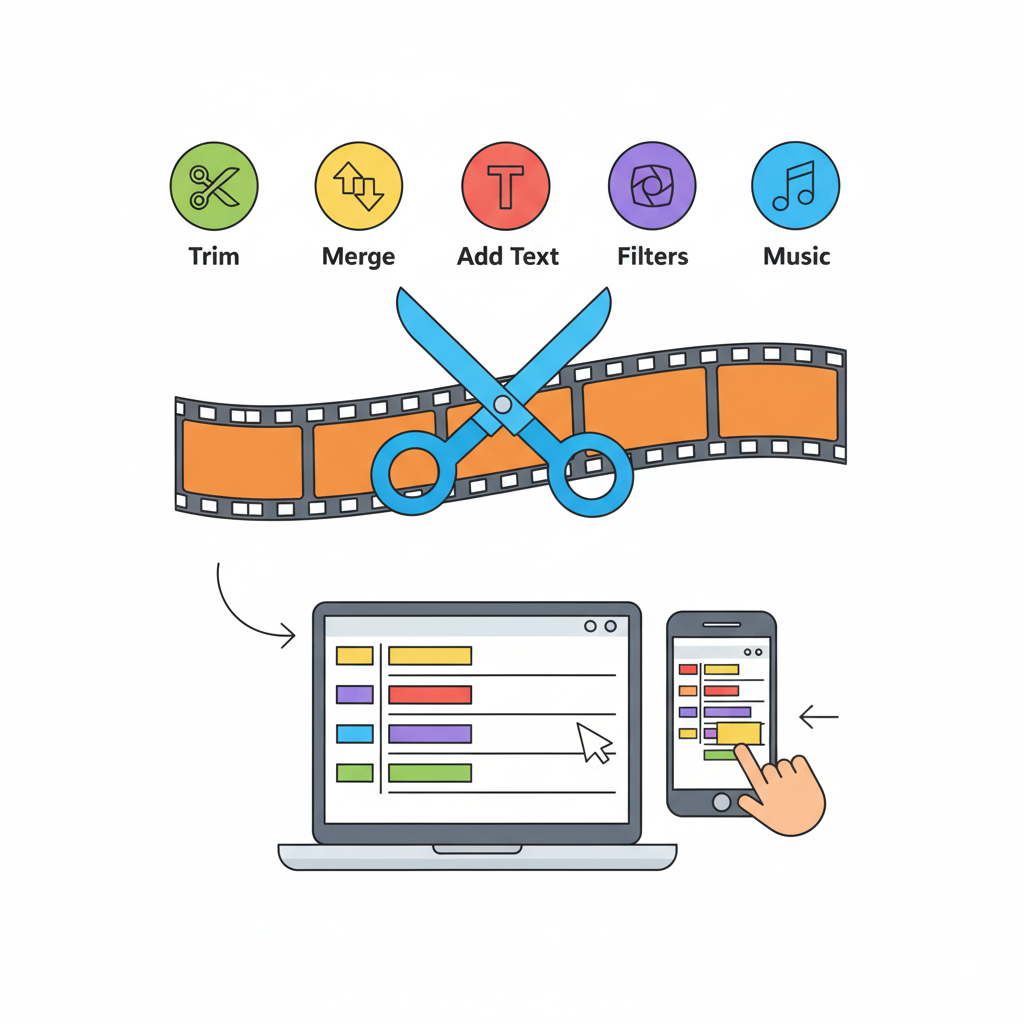
Okay, so if you’re totally new and thinking “what’s a video editor anyway?”—it’s literally just a video editing tool. A software or video editing app where you can cut, trim, merge, and add stuff like music tracks, text to video, filters, whatever.
You can go basic—just clipping the start and end of a clip—or you can dive into advanced video editing with motion tracking, multi layer editing, and even AI things like background remover and ai editing tools.
The point? These tools are your playground to create videos, whether that’s a silly TikTok or a full-on professional grade video.
Key Features You Should Care About in CapCut Alternatives
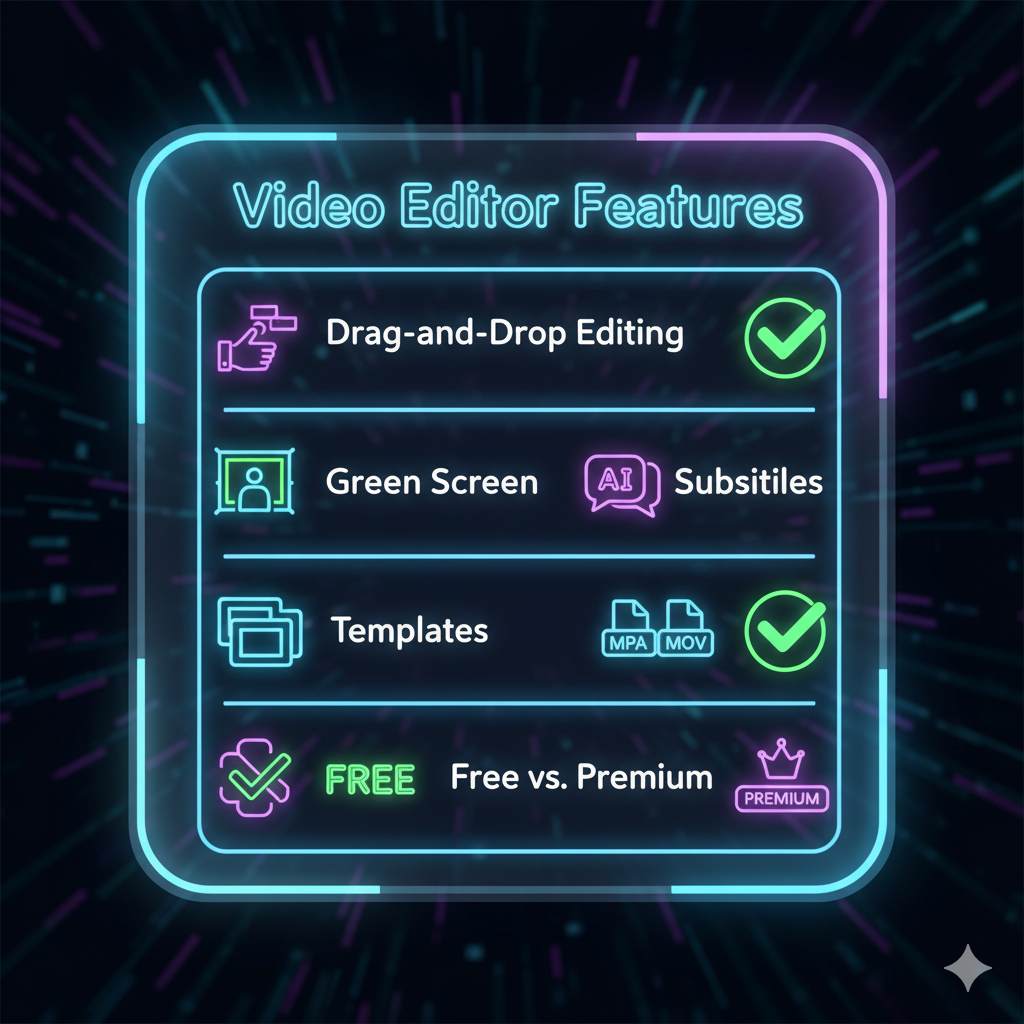
Look, not every tool will fit you. If you’re just doing quick edits, you don’t need something as heavy as DaVinci Resolve. If you’re making professional quality videos, then some mobile app might feel like a toy. So what should you check for when picking alternatives?
1. DaVinci Resolve – The Beast of Advanced Editing

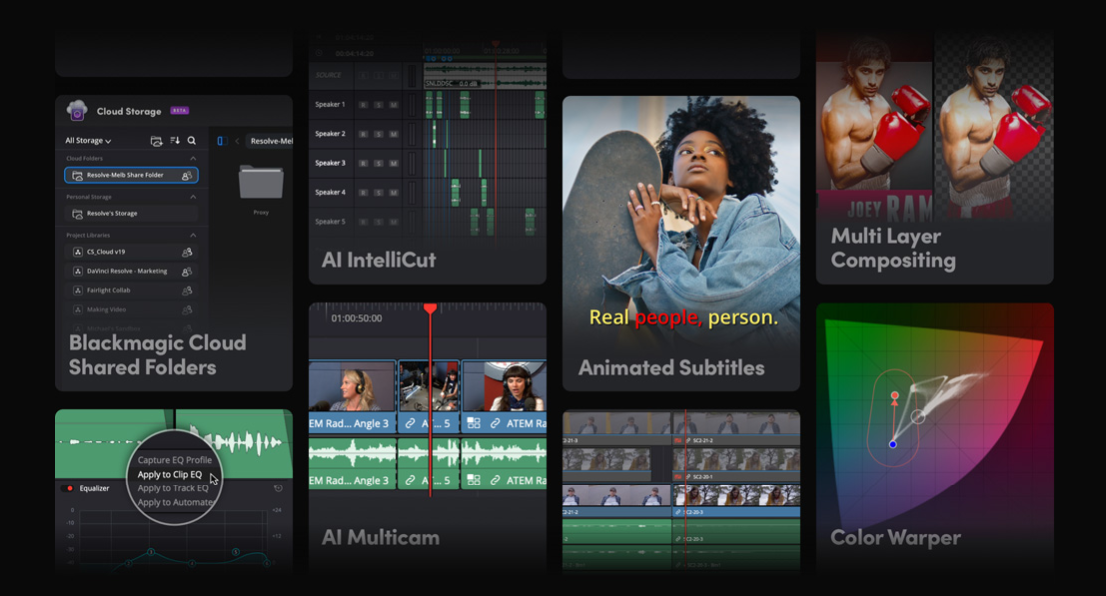
Let’s start strong. DaVinci Resolve is that editor people whisper about like it’s the final boss of editing. It’s known for its professional grade features, insane color grading, and professional quality videos. If you’re into advanced editing features like motion tracking, VFX, multi layer editing, and all that jazz—this is your go-to video editor.
Pros
- Completely free version that’s shockingly powerful.
- Advanced audio tracks mixing, background noise removal.
- Industry-level stuff for professional video editors.
Cons
- The steep learning curve will slap you in the face. Seriously.
- Heavy desktop version—you need a decent computer.
👉 If you want polished videos that rival Netflix-level stuff, this is it. But if you’re a casual TikTok editor, skip it.
2. Adobe Premiere Rush – Easy Adobe Vibes

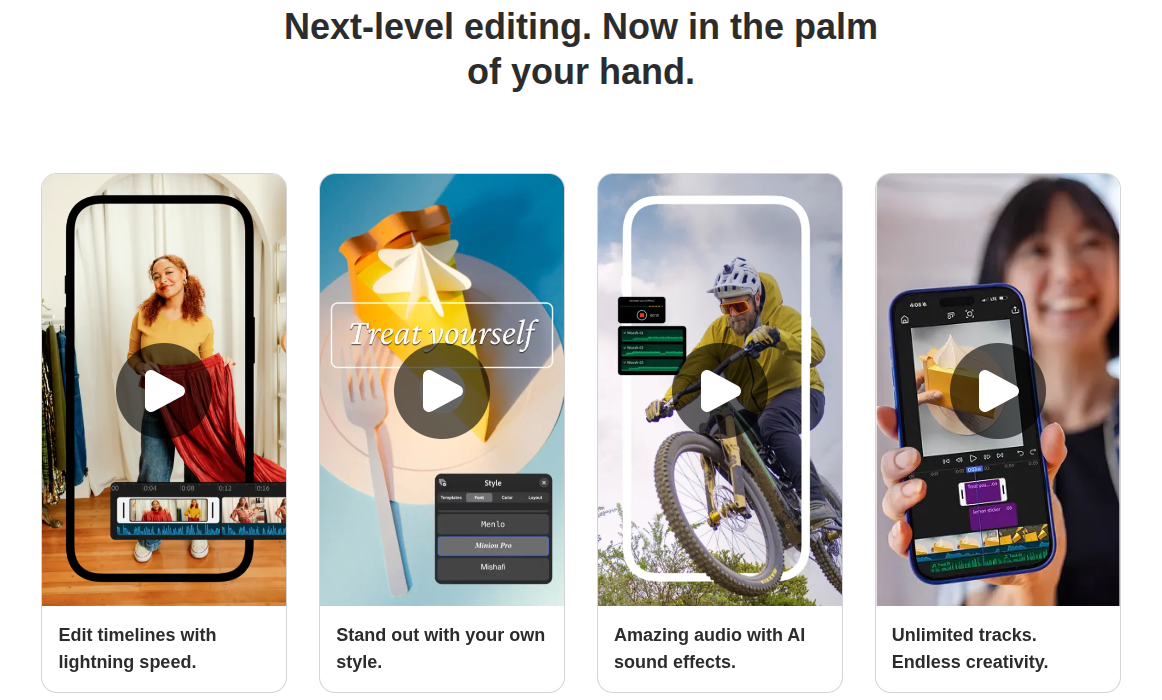
Ah, Adobe Premiere Rush. Basically the baby sibling of Premiere Pro. It’s lighter, easier, and more “plug and play.” Perfect for creators who want advanced editing features but also a user friendly interface.
Why I Like it
- Seamless integration with other Adobe apps (like Photoshop, After Effects).
- Drag and drop editing feels smooth.
- Mobile editing works decently (yes, iOS and Android both)
Downsides
- Not totally free. There’s a free plan, but you’ll need to upgrade for more advanced tools and exporting in multiple formats.
- Still a bit limited compared to the big Premiere Pro.
If you’re an YouTube creator or need social media integration without too much hassle, this is a solid CapCut alternative.
3. Filmora – The Middle Ground

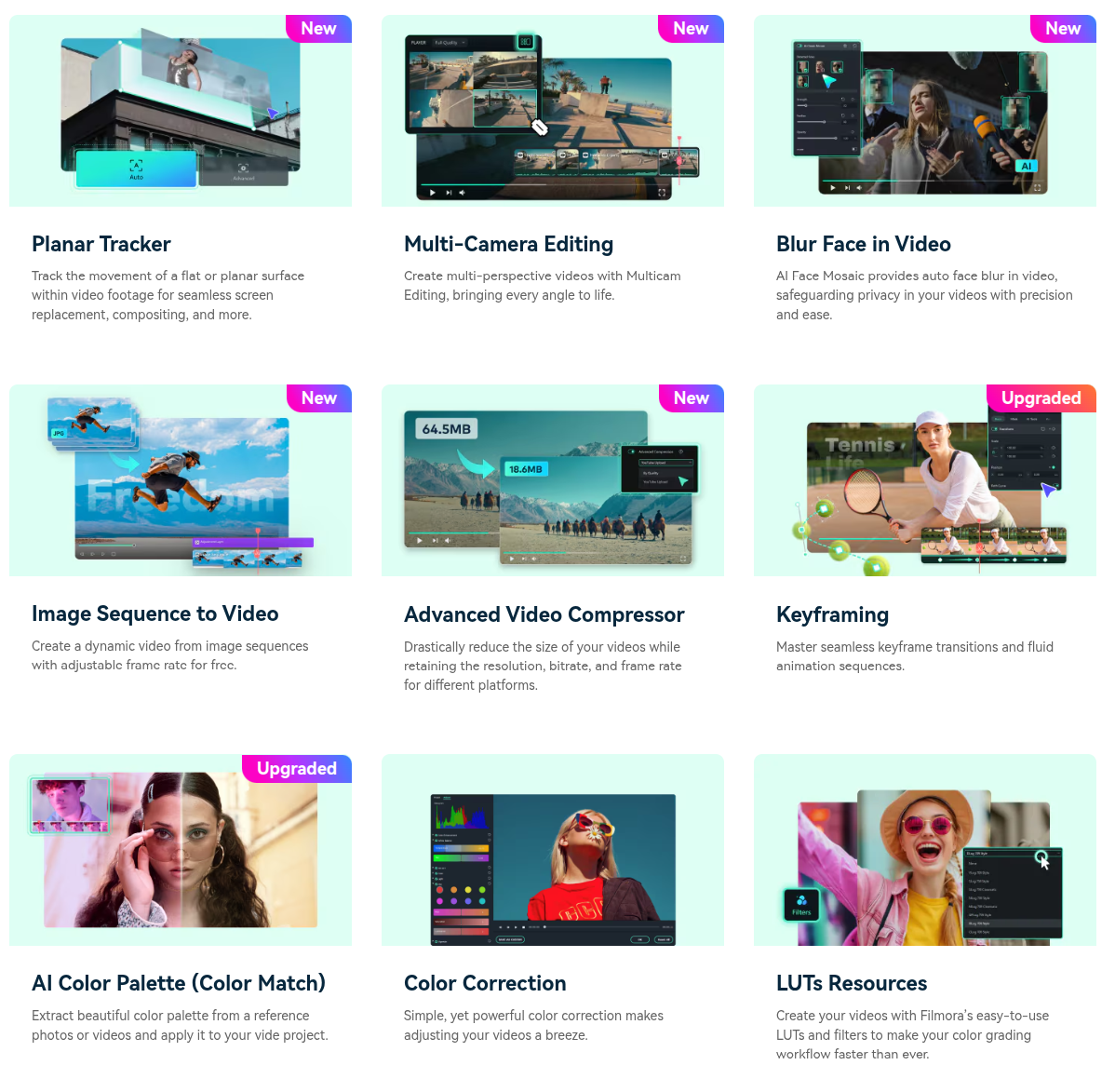
Honestly, Filmora is like that friend who’s not the smartest but always reliable. It has a desktop version and mobile too, and it packs a lot of decent features without overwhelming you.
Things I Like
- AI powered features like text-to-speech and auto subtitles.
- Good stock media library (yay for extensive stock library).
- Drag and drop editing that’s smooth for beginners.
Things I Hate
- Premium features are locked behind paywalls.
- Sometimes it feels too “template-y” if you know what I mean.
Still, if you want something stronger than CapCut but not as scary as DaVinci, Filmora is a safe pick.
4. PowerDirector – Feature Packed, Slightly Chaotic

PowerDirector is like the Swiss army knife of editors. It’s got everything: green screen, video stabilization, video merging, screen recording, and a boatload of professional templates.
Why it rocks:
- Works well on both desktop and mobile editing.
- Lots of ai powered tools (like sky replacement—yeah, replace the sky).
- Tons of effects, transitions, music tracks, and so on.
But—side note—it’s a bit overwhelming. The interface tries to be “intuitive” but sometimes feels like a puzzle.
👉 Great for professional video editors who don’t wanna spend Premiere money.
5. HitFilm Express – Free But Pro

If you’re broke but ambitious, HitFilm Express is your hero. It’s one of the best completely free CapCut alternatives, packed with professional features.
Perks
- No nonsense free version with VFX, motion tracking, even 3D compositing.
- Perfect for YouTube creators who wanna step up their video quality.
- Lots of tutorials (seriously, their community is huge).
Cons
- Again, kinda a steep learning curve.
- Can be buggy on low-end systems.
Still, for zero dollars? Worth it.
6. VEED.IO – Browser Based and Chill

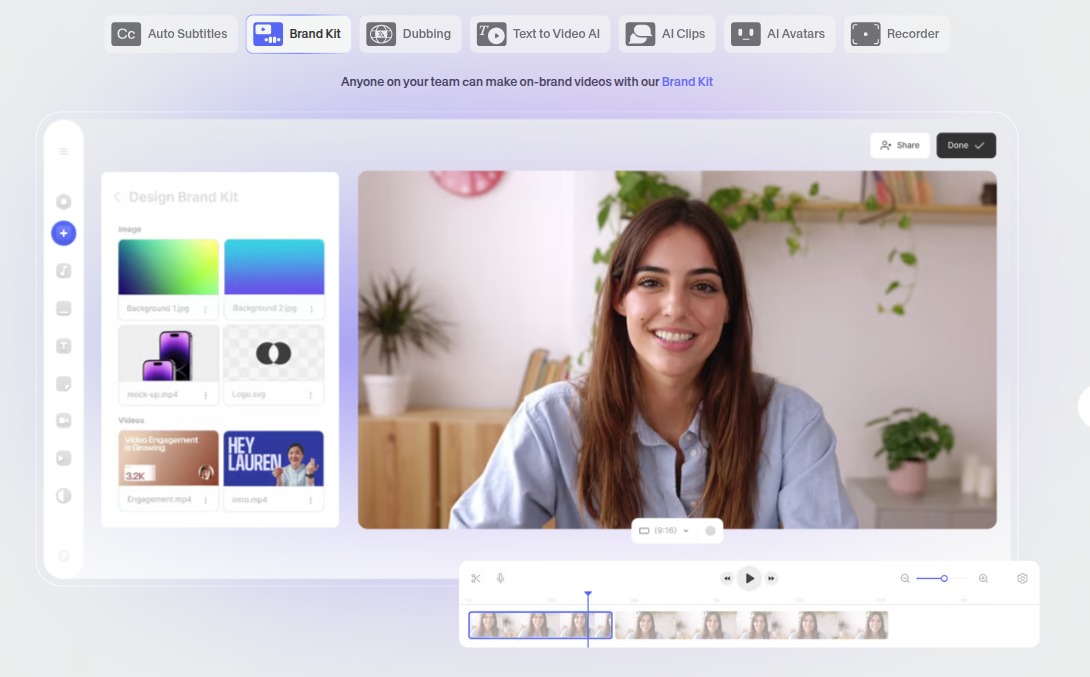
If you hate downloading apps, VEED.IO is a lifesaver. It’s a browser-based video editor, meaning you can edit videos straight in Chrome or whatever.
Why it’s cool:
- Perfect for quick edits.
- Has ai features like auto subtitles, background remover.
- Collaboration tools for teams (great if you’re doing client work).
Bad Stuff
- Needs internet (duh).
- Free plan is limited, export videos with watermarks.
But honestly, for people who just wanna slap some text and trim clips—it’s fantastic.
7. InShot – Mobile First, Social Media Ready

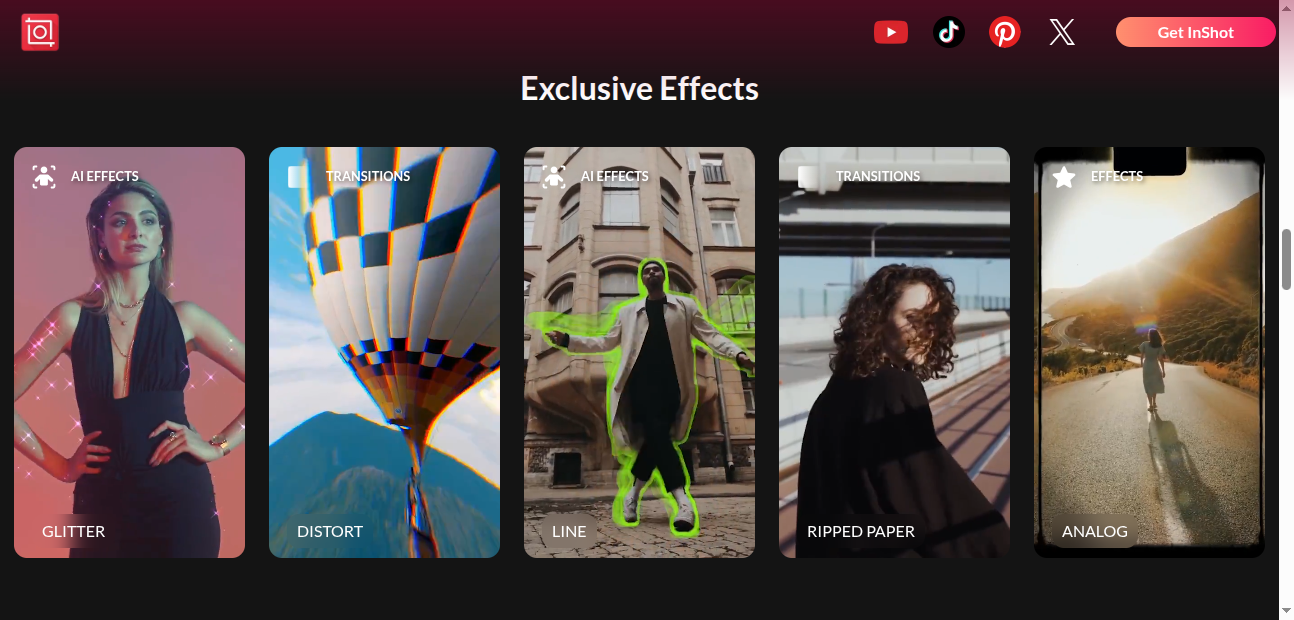
Last but not least, InShot. Probably the closest to CapCut in vibe—it’s mobile-focused, easy, and fast. It’s basically made for social media integration.
What I love
- Easy mobile editing on the go.
- Smooth drag and drop editing.
- Filters, music tracks, effects—all optimized for TikTok, Reels, Shorts.
What I don't
- Ads (ugh).
- You’ll need the paid plan for premium features and watermark removal.
Still, if you’re all about quick, trendy content, this is the CapCut twin you’ll actually like.
Quick Side Note on AI Powered Features
Almost every video editing software now brags about ai powered tools—like auto captions, smart cuts, text to video, background remover, you name it.
Do they all work? Eh, kinda. Some are lifesavers, others… glitchy nightmares. Like once VEED gave me subtitles that said “banana” every time someone said “brand.”
Point is—don’t rely on AI to do all the heavy lifting. Think of it as essential editing tools that save time, not replace actual professional features.
FAQs – People Always Ask Weird Stuff
Q: What’s the best free CapCut alternative?
Probably HitFilm Express or DaVinci Resolve if you want professional grade features. Or InShot if you just want casual mobile edits.
Q: Can I make YouTube videos with these?
Absolutely. All of these can handle professional quality videos, though some (like DaVinci) will give you way more control.
Q: Do these apps work on mobile?
Yep—InShot, CapCut alternatives like Filmora, and PowerDirector all have Google Play Store apps.
Q: Which one’s easiest for beginners?
Adobe Premiere Rush or Filmora—both have a user friendly interface with drag-and-drop editing.
Q: Are these safe to download?
Yes, if you stick to official sites or stores. Don’t pirate unless you wanna risk malware.
