

Pika vs Kling: AI Video Generator Comparison
Me rambling before we dive in

The AI video generation space in 2025 is like the Wild West. Every week some new tool pops up claiming it can “change the game” of video creation. Most of them? Trash. Overhyped garbage that spits out weirdly melted faces and jerky animations. If you're looking for higher quality results in specific use cases, check out these AI Headshot generators for professional portraits that truly deliver.
But then you’ve got a few standouts—the ones people actually keep talking about. And in this fight club of AI video creation, two names keep showing up: Pika Labs (aka Pika) and Kling AI.
So yeah, today’s blog is me doing the dirty work: testing, comparing, ranting about, and (hopefully) helping you decide which AI video generator is actually worth your time. Spoiler alert: neither is perfect, but both are pretty damn impressive in their own ways.
(side note: if you’re hoping for some boring, corporate “both are great in their own way” fluff—nah. I’m coming in with opinions.)
Pika vs Kling (The Face-Off)
Alright, straight to the point:

It’s like comparing TikTok edits vs. full-on film school productions. One is quick & fun; the other is more advanced but takes brainpower.
(side note: I kept wishing I could mash them together into one “perfect AI video generator,” but life ain’t fair.)
AI Video Generation (Why Everyone’s Obsessed)
Okay, let’s pause. Why the hell is everyone losing their minds over AI video generation right now?
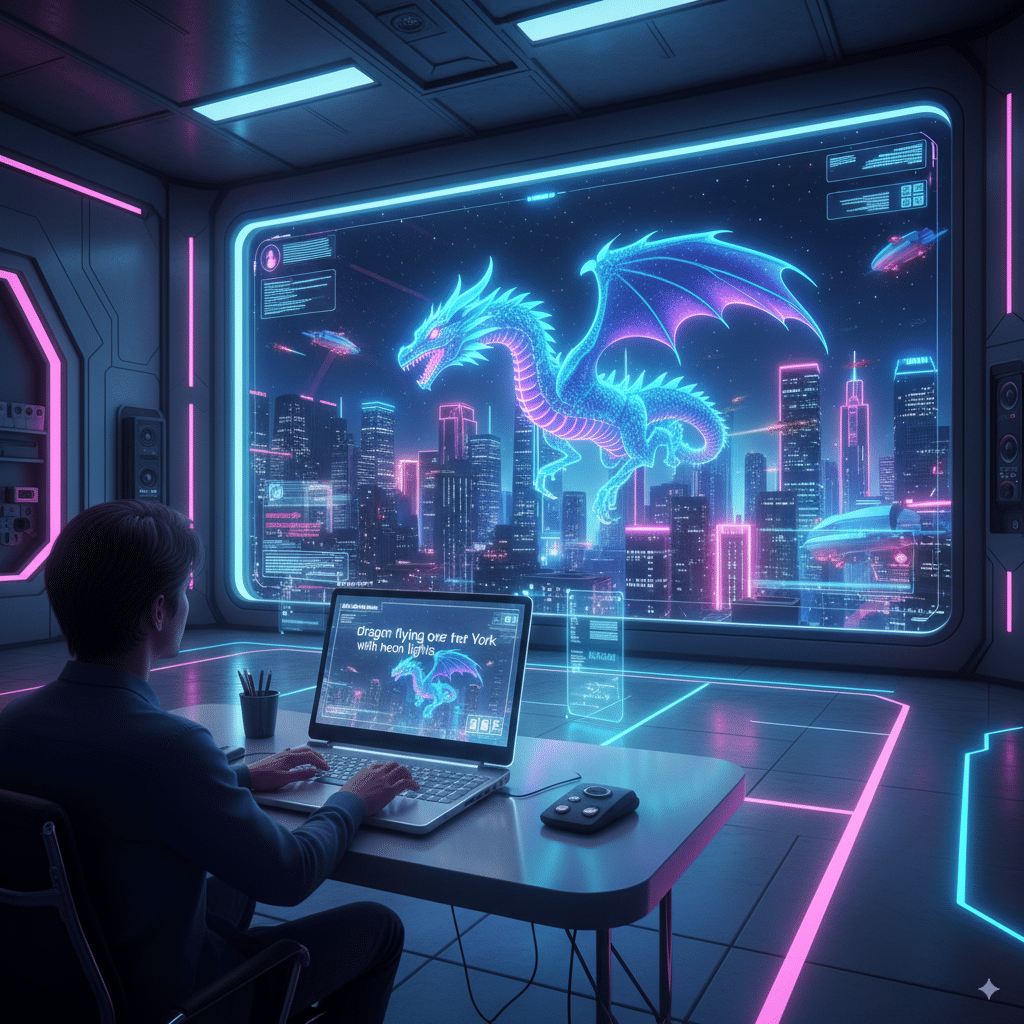
Because making video used to suck. You needed a camera, lights, editing software, endless hours, and maybe a coffee IV drip. Now? You literally upload images, type “dragon flying over New York with neon lights,” and the AI creates videos in seconds.
That’s not just cool. That’s insane. That’s the future of marketing, storytelling, educational videos, TikTok memes, you name it.
And yeah, tools like Runway (check it here: Runway) kinda started this craze, but now Pika and Kling AI are trying to one-up each other in the same arena.
That’s why comparing Pika vs Kling actually matters. They each mess up in different ways.
Pika Labs (aka the Strong Contender)
So what’s Pika’s deal?
Interface: stupidly easy. Even if your grandma doesn’t know what “aspect ratio” means, she could figure out Pika Labs in 5 minutes.
Speed: this thing spits out clips faster than most tools I’ve tested.
Key features:
- Upload static images → AI animates them.
- Text-to-video prompts.
- Ability to create longer videos (not just 2-second blips).
- Works well for short clips, TikToks, social media stuff.
Premium plan: gives you more creative control, higher video quality, and less “meh” outputs.
Pros
- Easy to use (seriously, no manual needed).
- Great for beginners.
- Fast rendering.
- Awesome for dynamic content like ads, social videos, memes.
- Free plan exists (and it’s not terrible).
Cons
- Video outputs can feel a little basic.
- Struggles with complex scenes.
- Sometimes looks… cheap? Like stock footage AI’d up.
- Less flexibility compared to Kling.
side note: I once tried making a “cinematic sci-fi trailer” with Pika. Looked more like a PowerPoint animation with better lighting. Ouch.)
Kling AI (The High-Performance Beast)
Now let’s talk Kling AI. If Pika is Canva, Kling is closer to After Effects but without the “sell your soul to Adobe” subscription.
Interface: not as smooth as Pika. Takes a bit of poking around.
Speed: slower than Pika, but the video quality is way higher.
Key features:
- Crazy-good camera movement.
- Custom aspect ratio options.
- Control over starting frame.
- Works well for educational videos and detailed storytelling.
- Outputs feel more polished, like actual “film scenes.”
Pros
- High quality videos (no joke, some look studio-level).
- More creative control over everything.
- Handles complex scenes way better.
- Dynamic elements look smoother.
- Ideal for educational videos, product demos, serious content.
Cons
- Takes longer.
- Not beginner-friendly.
- Free plan is more limited than Pika’s.
- Can be overwhelming (so many knobs and buttons).
(side note: I made a medieval battle clip in Kling. Looked so real I half expected Netflix to call me for a licensing deal. Then I tried making a dancing dog. Total disaster. Dogs are hard, apparently.)
AI Video (Big Picture)
Whether you use Pika, Kling, or something else, AI video is here to stay.
This isn’t just about silly clips. Imagine:
We’re literally watching the video creation process being rewritten in real-time.
But yeah, it’s not perfect yet. Don’t expect Pixar. Expect “good enough to impress on TikTok” with glimpses of brilliance.
Pika Labs vs Kling AI: Features Breakdown
Here’s a quick nerdy chart for the people who love side-by-sides:
Feature | Pika Labs | Kling AI |
|---|---|---|
Ease of Use | Super simple | Moderate (steeper learning curve) |
Video Quality | Decent (good for short clips) | Higher, cinematic |
Speed | Fast | Slower |
Free Plan | Solid | Limited |
Best For | Social media, quick edits | Educational videos, complex scenes |
Controls | Basic | Advanced (aspect ratio, camera movement, starting frame) |
Output | Fun, dynamic content | Polished, professional |
Vibe | Canva of AI | After Effects of AI |
American Pika? Wait What?
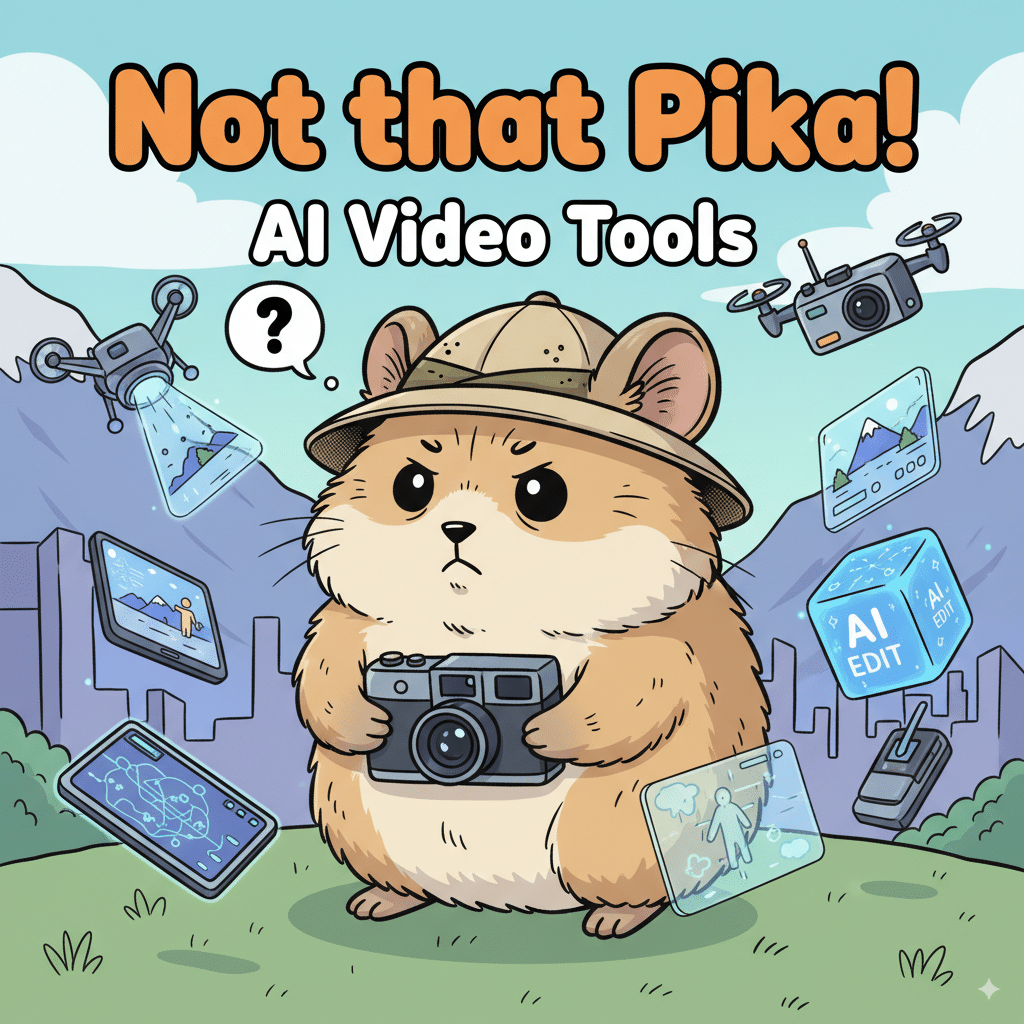
Okay, I gotta clear something up. If you Google “Pika,” you’ll also find a cute little mountain-dwelling mammal called the American pika (part of the lagomorph group, same fam as rabbits).
No, the tool won’t generate clips of pikas live in the wild (though that’d be hilarious). But hey, fun fact: these little guys are basically the mascots of climate change—struggling in the winter months because their habitat (mountains, grasses, hiding from predators) is shrinking.
(side note: if you actually came here to read about the animal and not AI video creation, sorry for the confusion but hey, now you know.)
Pika Labs vs Kling: Which One Should You Use?
Here’s the deal:
(side note: sometimes I just run the same prompt in both and see which one makes less cursed results. Highly recommend this method if you like surprises.)
FAQs (Because Someone Will Ask)
Q: Is there a free plan for both Pika and Kling?
Yep. Both offer a free plan, though Kling’s is more limited.
Q: Which has better video quality?
Hands down, Kling AI. Pika is faster but looks simpler.
Q: Can I upload images and turn them into videos?
Both support this. It’s actually one of their coolest features—transform static images into motion.
Q: Which one is best for educational videos?
Kling AI. The camera movement and detail make it way more suited for educational content.
Q: Does Pika Labs have a premium plan?
Yep, and honestly it’s worth it if you’re doing more than memes.
Q: What about Runway? Isn’t that an AI video generator too?
Yes, Runway is still around and solid (Runway official), but right now people are hyped more about Pika vs Kling.
Q: Can these tools replace human editors?
Lol no. At least not yet. They’re cool, but if you want perfect results, you still need a human touch.
Final Thoughts
Here’s my hot take:
- Pika = great choice if you want fun, quick, engaging videos without too much hassle.
- Kling = better if you want serious, high-quality video content with creative control.
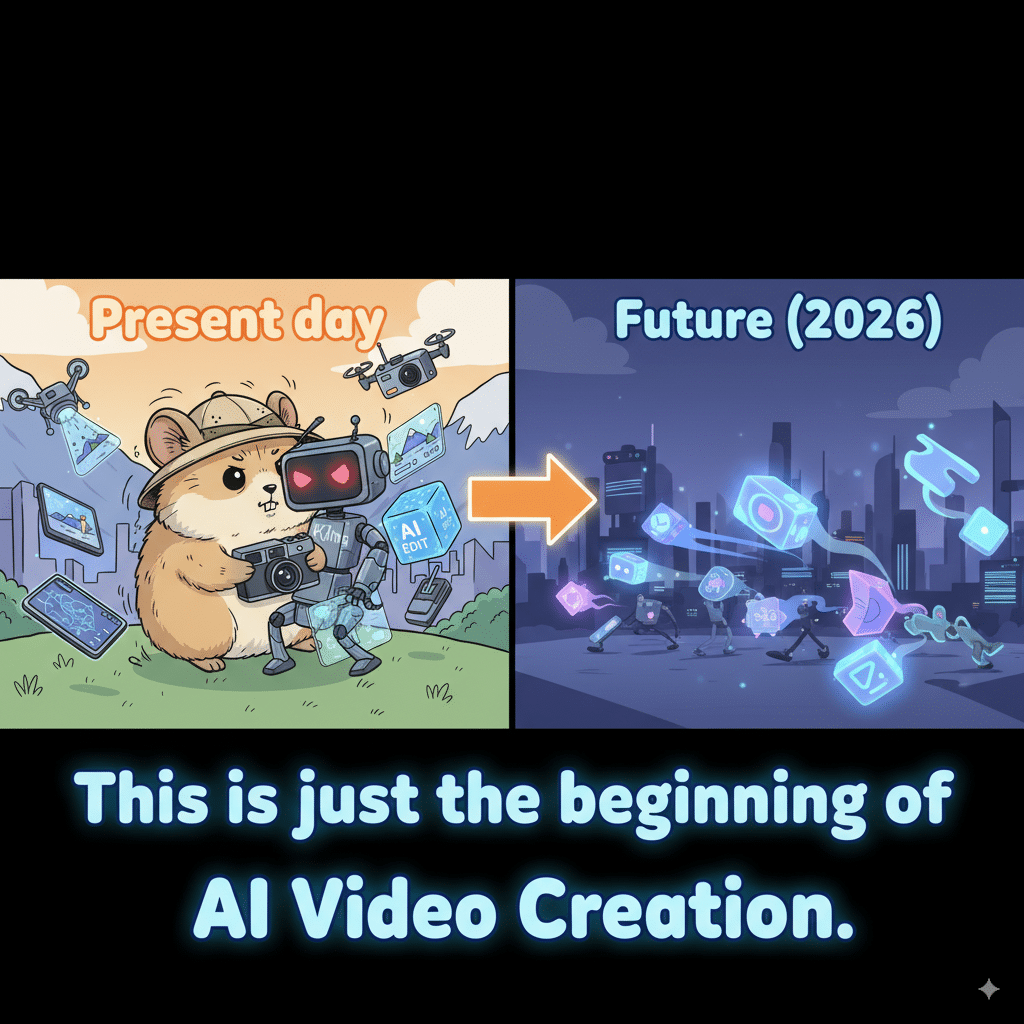
Honestly? The AI video generation space is just getting started. Both are strong contenders, and both will probably look ancient compared to what drops in 2026. But for now—these are the ones worth messing with.
(side note: if either tool is reading this—please, for the love of god, fix the weird hand glitches. Watching AI try to animate fingers is… disturbing.)
