

Discover the Best Features of the Project Violet Video Editing App
So, yeah, I’ve been poking around with Project Violet for a while now and honestly… it’s kinda wild how this little video editing app from Adobe sneaked up on me.
Like, I first thought “meh, just another Premiere Rush wannabe thing for iPhone and iPad” but nope, turns out it’s got some actual brains behind it, powered by Adobe Research.
And yep, you can grab it straight from the App Store if you wanna test it (there’s a beta too, if you’re the kind of person who likes living on the edge of bugs).
Anyway, let me just ramble through this instead of trying to sound polished because, you know, editing apps are one of those things where you kinda have to try it before you buy into thGenerated Image October 02, 2025 - 12_24PMe hype.
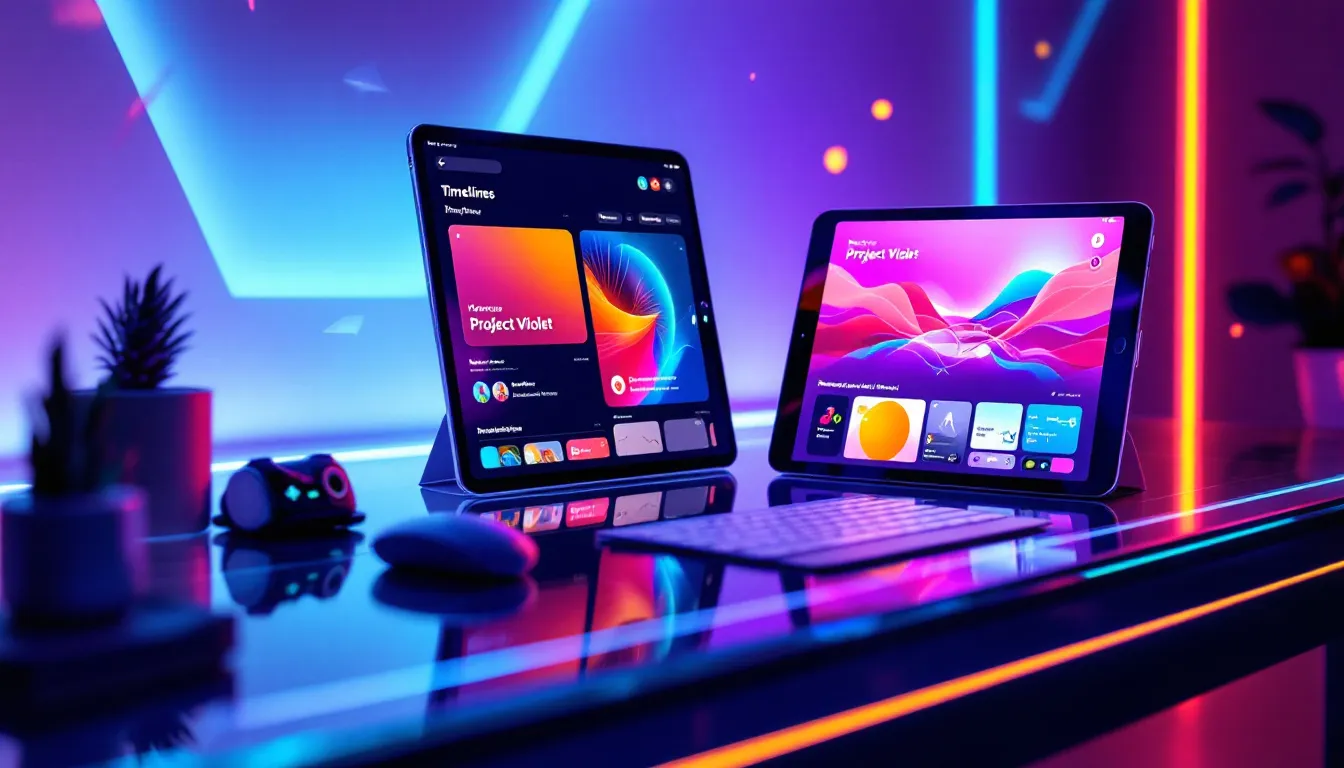
What Even Is Project Violet?
Okay, picture this: you’re on your iPhone, maybe your iPad, you shoot a video — shaky, bad audio, too bright — and normally you’d toss it into something like Premiere Rush or splice it together in CapCut. But then Project Violet shows up like:
“Hey, I’ve got a multi track timeline.”
“Wanna fix your audio? I’ve got this funky Enhance Speech thing.”
“Need captions? Oh cool, I’ll just pull fonts from Adobe Fonts.”
Basically it’s like if Rush and Lightroom had a baby and fed it too much coffee.
And btw, this thing is iOS native (so it doesn’t feel clunky), which is nice because sometimes apps feel like they were duct taped from desktop software and shoved into your phone.
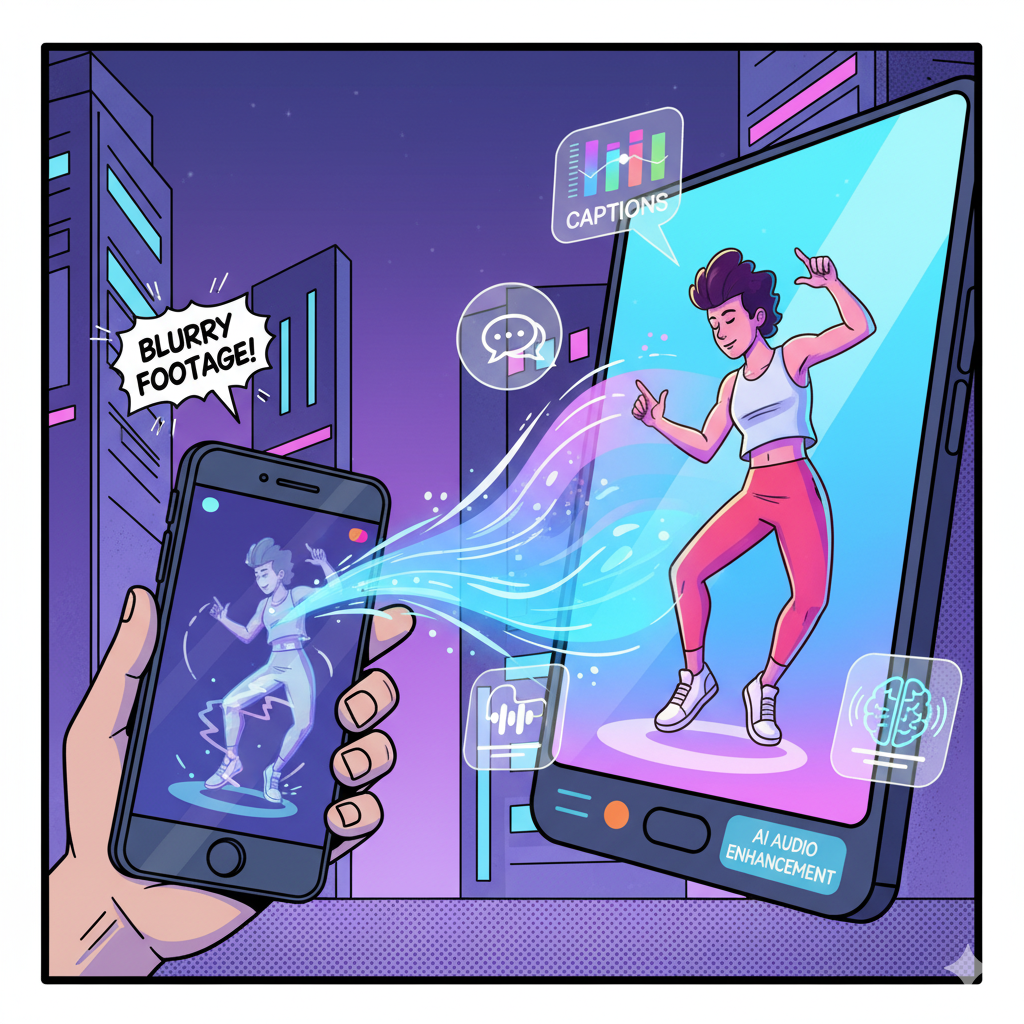
Key Features (a list because why not)
I know this part is usually all neat bullet points but I’m just dumping thoughts:
Enhance Speech → powered by Adobe Sensei AI (fancy name, real results). Like, you record in your kitchen with the blender on, hit the button, and bam… it sounds kinda studioish. Creepy but useful.
Over 2,000 free music tracks (I haven’t counted them obviously, who has that time, but yeah there’s a ton).
Transitions & AI effects that don’t look like 2009 PowerPoint wipes, thank god.
Captions from Adobe Fonts → customizable, not the boring default ones.
Flip, freeze, reverse → sometimes silly but hey, TikTok eats that up.
Lightroom presets built in → good for color grading if you’re into “aesthetic” Instagram reels.
Oh and yeah, it’s all governed by the boring stuff like Adobe General Terms and the Adobe Privacy Policy. I didn’t actually read them (who does), but I guess it matters for legal people.
Pros
- Actually decent audio editing on mobile (thanks to Enhance Speech).
- Big music library & Adobe Fonts captions.
- Clean interface (doesn’t feel bloated).
- Free version available (rare for Adobe, lol).
- Powered by Adobe Research → means constant updates.
Cons
- Still kinda betaish, so crashes happen.
- Limited to iPhone/iPad (no Android, no desktop).
- Needs an Adobe account → if you hate logins, meh.
- Some features (like fancy effects) might get paywalled later, knowing Adobe.
Audio Stuff (where Violet flexes)
Not gonna lie, the audio tools are where I was like “okay, maybe Adobe isn’t just recycling old code.”
So yeah, audio is less of a pain here compared to most “free” apps.
Using Project Violet (the messy learning curve)
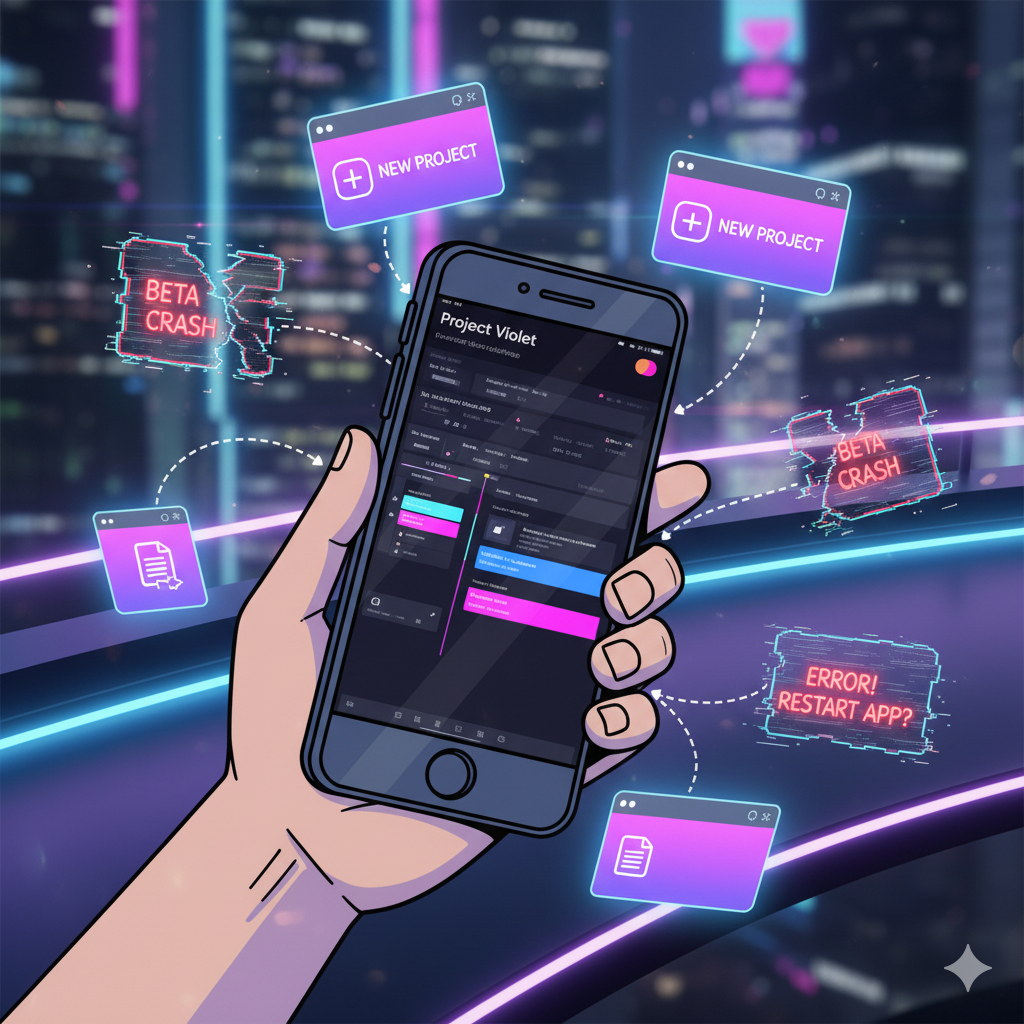
So downloading’s easy: open the App Store, hit install, done. The app launches, gives you a quick login screen (ugh another account, but it’s Adobe, so if you’ve ever used Photoshop, Premiere, Lightroom, whatever… you’re already halfway there).
First impressions → the UI doesn’t scream at you. Like CapCut throws a million templates in your face. Violet just gives you “new project” and you drag stuff in. It’s actually… chill.
Beta testing note → if you hop into the beta version, expect random crashes. I had it freeze while trimming a clip, but hey, that’s beta life. If you hate bugs, maybe wait for the stable updates.
Project Violet vs Premiere Rush
People keep asking “isn’t this just Premiere Rush with another name?” Kinda but not really.
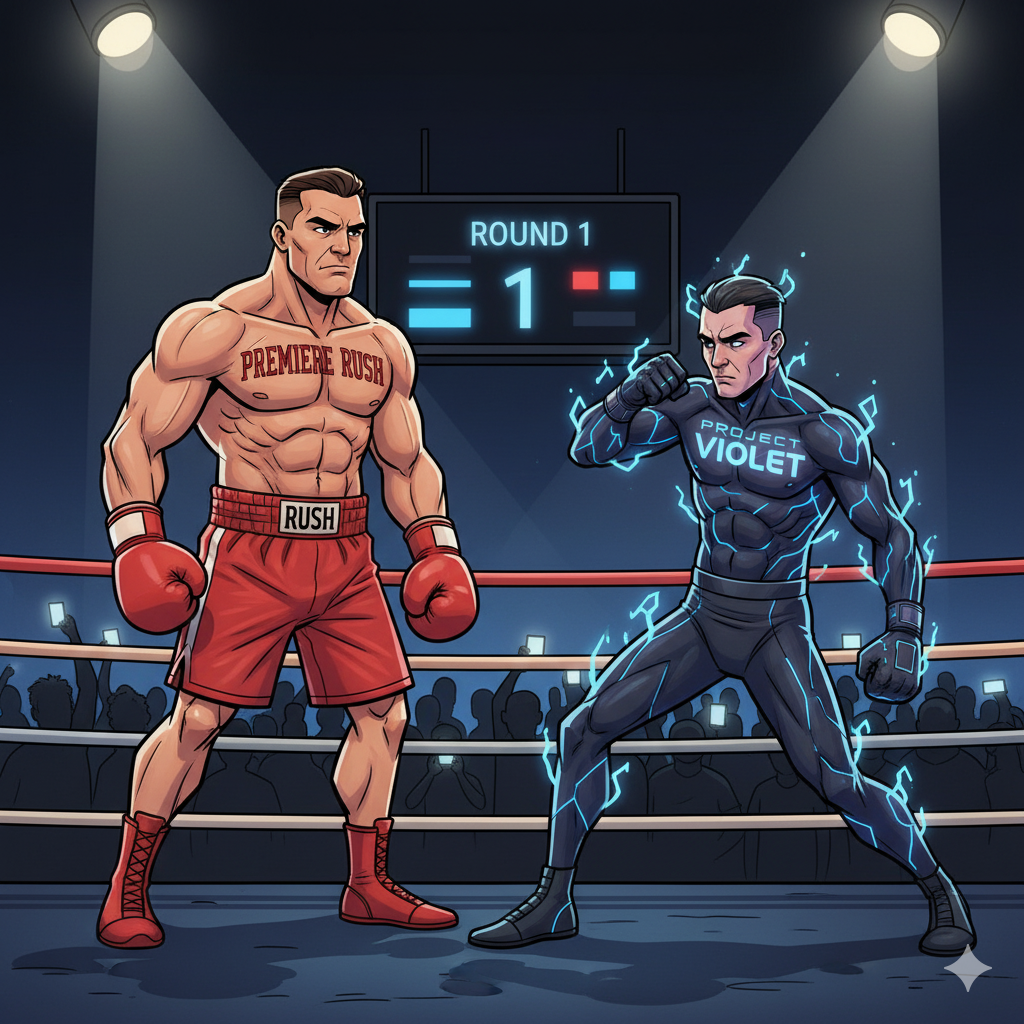
So, if you’re a hardcore editor → stick with Rush or Premiere Pro. If you’re more “I edit TikToks in my pajamas” → Violet’s actually smoother.
Social Sharing (because we all love the likes)
Obviously, you can export and share straight to Instagram, TikTok, Facebook (because Adobe knows what we’re actually doing with these edits).
It’s not revolutionary, but at least you don’t have to dig through 5 menus to find the export button.
Random Side Notes

FAQs (useful)
Q: Is Project Violet free?
A: Yeah, there’s a free version. Some advanced stuff might eventually be behind a paywall (classic Adobe move).
Q: Can I use it on Android?
A: Nope. iPhone and iPad only right now. Maybe one day, but don’t hold your breath.
Q: Does it work offline?
A: Kinda. You can edit without WiFi, but syncing assets or pulling fonts needs internet.
Q: Is it like Premiere Pro lite?
A: More like Premiere Rush’s younger, experimental cousin. Don’t expect pro-level everything, but for mobile it’s strong.
Q: Where can I download it?
A: Straight from the App Store. There’s also a beta if you like testing.
Final Words (but not really a conclusion)
So yeah, that’s my messy take on Project Violet video editing app in 2025. It’s not perfect, but if you’re tired of bloated editors or apps that feel like clones, Violet’s refreshing.
Especially the Enhance Speech thing — that alone makes your videos sound like you weren’t recording in a bathroom (we’ve all done it).
Would I recommend it? If you’re an iPhone/iPad person → yes, give it a shot. If you’re hardcore into Premiere or you’re on Android → maybe not yet.
Anyway, I’m gonna keep playing with it and probably complain about whatever Adobe changes in the next update. Till then, download, edit, share, love it or hate it. That’s the vibe.
