

What is a Plagiarism Checker? Your Guide to Effective Detection Tools
Let’s be honest — plagiarism checkers have become the “seatbelt” of the writing world. You could write without them… but why risk the crash?
If you’ve ever sat there staring at your screen thinking, “Wait… did I accidentally copy that sentence from the article I read at 2 a.m.?” — congrats, you’re a normal human. We consume so much content daily that sometimes ideas, phrases, and even full sentences sneak into our writing without us realizing. That’s unintentional plagiarism, and trust me, it can still land you in hot water.
That’s where plagiarism checkers come in. They’re like the friend who points out you’ve got spinach in your teeth before your big meeting. Annoying? Maybe. Useful? Absolutely.
What Is a Plagiarism Checker? (aka “So, What’s the Big Deal?”)
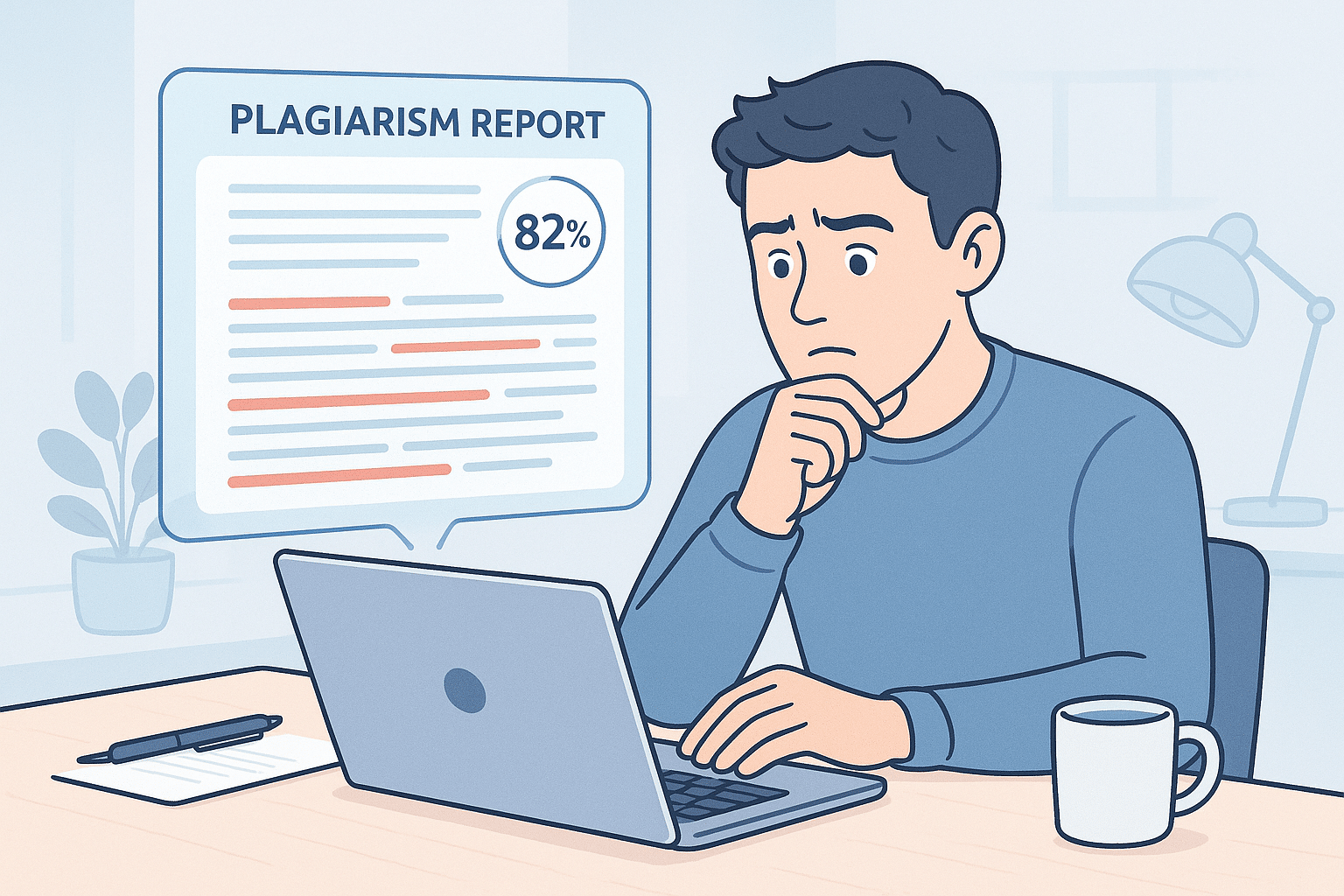
A plagiarism checker is a piece of plagiarism detection software that scans your written work — essays, research papers, blog posts, even those “this will only be for my class” assignments — and compares it to a massive database of web pages, academic papers, text documents, and sometimes even books.
The goal? Detect plagiarism. Whether it’s duplicate content, accidental copying, or flat-out plagiarized text, a good checker will highlight what’s suspicious and often tell you the exact percentage of text that matches other sources.
Here’s the short version:
Side Note: I’ve seen students panic over a 12% similarity score, thinking they’re doomed. In reality, a little similarity is normal — think reference lists, common academic phrases, or unavoidable technical terms.
Why Writers and Students Actually Need One
Here’s the deal — if you’re writing for academic integrity, client trust, or your own reputation, you don’t want plagiarism accusations hanging over your head.
The best plagiarism checker:
And yes — there’s a free plagiarism checker option for those on a budget, but we’ll get to that in a second.
If you’re a:
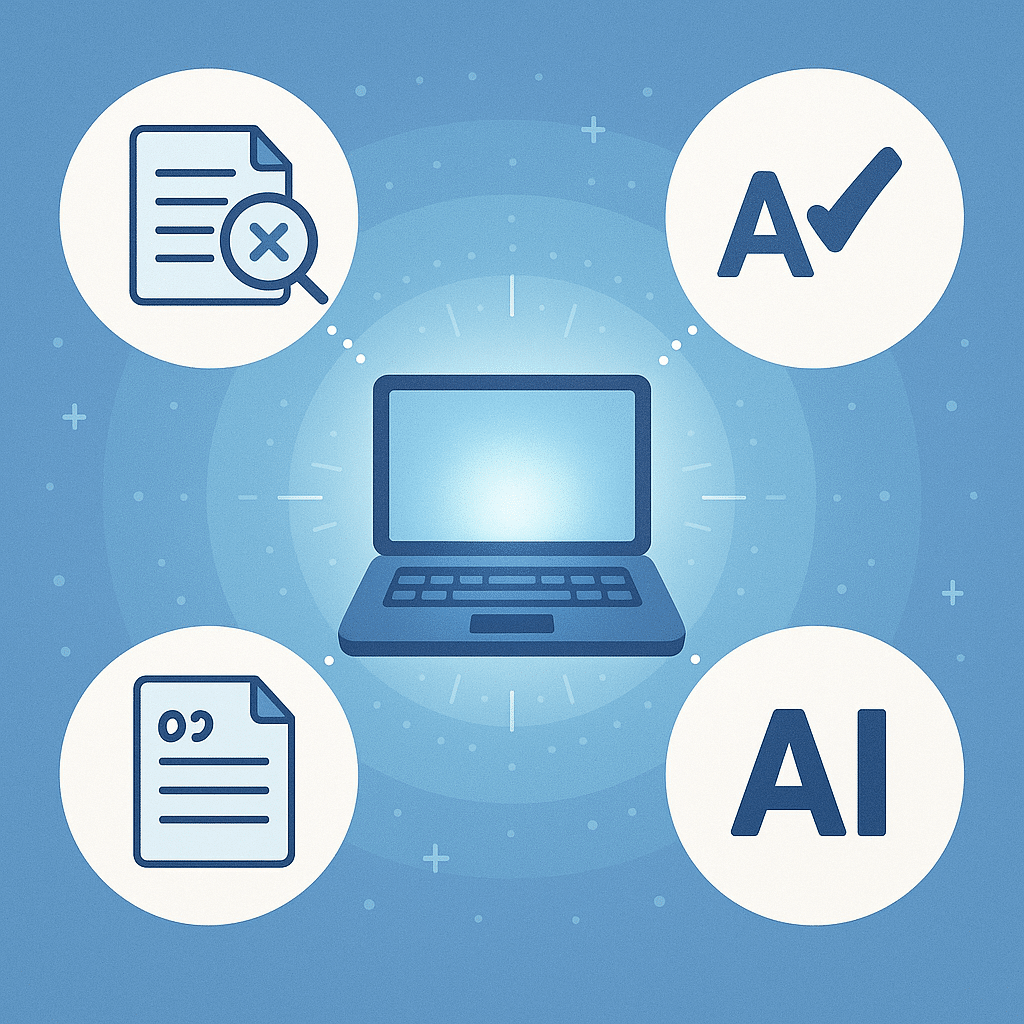
Features of Plagiarism Checkers
How Plagiarism Detection Software Works
Let’s break it down without the boring “technical manual” tone.
Most plagiarism detection software works in a few steps:
- You upload or paste your text.
- The software breaks it into chunks (sometimes as small as individual phrases).
- It runs these through its search engines or various databases.
- It flags match text — sections that are the same or highly similar to something it found.
- It gives you a plagiarism report showing matches, sources, and sometimes the exact percentage.
Some advanced tools (like Copyleaks or Turnitin) use deep search and AI-powered similarity detection software to catch paraphrasing or sneaky rewording — not just copy-paste jobs.
For an in-depth explanation of the tech, Scribbr has a solid breakdown: How plagiarism checkers work.
Free Plagiarism Checker — The Truth
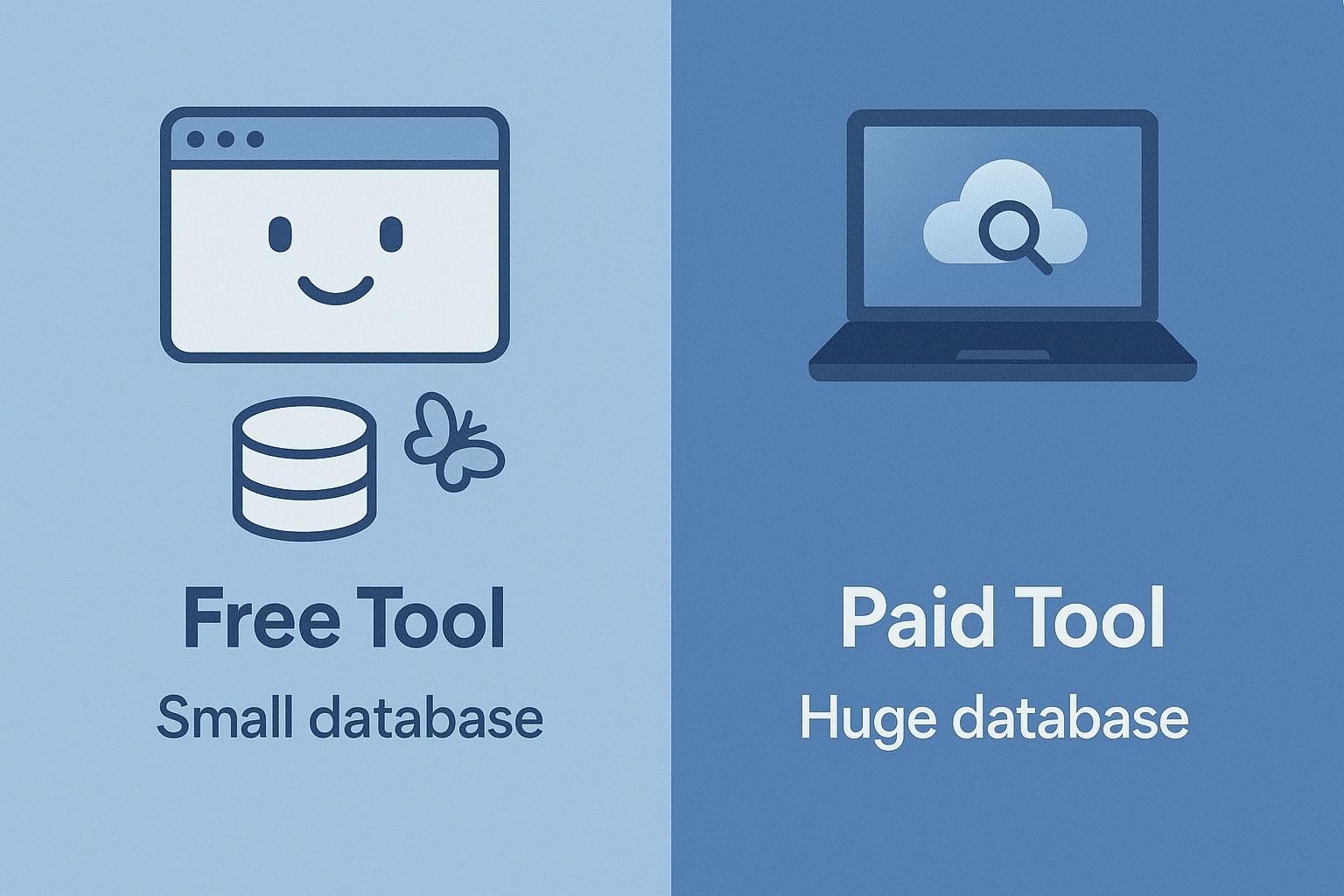
Everyone loves free stuff. But here’s the catch:
Free online plagiarism checkers often:
That said, free tools are still great for quick plagiarism checks when you need peace of mind fast. Some popular ones include:
Side Note: If it’s completely free and promises “100% accurate plagiarism detection,” take it with a grain of salt. Big databases cost money.
Anti Plagiarism Software for Serious Work
When you’re in deep — academic writing, student’s papers, or high-stakes client work — you want anti plagiarism software that’s reliable and maintains academic integrity.
Top picks:
Checking Papers Like a Pro
When you check paper drafts (yours or someone else’s), you want a smooth workflow:
- Run the plagiarism check
- Review the plagiarism report
- Fix any flagged sections by:
- Quoting properly
- Paraphrasing better
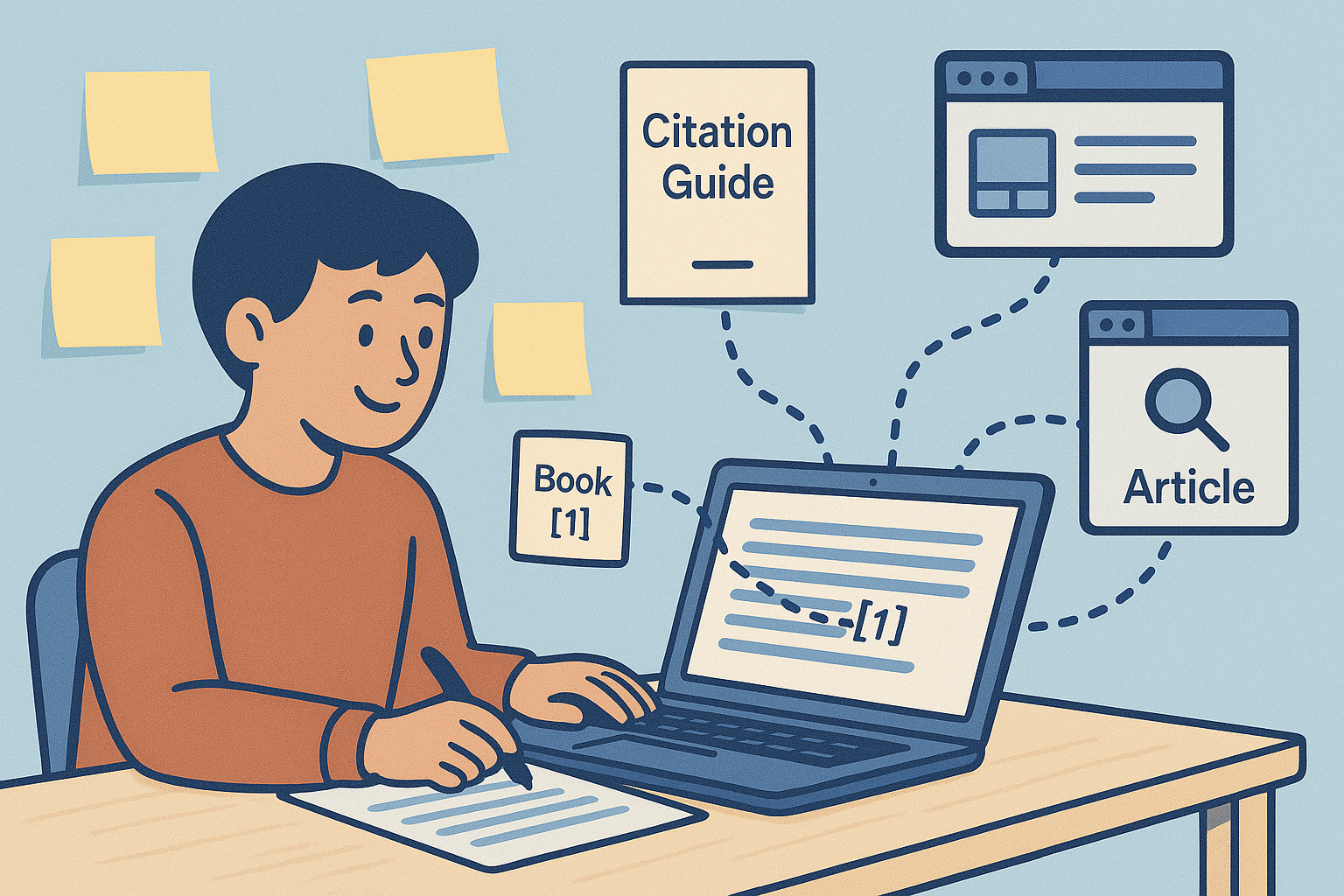
- Adding correct citation style references
Remember — a similarity checker isn’t accusing you of theft; it’s just showing overlaps. It’s up to you to decide if it’s considered plagiarism or harmless matching.
Avoid Plagiarism Without Losing Your Mind
Here’s my blunt advice:
The Future — AI Generated Content & Plagiarism
This is where it gets spicy. With AI tools pumping out text faster than a caffeine-addicted blogger, AI generated content is everywhere.
Some plagiarism checkers now have AI detection built in — like Turnitin’s AI writing detector. Is it perfect? Nope. But it’s improving.
The line between original sources and machine-generated mashups is getting blurrier, which means plagiarism detection will only get more complex.
Final Thoughts
Plagiarism checkers aren’t about catching “bad guys.” They’re about protecting yourself — from serious consequences, from unintentional mistakes, and from the awkwardness of explaining to a professor why your student writing matches a random blog from 2014.
If you care about academic honesty, original content, and keeping your writing skills sharp, make a plagiarism checker part of your toolkit.
Whether you use a completely free tool for quick checks or invest in the best plagiarism checker for professional work — it’s worth it.
