

Luma AI vs Pika Labs: Which AI Tool is Best?
I’ll be honest—I didn’t think we’d get here this fast. Two years ago, “AI video generation” sounded like some Black Mirror episode. Now? My LinkedIn feed is drowning in clips made by AI video generators.
Some are stunning, some look like an early 2000s screensaver, but either way—they’re everywhere.
The two names I keep hearing from creatives, SEOs, SaaS founders, and those “build in public” Twitter bros are Luma AI and Pika Labs.
Both are hyped, both have loyal communities, and both are being called “game changers” (ugh, I know, everyone loves that phrase).
So, Luma AI vs Pika Labs—which one actually deserves your time (and probably your money)? Let’s break it down, tool by tool, coffee-stain style.

AI Video Generation: The Basics
Luma AI

Luma AI has been flexing hard with its Dream Machine and reasoning video model—tools that give you cinematic-looking results and surprisingly realistic physics.
Features:
- Dream Machine for cinematic AI video generation.
- Reasoning video model → more control, realistic physics.
- All new draft mode for rapid iteration.
- Free plan + premium plan options.
- Strong in commercial purposes (ads, demos, product videos).
👉 Want to see Luma’s Pricing? Check Here

Pros
- Professional-grade output (looks expensive, even when it’s free).
- Precise control over camera movement and visual elements.
- Great for complex scenes, cinematic feel, engaging video content.
Cons
- Slower rendering times.
- Steeper learning curve for new users.
- Better suited for experienced users, not casual dabblers.
Pika Labs
Pika Labs, on the other hand, carved its space with an intuitive interface, community-driven vibes, and rapid iteration features like Pika Live.
Features:
- Text to video + image to video generation.
- Pika Live for real-time style updates.
- Community + collaborative environment.
- Intuitive interface (super user friendly).
- Creative effects and playful visuals.
👉 Want to see Pika’s Pricing? Check Here
Pros
- Fast and fun—perfect for social media content.
- Community vibes—active Discord, lots of shared experiments.
- Affordable pricing with free trials.
- Great for dynamic videos, quick campaigns, creative expression.
Cons
- Not as cinematic or polished as Luma AI.
- Occasional “AI weirdness” (faces melting, physics off).
- Still evolving—features sometimes feel experimental.
The crazy part? Both are still technically young. Which means features are dropping fast. Like, every week there’s a new “all new draft mode” or some update that feels like it changes workflows overnight.
Image to Video: Static Images Come Alive
One of the coolest things AI video generators pulled off is turning static images into dynamic videos.
Quick test: I threw a boring stock image of a coffee mug into both platforms.
Both were cool. Both useful. But totally different creative workflows.
Create Videos: Who Does It Faster?

Speed matters. Especially if you’re cranking out engaging video content for campaigns.
So if you’re about rapid iteration → go with Pika. If you want longer videos with more precise control → Luma takes the cake.
(Side note: I once left a Luma render running, went to make noodles, came back, and it was still “thinking.” But the end result? Gorgeous. Worth the wait.)
Text to Video: Prompt Magic
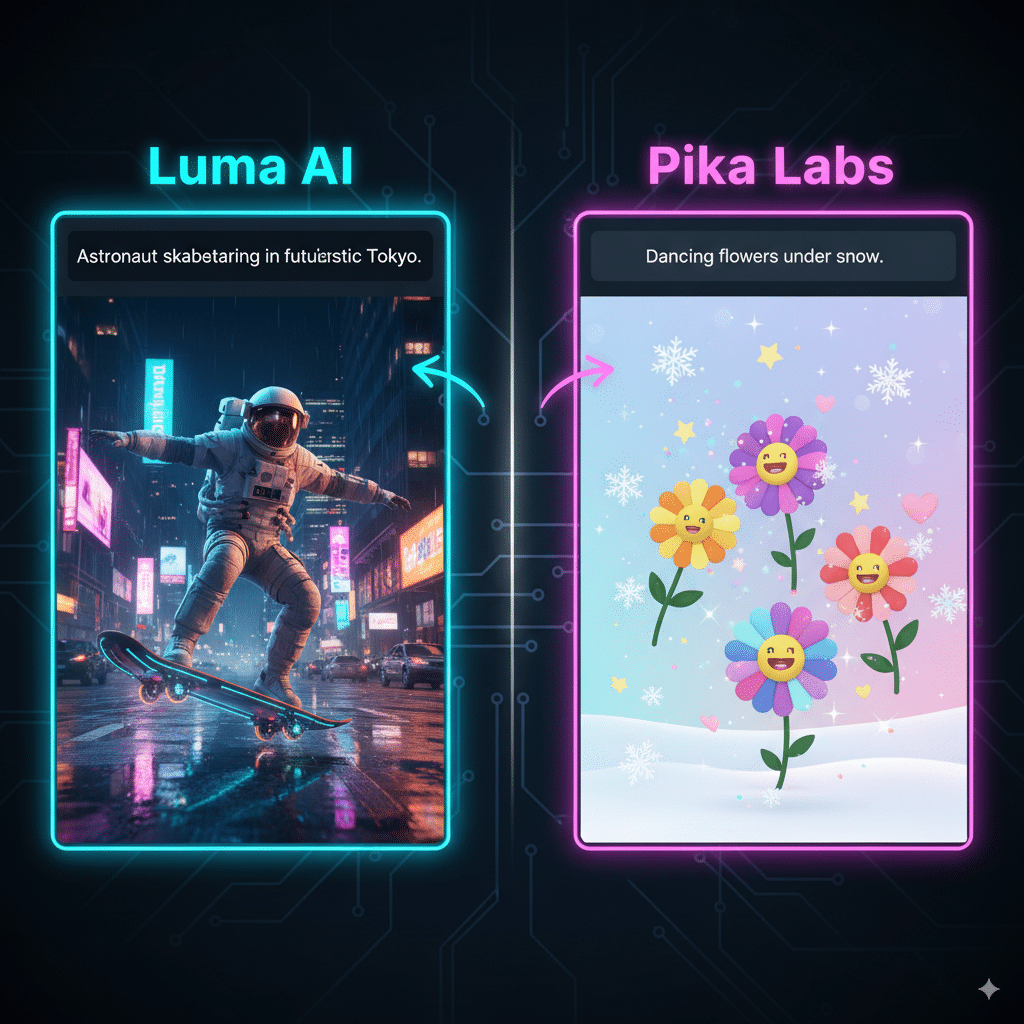
Both platforms are riding the text to video hype train.
But here’s the kicker: both rely heavily on how good you are at text prompts. If your prompt sucks, your video sucks.
Video Editing: Who Actually Lets You Edit?
Here’s where I get picky. Generating videos is fun, but what about editing?
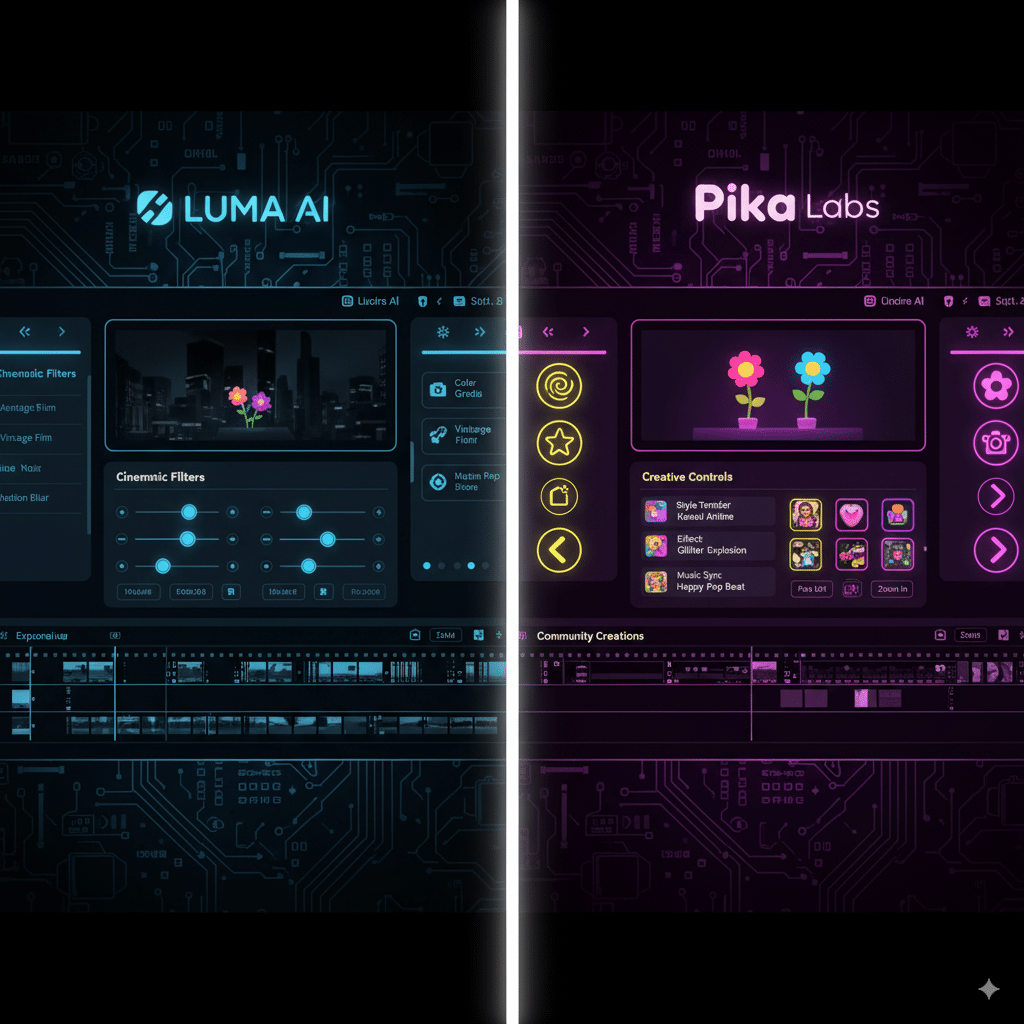
Neither replaces Adobe Premiere (yet). But for 80% of creators who just want engaging videos without pulling their hair out—these tools cover enough.
Commercial Purposes and Business Applications
Here’s where things get serious.
Businesses are relying heavily on these AI video generators now because they reduce the need for expensive reshoots. Imagine making an ad with zero actors, no cameras, no rented studios. That’s ai driven video creation in action.

FAQs
Q1: Which is better for beginners, Luma AI or Pika Labs?
Pika Labs, hands down. It’s more user friendly and forgiving.
Q2: Can I use Luma AI for free?
Yes, there’s a free plan, but premium plans unlock the cooler stuff.
Q3: Are AI videos really good enough for commercial use?
Surprisingly, yes. Ads, product teasers, even music videos are being made with them. Check out examples here.
Q4: What’s the deal with “neural radiance fields”?
Tech jargon. Basically, it’s what gives Luma AI its realistic depth and physics in videos.
Q5: Can these tools replace real video editors?
Not yet. They’re supplements, not replacements. But ask me again in 2026.
Final Thoughts: Luma AI vs Pika Labs
So who wins the Luma AI vs Pika Labs battle?
Honestly? I use both. Luma for client-facing projects, Pika for experiments and social clips.
The real winner here isn’t one tool—it’s us. Creators, marketers, and small businesses now have access to AI video generators that used to cost tens of thousands in studio time. And that’s kind of insane when you stop and think about it.
