

Pika vs Assistive: The Best AI Video Generator for Your Creative Needs
AI video generation is blowing up right now. It feels like every other week there’s some new AI video model popping up, claiming to be the “next big thing.” AI writing is also seeing accelerated innovation, reshaping how content is created across the web.
Pika? Assistive? Even OpenAI’s flagship video model Sora is lurking in the background like the quiet kid in class who suddenly drops a fire rap battle. Point is—we’re swimming in video generators. And it’s getting messy.
But today, I’m throwing Pika vs Assistive into the ring. No sugarcoating, no polished PR crap.
Just a messy, honest look at which creative AI video model actually delivers when you wanna create stunning videos for social media, marketing campaigns, or your next weird “alien world where cakes explode” short clip. (Yes, that’s a thing—don’t judge.)
Pika vs Assistive
First off, what even are these tools?
Pika Labs (aka Pika): The flashy new kid. Pika’s team is tiny, scrappy, and honestly moving way too fast for a startup. They claim their new model is the biggest upgrade yet. Fantasy-like motion? Humans flying through space? Exploding items that actually look real? Yup, they’re chasing that surreal, meme-able content.
Assistive AI Video Generator: A bit more structured, a bit more “grown-up” feeling. It’s aiming at the professional crowd—marketers, social media managers, maybe even indie filmmakers who want control elements and a user-friendly interface without pulling their hair out.
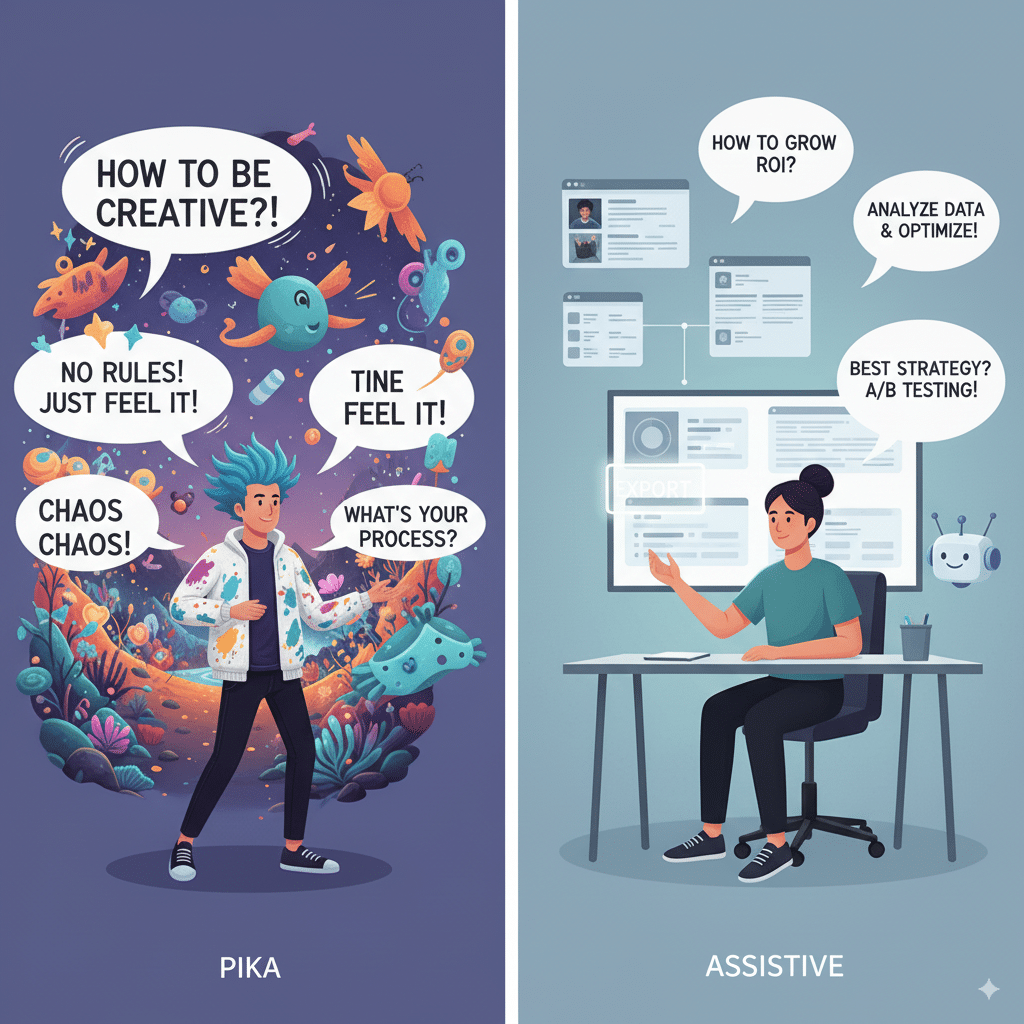
So basically, Pika = chaos and creativity. Assistive = polished and predictable. But is it really that simple? Nah.
Creative AI Video Model
Let’s talk about creativity. Because honestly, that’s what matters if you’re trying to make engaging content instead of boring corporate slides.
Side note: I once tested Pika with the prompt “humans flying with umbrellas in a thunderstorm.” Looked straight out of a Tim Burton movie. Assistive? More like a stock video commercial. Depends what you want, right?
AI Video Model
Now let’s compare how each AI video model thinks. (Yes, I know they don’t actually “think,” but you get me.)
Both the intent and execution matter here. Pika’s more experimental; Assistive plays it safe.
AI Tools
Okay, features. Because you and I both know half the decision comes down to “what buttons can I press?”
Pika’s AI Tools:
Assistive’s AI Tools:
Stunning Videos
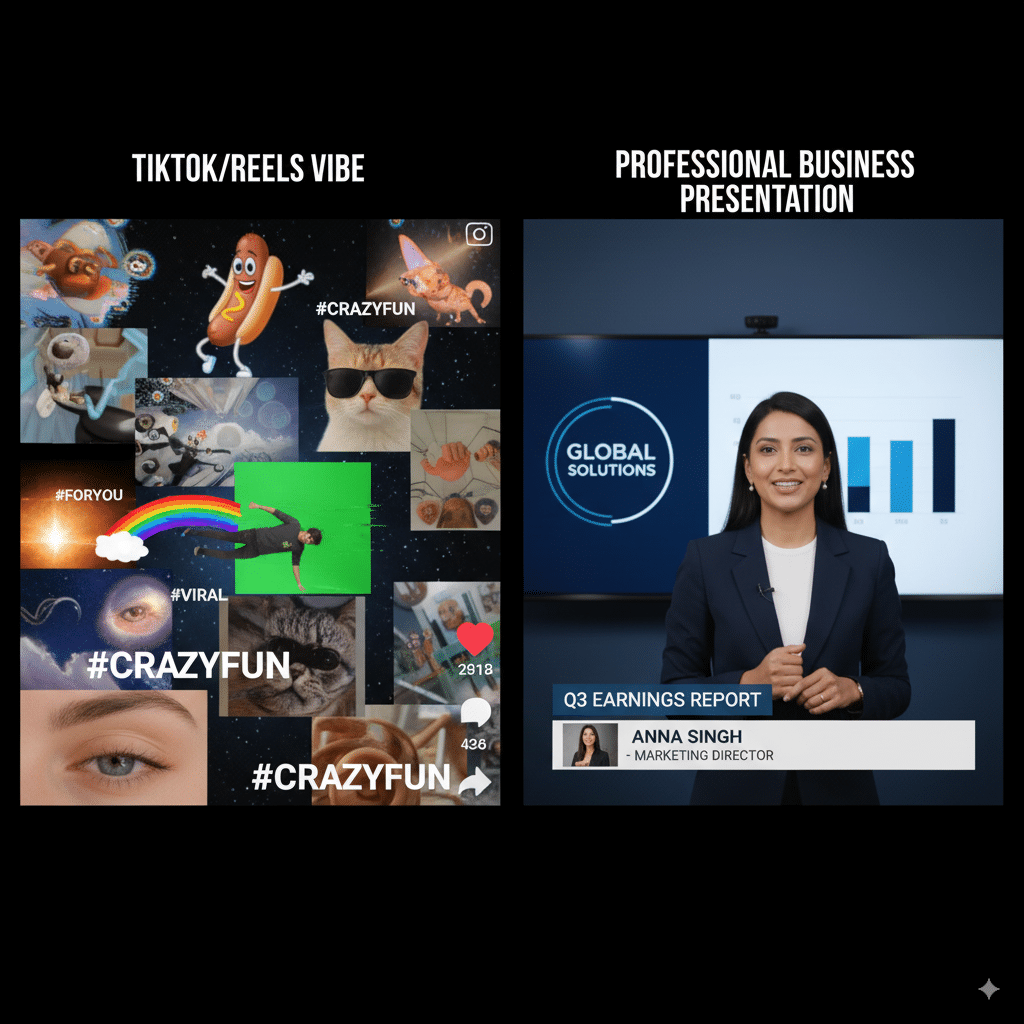
Here’s the deal: if you want stunning videos for TikTok, Reels, or just to impress your friends, Pika wins. The video quality feels alive, with real motion and new elements. It’s like watching a dream unfold.
But if you’re making client work? Or your boss wants polished, high quality video output without “alien clowns riding dragons”—then Assistive wins. Because video quality isn’t just about motion, it’s about intent.
AI Video Generators on the Leaderboard
If there were an AI video leaderboard right now, Pika would be climbing like crazy. People can’t shut up about it. Even Tom’s Guide covered Pika Labs recently, calling it a “new powerhouse in generative AI.”
Assistive? Less hype, but steady. The company promises stable updates, better customization for professionals, and a global audience approach. Think less meme-machine, more business tool.
Pros and Cons
Pika Labs
Pros
Cons
Assistive
Pros
Cons
FAQs
1. Which is better for marketers—Pika or Assistive?
Assistive, hands down. The editing tools, pre-designed templates, and user-friendly interface make it easier to crank out client-friendly videos.
2. Which is better for TikTok and experimental content?
Pika. If you want fantasy-like motion, surreal edits, or alien worlds, Pika’s your messy creative partner.
3. Do both support text to video?
Yep. Both Pika and Assistive support text to video generation.
4. Is Assistive too “safe”?
Honestly… yeah, a little. It avoids complex prompts that Pika thrives on.
5. Can I upload my own images?
Assistive supports it more natively. Pika’s still rolling out better customization here.
6. Which AI video model feels like a “huge upgrade”?
Pika’s latest model. Assistive feels steady, but not a leap forward.
7. Does Pika Labs have better community support?
Not yet. Small team = limited support. Assistive’s bigger ecosystem helps more here.
8. Which one has a steep learning curve?
Pika. It’s powerful, but not as beginner-friendly.
Final Thoughts
So—Pika vs Assistive. Who wins? Honestly, depends on what you’re after.
- If you’re chasing wild, surreal, stunning videos with complex motion and creative social clips → Go Pika.
- If you need high quality video output, better customization, and something that won’t freak your boss out → Go Assistive.
Both tools are shaping the future of AI video generation. And let’s be real: we’re still early. New models, new features, and probably new players will keep crashing this party. Even Sora might swoop in again with another huge upgrade.
But for now? Pika’s the chaotic creative genius. Assistive’s the reliable business partner. Take your pick.
