

Pika vs Veed: The Best AI Video Editing Tool for Your Needs in 2025
If you’re here, you’re probably stuck like me — trying to figure out whether to jump on the shiny new Pika AI hype train or stick with something that feels more “complete” like Veed.io.
Both are being thrown around in creator circles, TikTok tutorials, and yes… LinkedIn “gurus” who’ve never edited a video in their lives. 🙄
I’ve actually spent hours tinkering with both, and let me tell you, they’re not the same. At all. One feels like a futuristic toy (Pika), the other feels like a scrappy SaaS that just wants to be Adobe Premiere’s cool younger cousin (Veed).
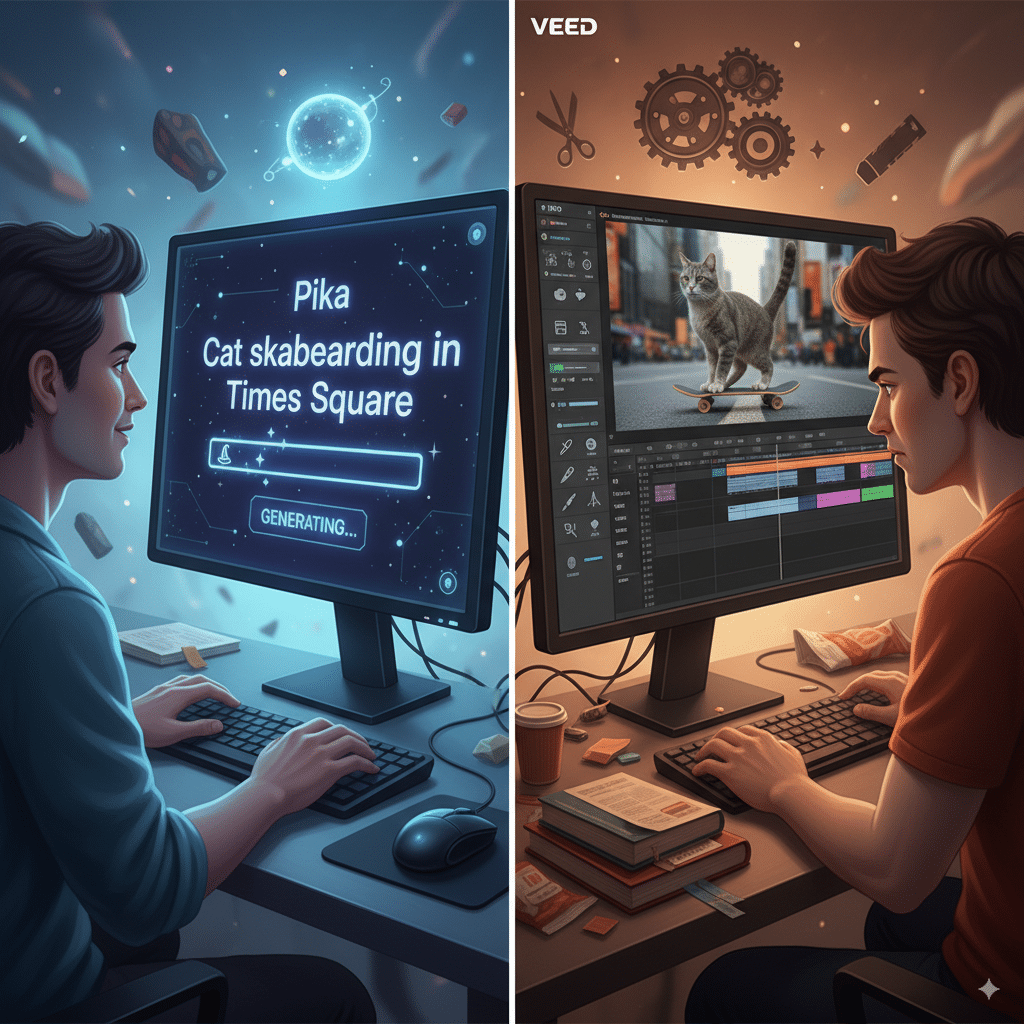
So, here’s my very unpolished, uncorporate breakdown of Pika vs Veed in 2025.
Video Editing (or “do these things even edit?”)
Pika

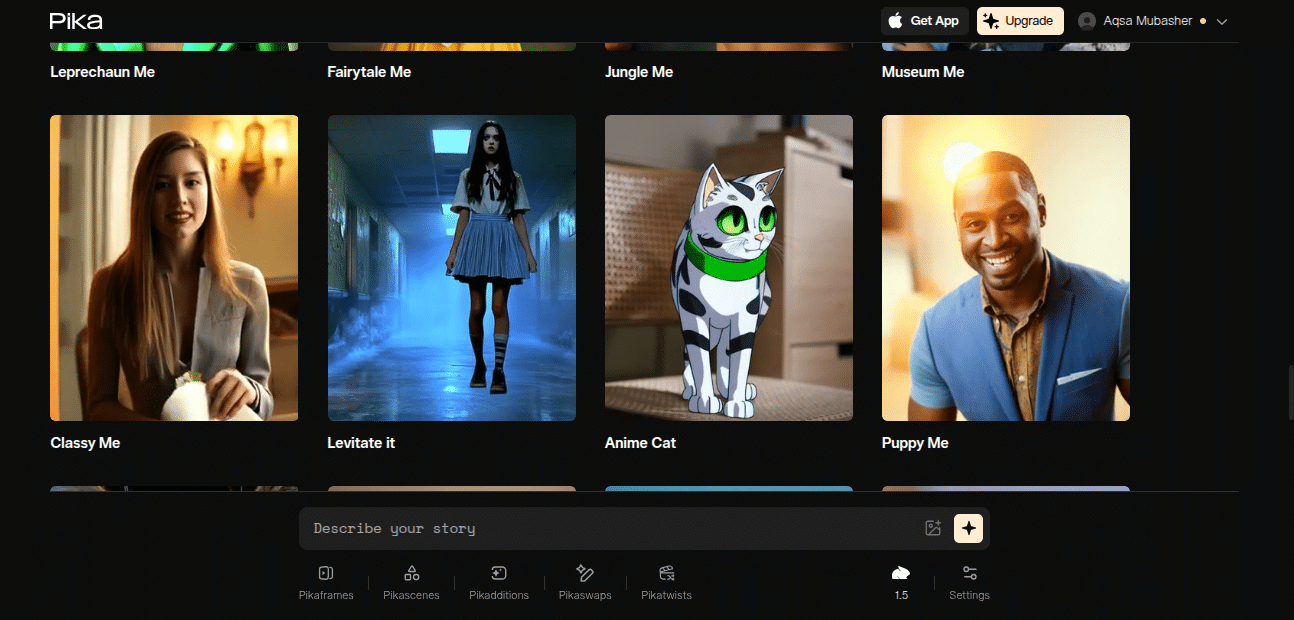
Pika isn’t a video editor in the traditional sense. You don’t “edit” so much as you “generate.” You toss it a text prompt — like “make me a cinematic shot of a cat skateboarding in Times Square” — and boom, it spits out a video. Kinda like MidJourney but for moving pictures. Magic when it works, hilarious garbage when it doesn’t.
Key Features (rapid-fire because I’m tired)
- AI-powered video generation
- Text-to-video conversion
- AI avatars
- Customizable templates
- Multiple languages
- Free plan available
Pros
Wildly fast AI video generation
Fun to play with (you’ll lose hours)
Great for TikTok, memes, short viral content
No steep learning curve — type and go
Curious about the future of content creation with AI? Learn about what an AIO Writer is and why it matters.
Cons
- Sometimes outputs… garbage
- Feels more like a “toy” than a pro tool
- Limited editing control
- Not always “professional looking”
Veed

Veed, on the other hand, is an actual video editor. Like, timelines, cuts, drag-and-drop — the stuff you’d expect if you’ve ever touched iMovie or Adobe Premiere. It’s way more “hands-on,” which is either a blessing or a curse depending on how lazy/busy you are.
Key Features
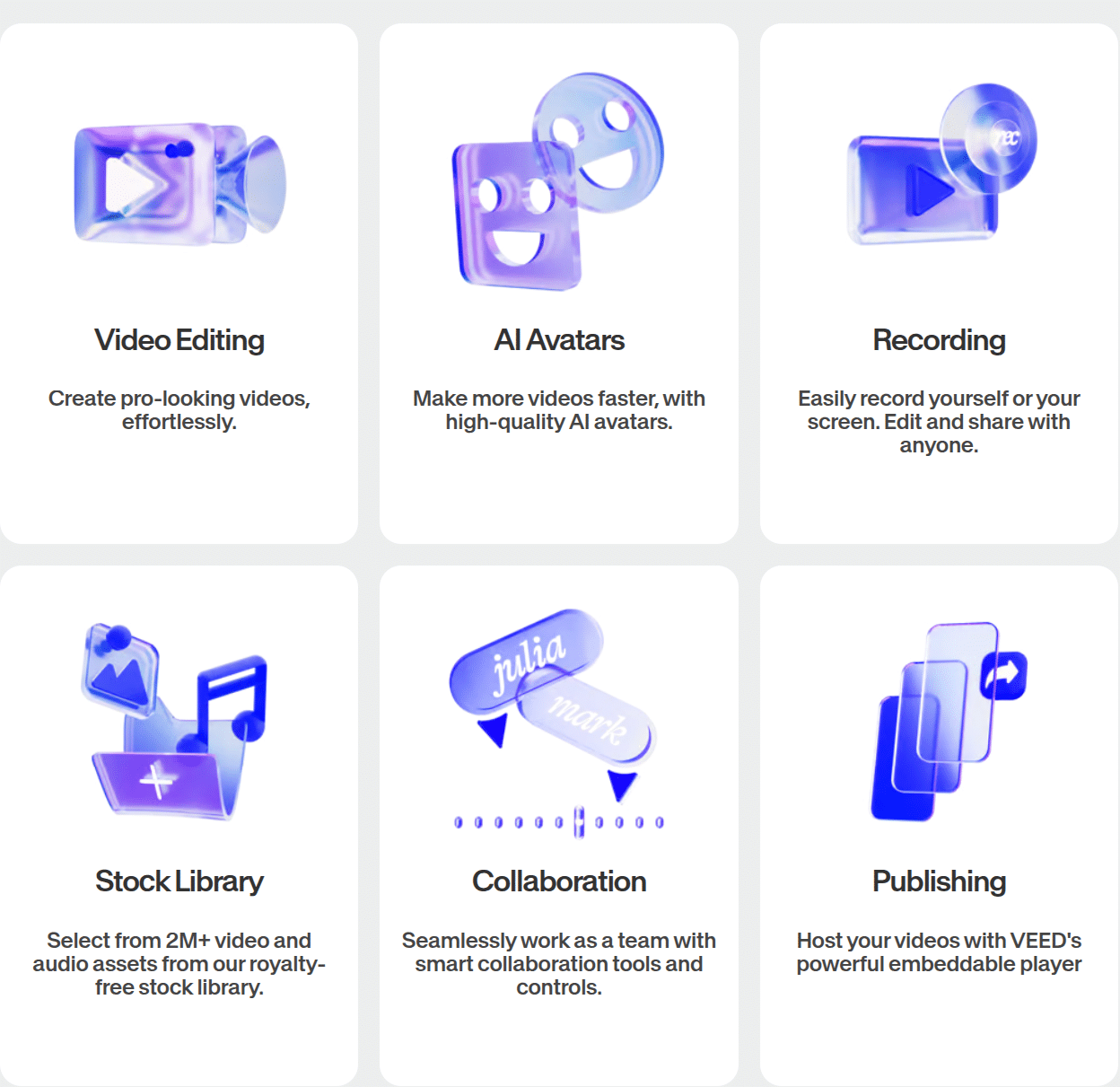
- Actual video editor (drag-drop, timeline, cut, trim)
- Subtitles, captions, translations
- Screen recording + webcam capture
- Templates for social + YouTube
- Analytics + sharing
- Free plan too
Pros
- Real editing workflow
- Solid for professional use (YouTube, client work)
- Subtitles + captions are lifesavers
- Works in browser, no heavy software like Adobe Premiere
Cons
- Slower than Pika (because editing takes effort)
- Has a learning curve if you’re brand new
- Some features locked behind paywall
- Not as “magical” or futuristic
➡️ Side note: I once asked Pika to generate “a motivational short for YouTube with a mountain backdrop and voiceover.” What I got looked like a cursed version of a NatGeo doc, but hey, it was still usable. Veed? I could’ve actually edited in my own mountain footage, added captions, and not traumatized viewers.
Winner here? Depends. Pika for speed and novelty, Veed for actual control.
Video Content (where you actually publish stuff)
Both tools scream social media content. Short-form, flashy, made-to-scroll videos.
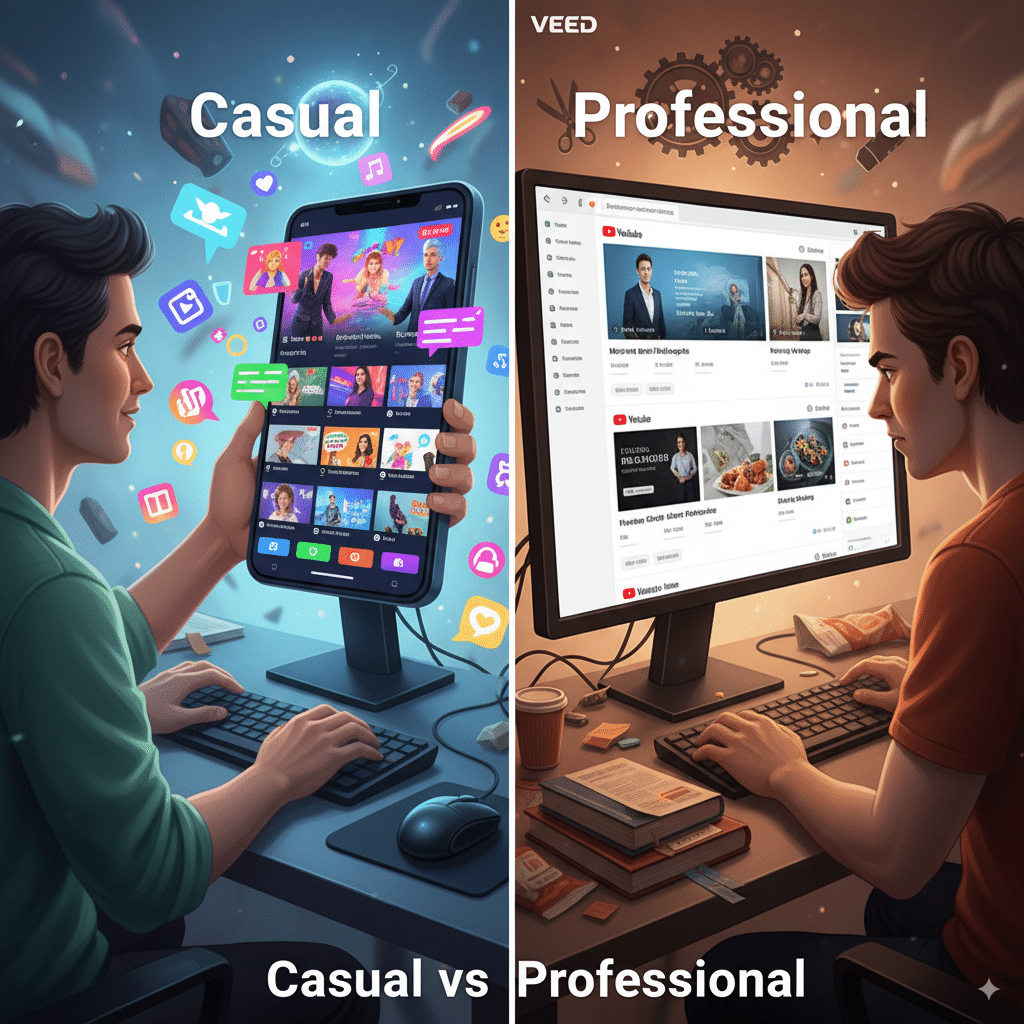
Here’s the kicker: Pika doesn’t really care about professionalism — it’s about vibes. Veed? It’s all about making your stuff look polished enough that a client won’t roll their eyes.
Video Editor (the actual workflow vibe)
➡️ Fun fact: Veed even has a browser-based editor — no downloads, no nonsense. Try doing that with Premiere.
Professional Looking Videos
Here’s the truth:
Think of it this way: If you’re making a pitch deck video for investors, don’t use Pika. Please. Use Veed (or Premiere if you hate yourself).
AI Avatars (because apparently we all need fake humans now)
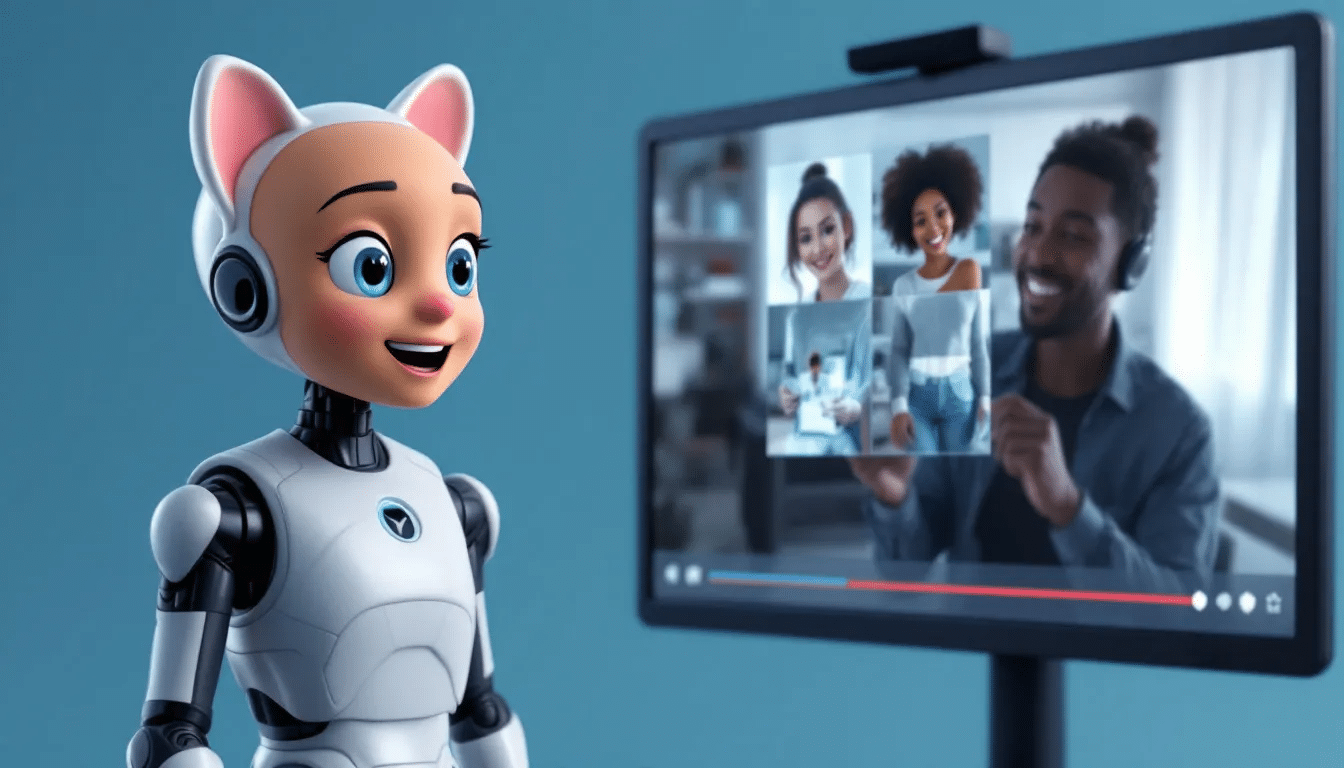
This is where Pika flexes. You can spin up AI avatars that talk, gesture, and add a personal touch. Are they creepy sometimes? Absolutely. But they’re fun, and honestly, they work for explainer-style content.
Veed? It doesn’t really focus on avatars. It’s more about you uploading your own video, screen recording, or editing raw footage. Which, let’s be honest, is less flashy but probably more… real.
Content Creation
This is where things blur. Both tools claim they’ll “enhance your content creation workflow” (their words, not mine).
Pricing (the money bit nobody reads but always complains about)
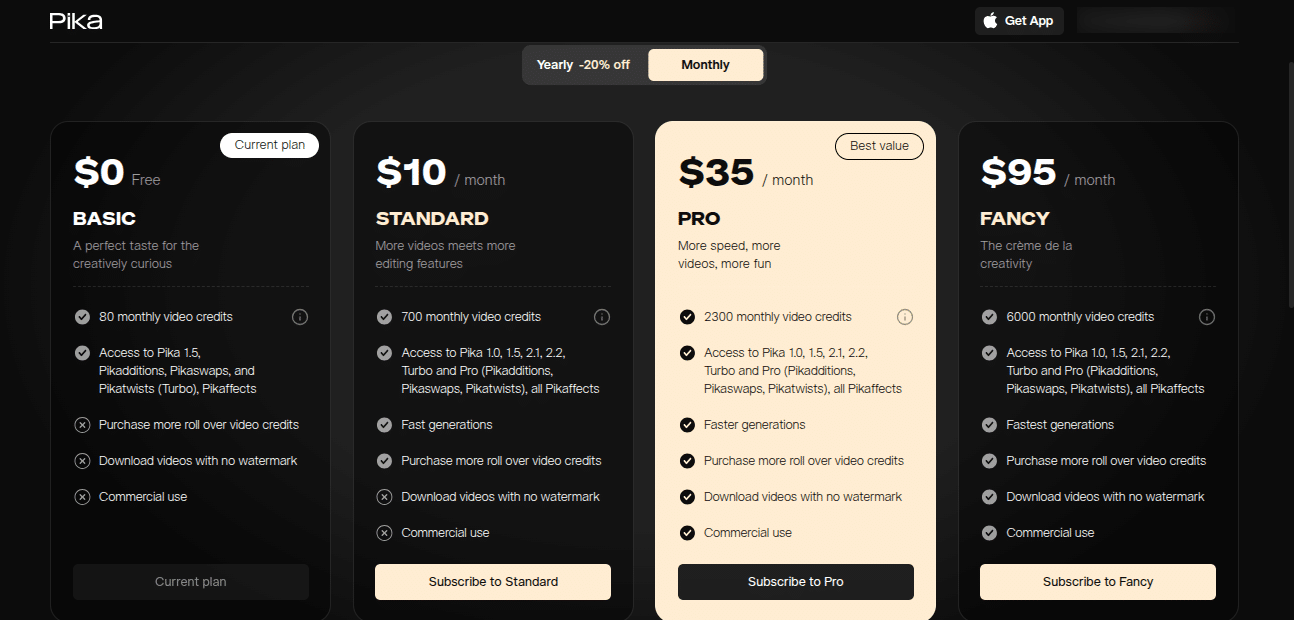
Pika: Free plan + paid plans start around $10/month.
Veed: Free plan + paid plans start at $9/month.
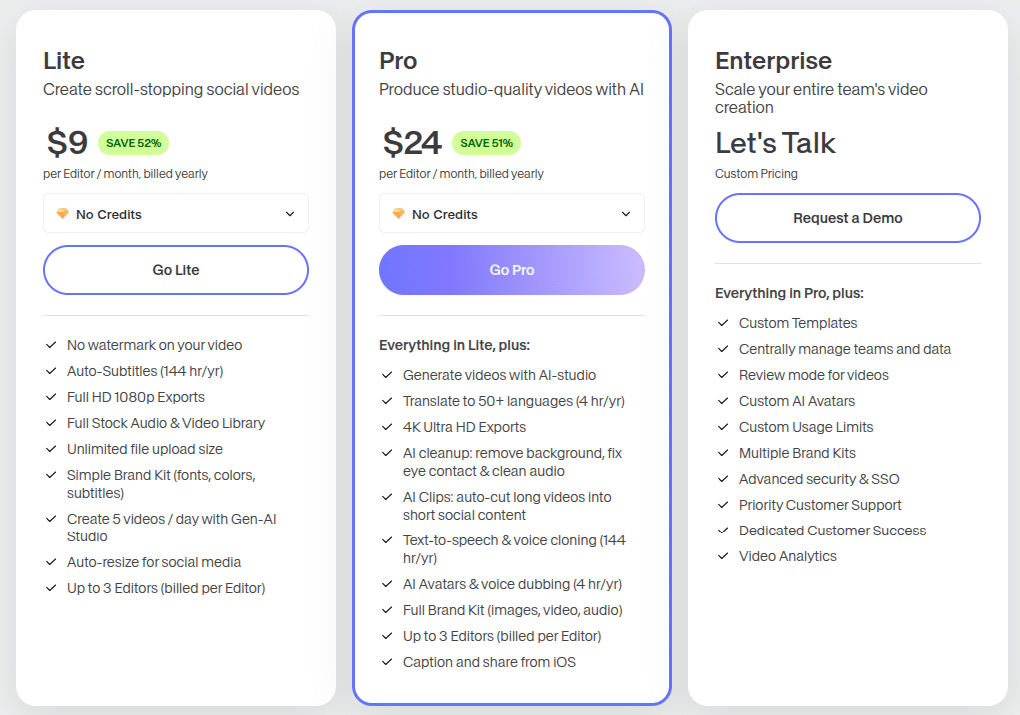
Both have annual discounts, yada yada. Honestly, pricing isn’t the issue — it’s whether you want AI chaos or actual editing tools.
My Take
If you’re into AI-driven video creation → go Pika. It’s fast, it’s fun, it’s the shiny toy everyone wants to try.
If you need to actually edit video projects for professional use → go Veed. It’s not Adobe Premiere (thank god), but it’s powerful enough for creators, coaches, businesses, and anyone who doesn’t want their video looking like an AI fever dream.
So yeah… Pika vs Veed?
- Want chaos? Pika.
- Want control? Veed.
Or be like me and use both, depending on the day (and caffeine levels).
FAQs (because people will still ask)
1. Is Pika good for beginners?
Yep. No steep learning curve. Just prompts → video. But don’t expect Hollywood.
2. Can Veed replace Adobe Premiere?
Not really. It’s great for quick projects and social media content, but Premiere still wins for complex stuff.
3. Does Pika support multiple languages?
Yeah, it actually does — subtitles and audio in different languages. Pretty handy if you’ve got a global audience.
4. Is Veed worth paying for?
If you’re serious about video content creation (YouTube, clients, etc.), then yes. The free plan is too limited for real work.
5. Which is better for social media content?
Pika wins for TikTok/shorts/memes. Veed wins for YouTube/LinkedIn/podcasts.
6. Do I need AI avatars?
Nah, but they’re fun. Pika has them, Veed doesn’t. Depends on your style.
