

What Does the NFC Stand For? Understanding Near Field Communication
If you’ve ever seen the acronym NFC pop up on your phone settings and thought, “Wait… is that some new cricket league?” — relax.
That’s it. Simple. But here’s the kicker: even though the name sounds super boring (like something you’d read in a dusty manual), NFC is one of the sneakiest little technologies powering your daily life.
Tap your phone to pay for coffee? That’s NFC.
Exchange contact info without awkwardly spelling out your email at a networking event? NFC.
Unlock your office door with your badge? Yep — NFC again.
And the funny part? Most people have no clue they’re using it.
What Does the NFC Stand For? (aka “NFC Tech That Runs Your Life”)
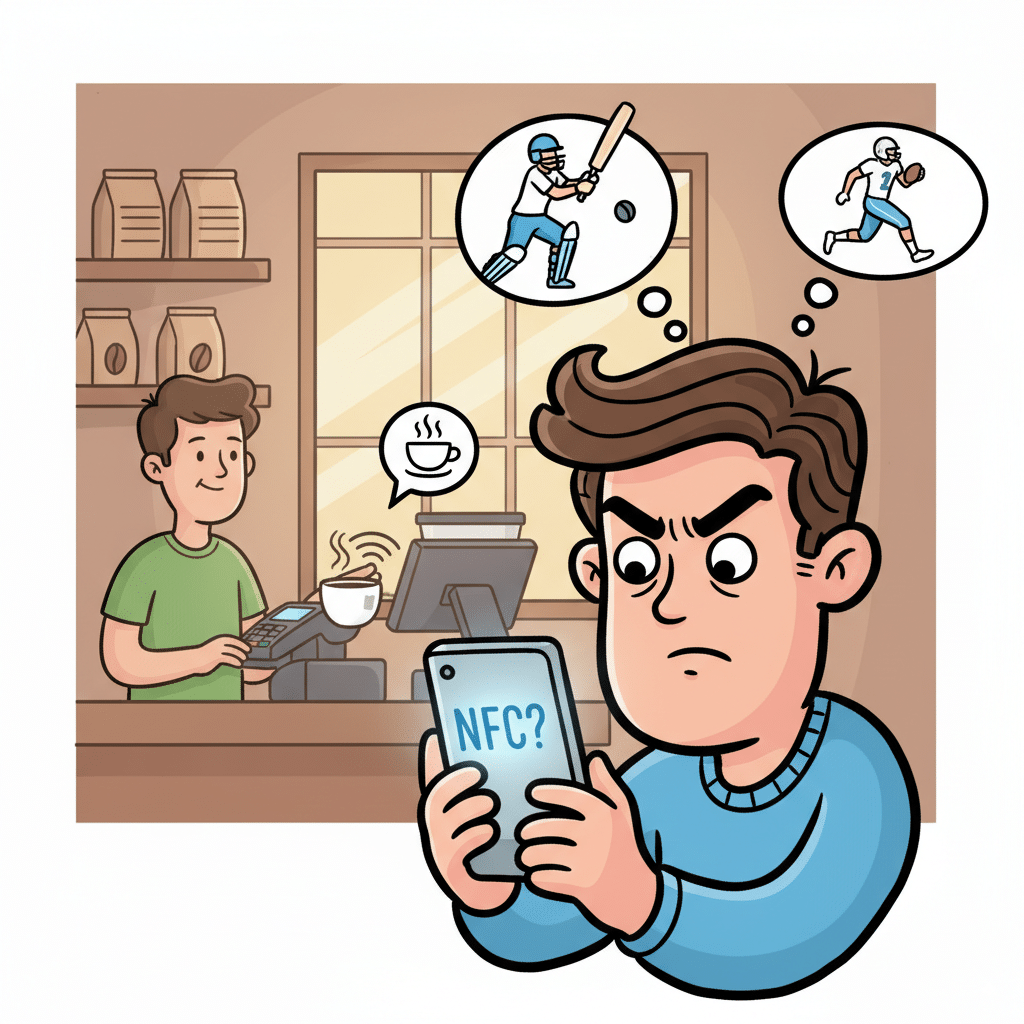
NFC simply stands for Near Field Communication. Let’s get a tiny bit geeky. Near Field Communication is a short-range wireless technology. It works when two electronic devices are super close — like almost touching close. No WiFi, no complicated Bluetooth pairing dances, just tap and go.
It operates at 13.56 MHz frequency (don’t worry, I don’t remember that number either until I look it up every time). And unlike Bluetooth devices that need constant pairing, NFC is more like: “Yo, you’re here? Cool, let’s talk for a sec.”
👉 Side note: NFC is technically built on the older RFID technology (Radio Frequency Identification). You know those anti-theft tags on clothes at Zara? RFID. NFC is like RFID’s cooler, smarter cousin that decided to get into mobile payments and networking.
Near Field Communication (NFC) in Action
When people ask me “What does the NFC stand for?”, I don’t just say “Near Field Communication.” I say:
“It stands for the thing that makes your Starbucks order possible without digging for your physical credit card.”
Because honestly, that’s how most folks meet NFC — through mobile payments. Apple Pay, Google Pay, Samsung Pay… all run on NFC.
But it’s not just coffee and cash registers. NFC powers:
NFC is everywhere, hiding in plain sight.
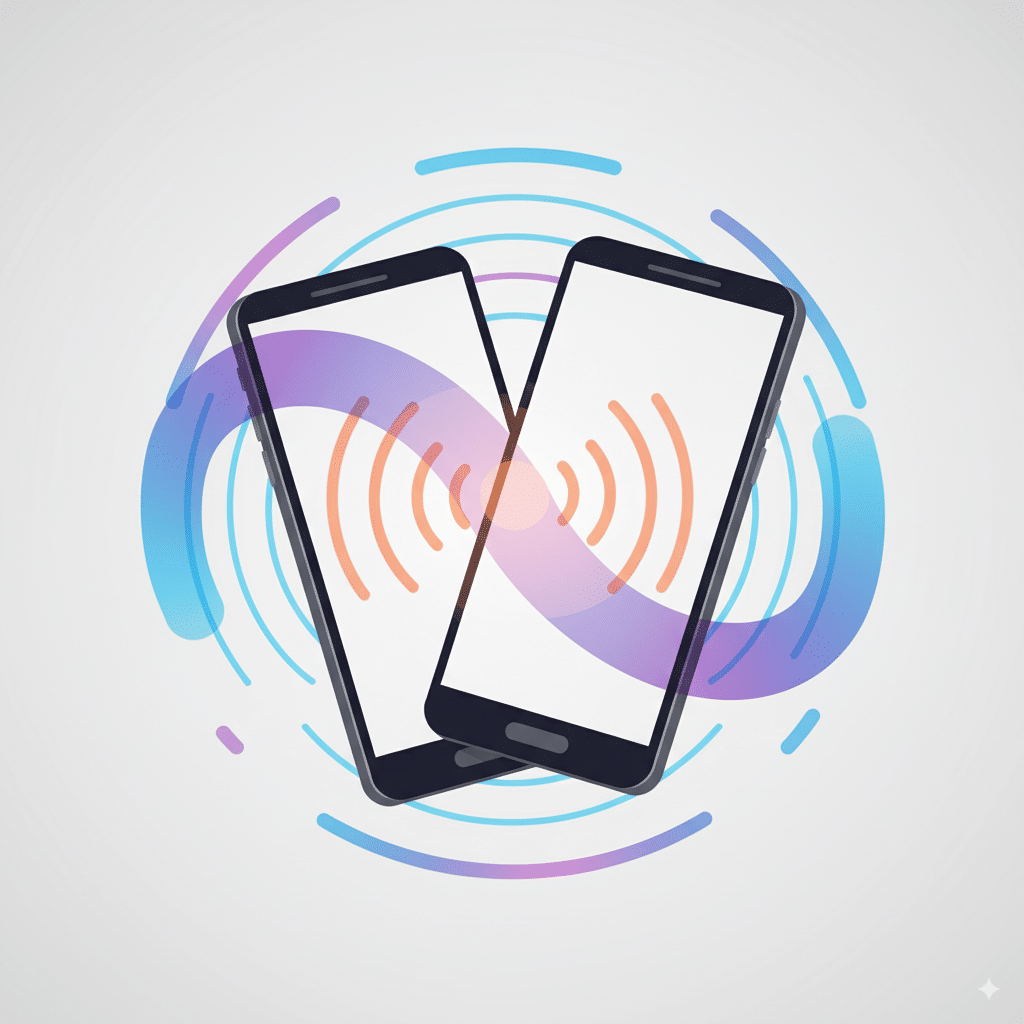
Field Communication (the less sexy part)
“Field communication” sounds like some military lingo, but in NFC, it just means the radio waves field between two devices. One is an active device (like your phone with an NFC chip), the other can be a passive device (like an NFC tag that only responds).
So when your phone touches that little contactless payment terminal at 7-Eleven, here’s what happens:
- Your phone (active device) sends a signal.
- The terminal (another active device) recognizes it.
- Data (securely, hopefully) exchanges hands.
- You walk out with snacks without touching cash.
Beautiful, right? Unless, of course, the terminal freezes and the cashier says: “Sorry, do you have cash?” (We’ve all been there.)
The NFC Chip – Tiny but Mighty
Here’s the unsung hero: the NFC chip. Without this microchip in your NFC enabled devices (like modern smartphones, tablets, even some smartwatches), nothing works.
Think of the chip as the brain of NFC. It manages:
👉 Little rant: Some phone manufacturers still sell models without NFC (especially budget Android devices). It’s 2025. Why? It’s like selling a car without cup holders. We need it.

Apple Pay, Google Pay, and Friends
If NFC had a fan club, Apple Pay and Google Pay would be the founding members.
Apple made NFC mainstream in the U.S. by slapping it on the iPhone 6 back in 2014. Suddenly, people were paying with their phones and feeling like James Bond. Today, if you’ve got an iPhone, NFC is enabled by default. No settings to fiddle with.
On the Android side, Google Pay and Samsung Pay dominate. Android users usually have to enable NFC manually (Settings → Connections → NFC). Once it’s on, you’re golden.
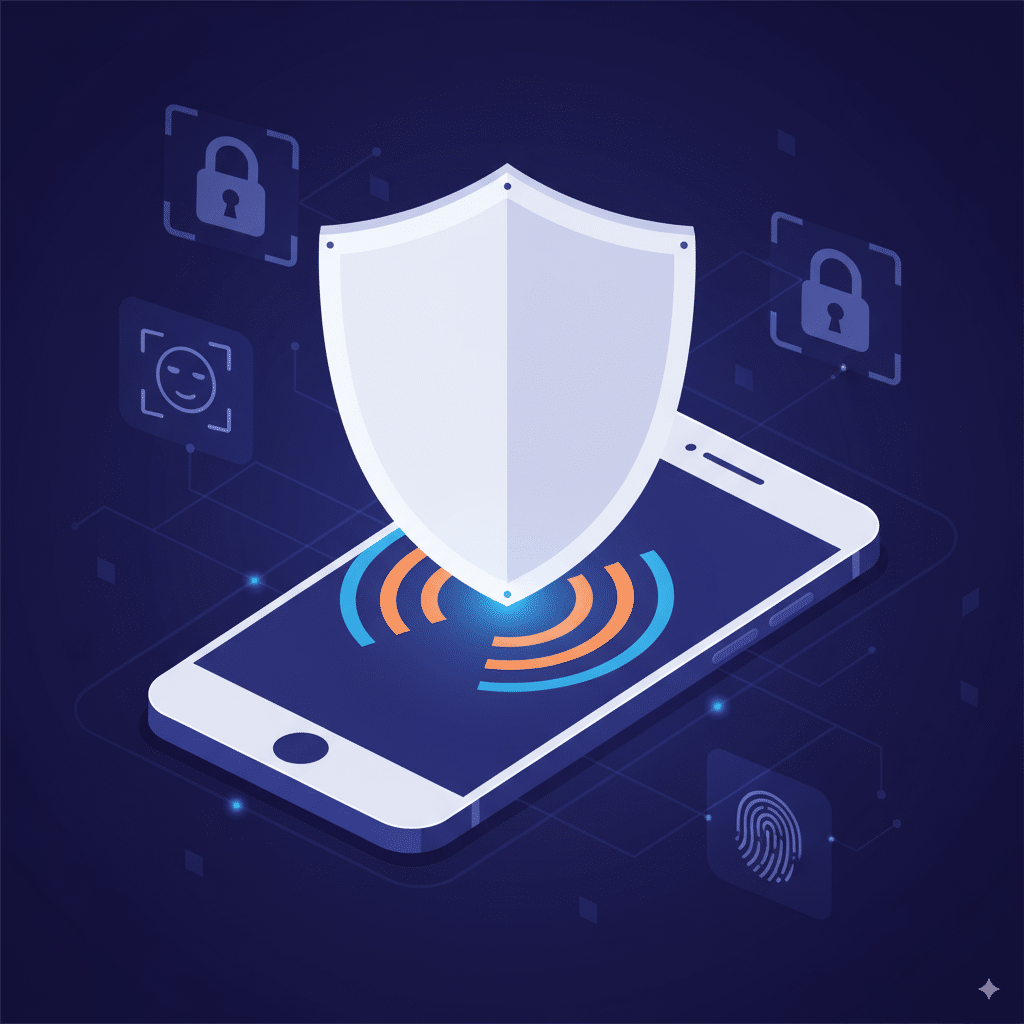
NFC Payments = Secure (Mostly)
Now, the big question: is it safe?
Yep. Safer than swiping your plastic. Here’s why:
Of course, no tech is bulletproof. But NFC payments are generally safer than handing your card to a sketchy waiter who disappears behind a corner with it.
NFC Tags – The DIY Magic Stickers
Now let’s talk about NFC tags. These little guys are basically programmable stickers with an NFC chip inside.
What can you do with them?
👉 Check out NFC Tools app. Lets you program tags like a wizard.
Android Devices vs iPhones: Who Does NFC Better?
Here’s the tea:
So, if you’re into playing around with NFC apps and NFC enabled phones, Android wins. But if you just wanna pay for groceries and move on with your life, iPhone is perfect.
Mobile Wallets: The Future of Physical Credit
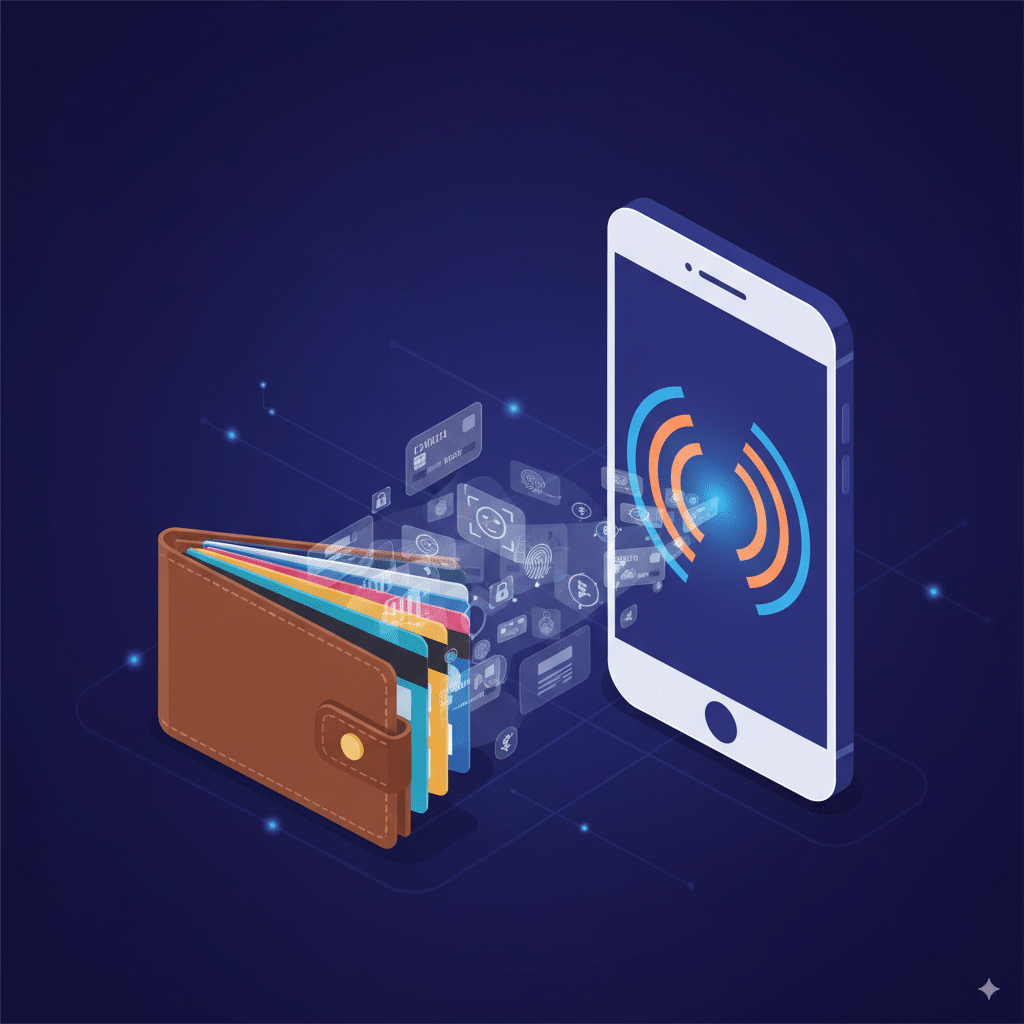
“Mobile wallets” like Apple Pay, Google Pay, and Samsung Pay are slowly murdering the physical credit card.
And I’m here for it. Who wants to carry a bulky wallet when your phone can do it all?
It’s fast. Secure. And (here’s my selfish reason) — I can finally leave the house in joggers without worrying about forgetting my wallet.
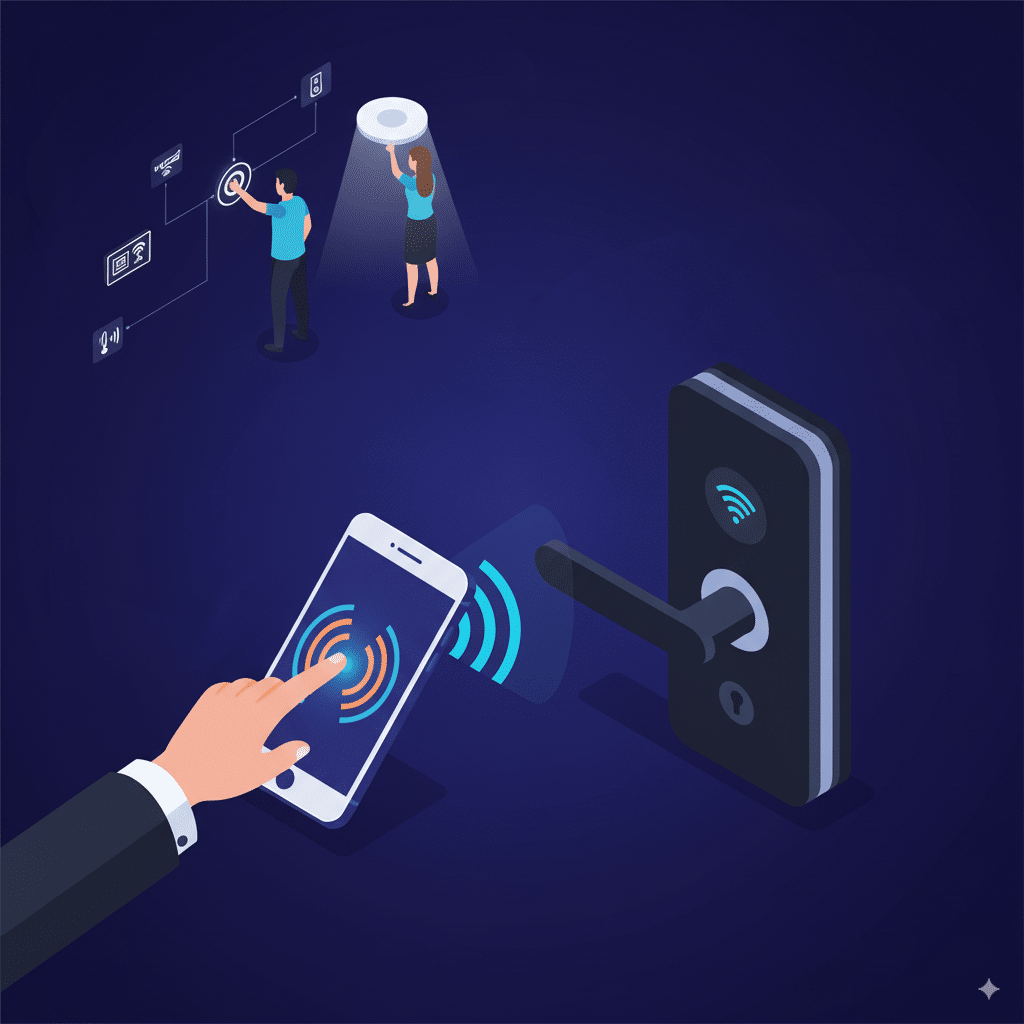
Access Control, Smart Homes, and Random Stuff
NFC isn’t just about money. You’ll find it in:
Basically, if you hate typing WiFi passwords, NFC is your friend. Some routers now let you just tap to connect. Lazy people, rejoice.
Okay, but What Does NFC Really Stand For?
Here’s my personal answer:
NFC stands for Not Fumbling Constantly.
Because that’s what it does. It saves you from fumbling for cards, cash, or typing endless details.
FAQs
Q1: What does the NFC stand for?
A: Near Field Communication. Simple.
Q2: Is NFC the same as Bluetooth?
A: Nope. Bluetooth works over longer ranges and needs pairing. NFC is short-range and instant.
Q3: Can all phones use NFC?
A: Not all. Most modern smartphones support it. But check your phone specs under “Connectivity.”
Q4: Is NFC safe for payments?
A: Yes. Safer than card swipes thanks to tokenization and encryption.
Q5: Can I turn NFC off?
A: On Android, yes (Settings → Connections). On iPhone, it’s always on, but limited.
Q6: Do NFC payments need internet?
A: Nope. NFC itself doesn’t need internet. But your bank app might need occasional connectivity to verify funds.
Q7: What’s cooler, NFC tags or NFC payments?
A: Tags. You can turn your entire house into a tap-to-automate playground.
Wrapping It Up
So next time someone asks “What does the NFC stand for?” don’t just drop the boring acronym. Tell them it’s the invisible glue holding together contactless payments, smart access, and even your lazy morning coffee runs.
And maybe — just maybe — they’ll start appreciating that little NFC icon hiding in their phone settings.
👉 Pro tip: If you’re feeling nerdy, check out the NFC Forum — the people setting the actual standards for this tech.
