

Digital Business Card for WhatsApp: Create and Share Easily
Let's Get Real About Business Cards (and Why WhatsApp Is Your Secret Weapon)
Here’s the thing — traditional business cards? Pretty much fossils at this point. You hand one out, it disappears into someone’s pocket, wallet, or worse... the trash.
But a digital business card for WhatsApp? Now that’s a move. It’s modern, slick, and ridiculously effective. Why? Because everyone — and I mean everyone — is on WhatsApp. Your grandma’s on it. Your next client probably is too.
So if you're looking to create a lasting impression, keep your info up to date, and share your professional identity in a way that actually gets seen — ditch the paper and grab your phone. Let’s break down how to make a digital business card that not only works with WhatsApp but turns connections into conversions.
A digital business card (aka virtual business card, electronic business card, or contactless card if you're feeling fancy) is your traditional business card, minus the papercuts and printer costs. It's dynamic, editable, and ready to roll across messaging apps, video calls, emails, and of course, WhatsApp.
With the right setup, you can share your:
All from your phone — instantly.
You can even save it to your Google Wallet or Apple Wallet. Cool, right?
Why You Should Care About a Digital Business Card for WhatsApp
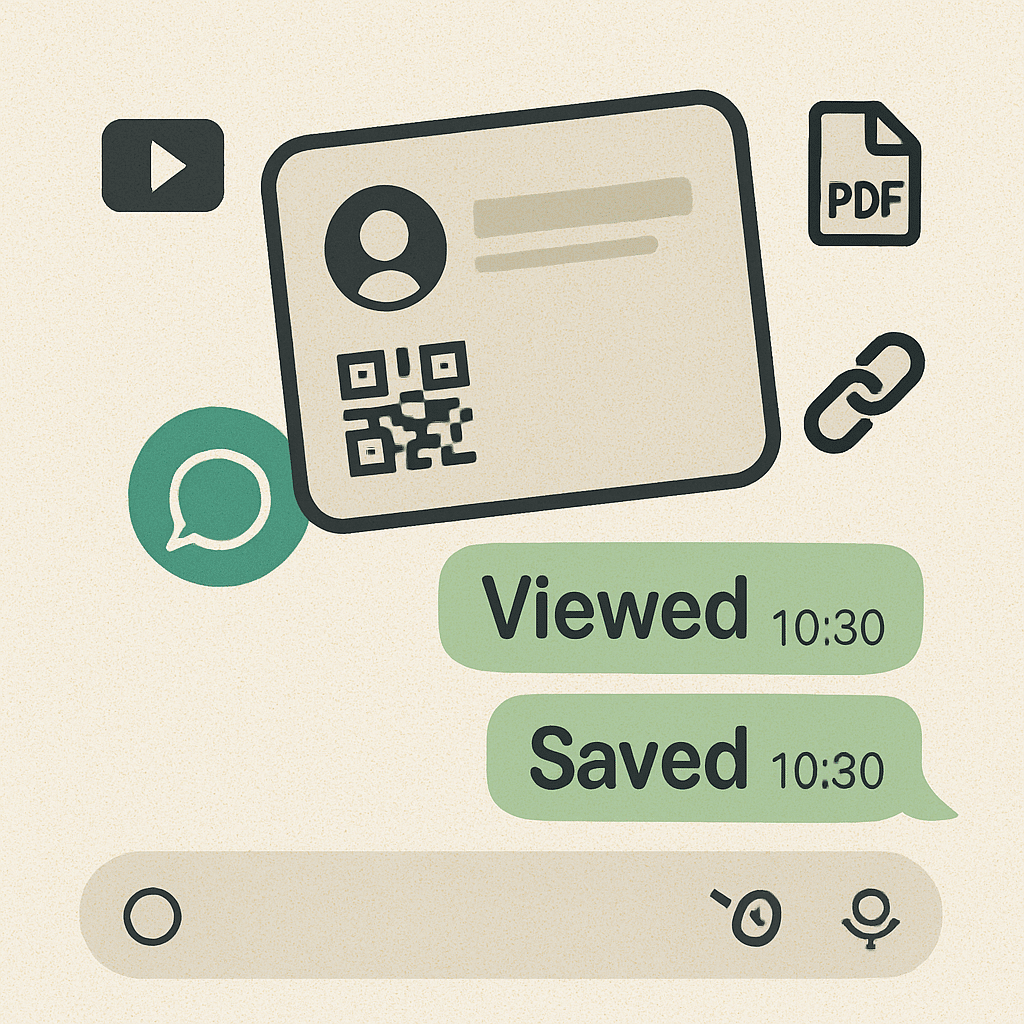
Let’s cut the fluff. WhatsApp is one of the fastest, most reliable ways to communicate with clients, prospects, leads, and partners. It’s where conversations happen — and that’s exactly where your digital card should live.
Here’s what makes it a game changer:
How to Create Your Own Digital Business Card (That Slays on WhatsApp)
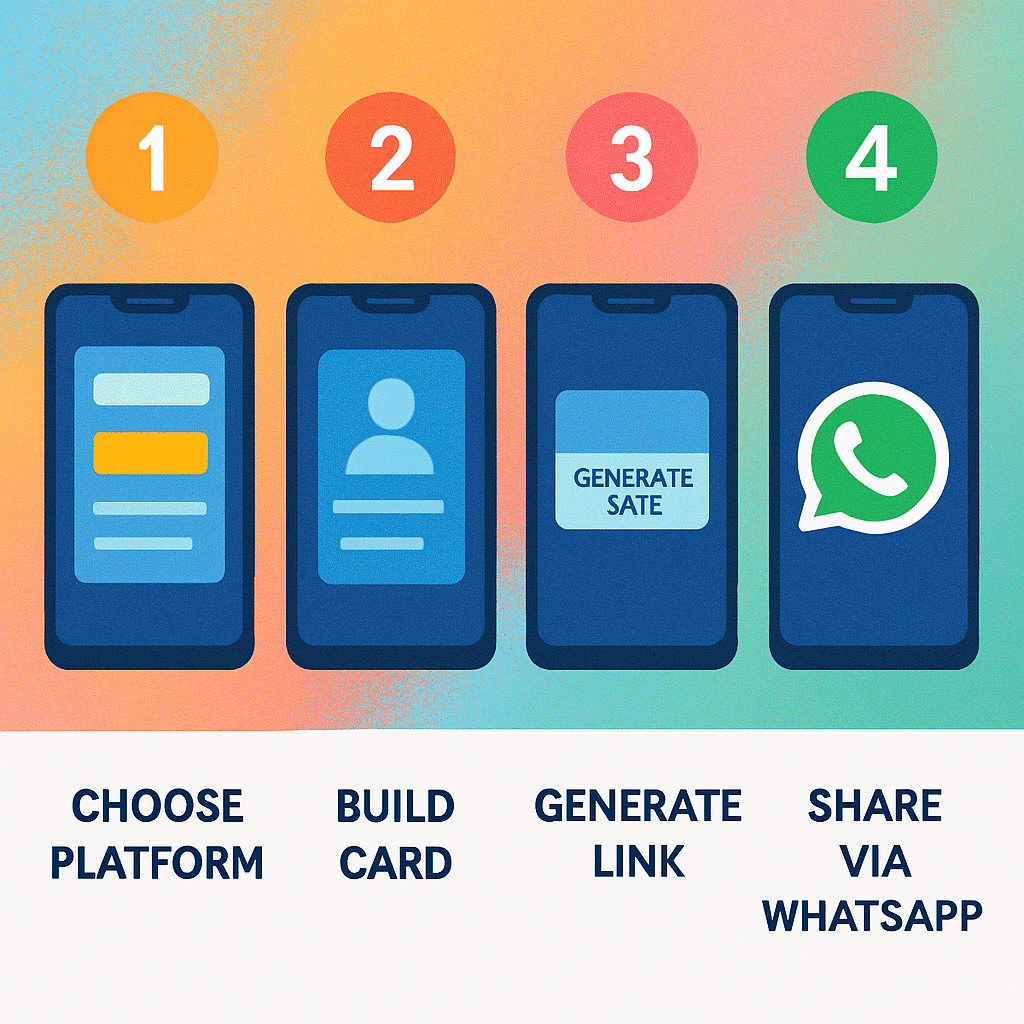
You’ve got options — free apps, paid tools, even NFC cards. But no matter how you do it, here’s the game plan:
1. Choose a Platform That Supports WhatsApp Sharing
Look for platforms like HiHello, Blinq, Popl, or Linq that let you generate a digital business card URL you can copy and paste into WhatsApp, text messages, or even social media profiles.
If it doesn't give you a shareable link or QR code, skip it.
2. Build Your Card Like a Brand Pro
Fill it out with:
Your full name & job title
Company name & office location
Profile photo (headshots > selfies, please)
Logo and brand colors
Contact info (phone, email, website URL)
Links to social media profiles
Maybe a welcome video or calendar link if you’re feeling extra
Use slick design templates or go custom if your tool allows it.
3. Generate Your Digital Business Card URL
Most digital card apps give you a personal URL or QR code that opens your card. Save that link to your notes app, home screen, or clipboard.
And for the love of leads, make sure it works on mobile devices.
4. Drop It Like It’s Hot — In WhatsApp
Send it via:
One-on-one WhatsApp chats
Group chats (networking groups, biz masterminds)
Broadcast lists
WhatsApp Business auto-responses
Better yet? Add it to your email signature and every social bio. Let people connect with one tap.
Real Features That Matter (No Fluff)
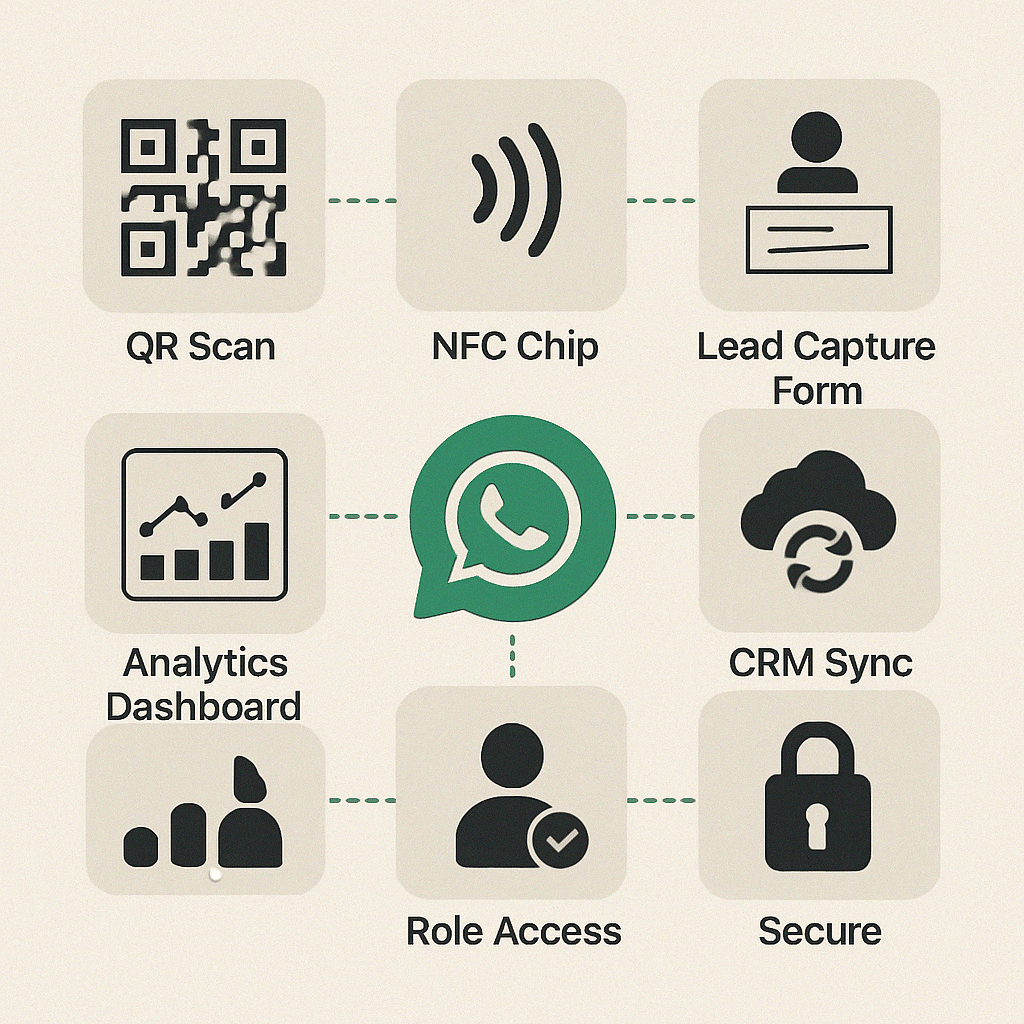
Here’s what separates a basic digital business card from one that captures leads and turns heads:
Free Digital Business Cards: Are They Worth It?
Short answer? Yes — to start.
Plenty of platforms offer a free plan that includes one card, basic design features, and a shareable link. Perfect for solopreneurs, freelancers, or anyone who just wants to test the waters.
But if you're running a team, doing lead gen, or want deeper customization (think scheduling, CRM, analytics)? You’ll need to pay. And honestly — it’s worth it.Regularly Updating Your Card: The Secret Sauce
You just landed a new role. Or your phone number changed. Or maybe you got a banging new logo.
With physical cards, you’d toss the old stack and spend $$$ printing new ones.
With a digital card? You just log in, make your changes, and boom — anyone who’s already received your card sees the update. Magic.
Talk about staying up to date without lifting a finger.
Let’s Talk Security (Because Scams Are Real)
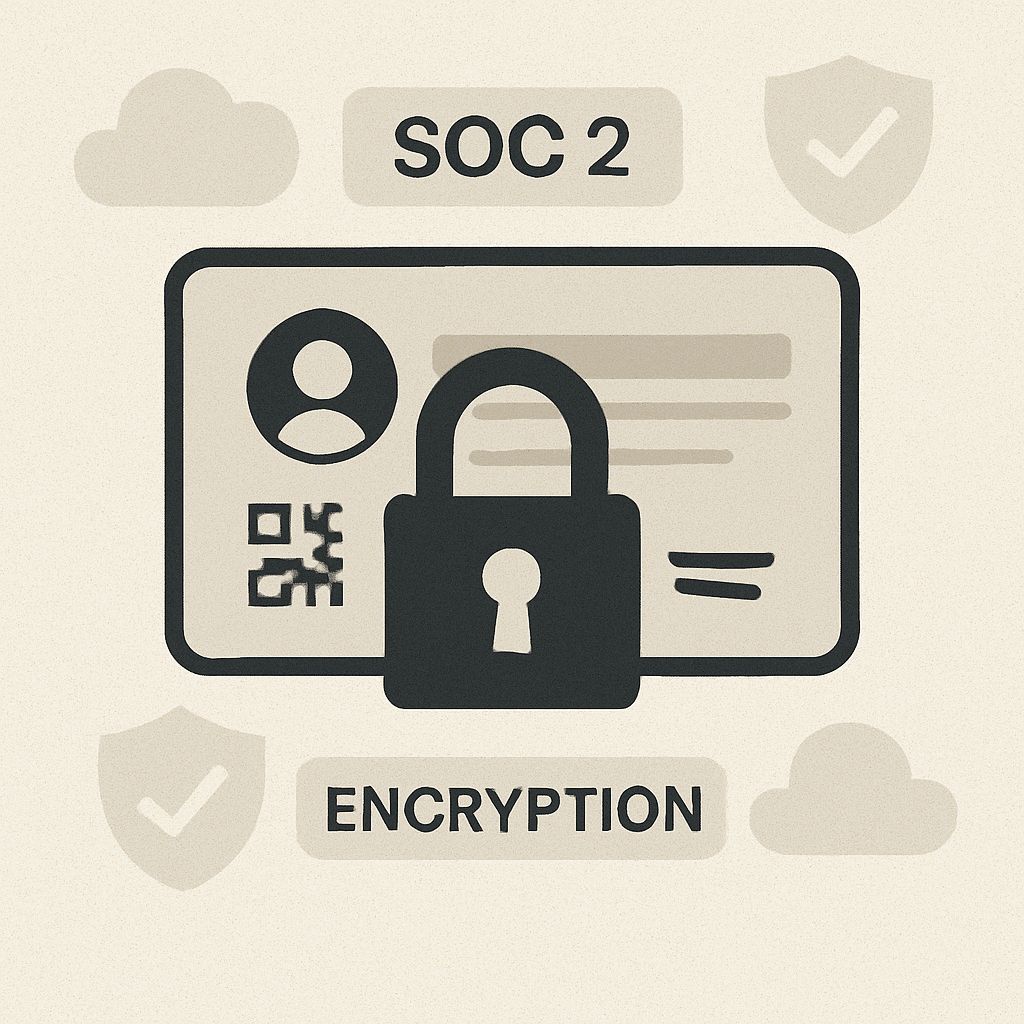
Data is currency. Your contact details? Your brand? Your client list?
Protect it.
Choose digital business card platforms that come with serious privacy options:
Password protection
View-only or editable sharing controls
SOC 2, GDPR, and encryption compliance
And always use trusted apps from the Google Play Store or Apple App Store.
Tools I’d Recommend (Because I’ve Tried a Bunch)
Here are a few killer options if you're creating a digital business card for WhatsApp:
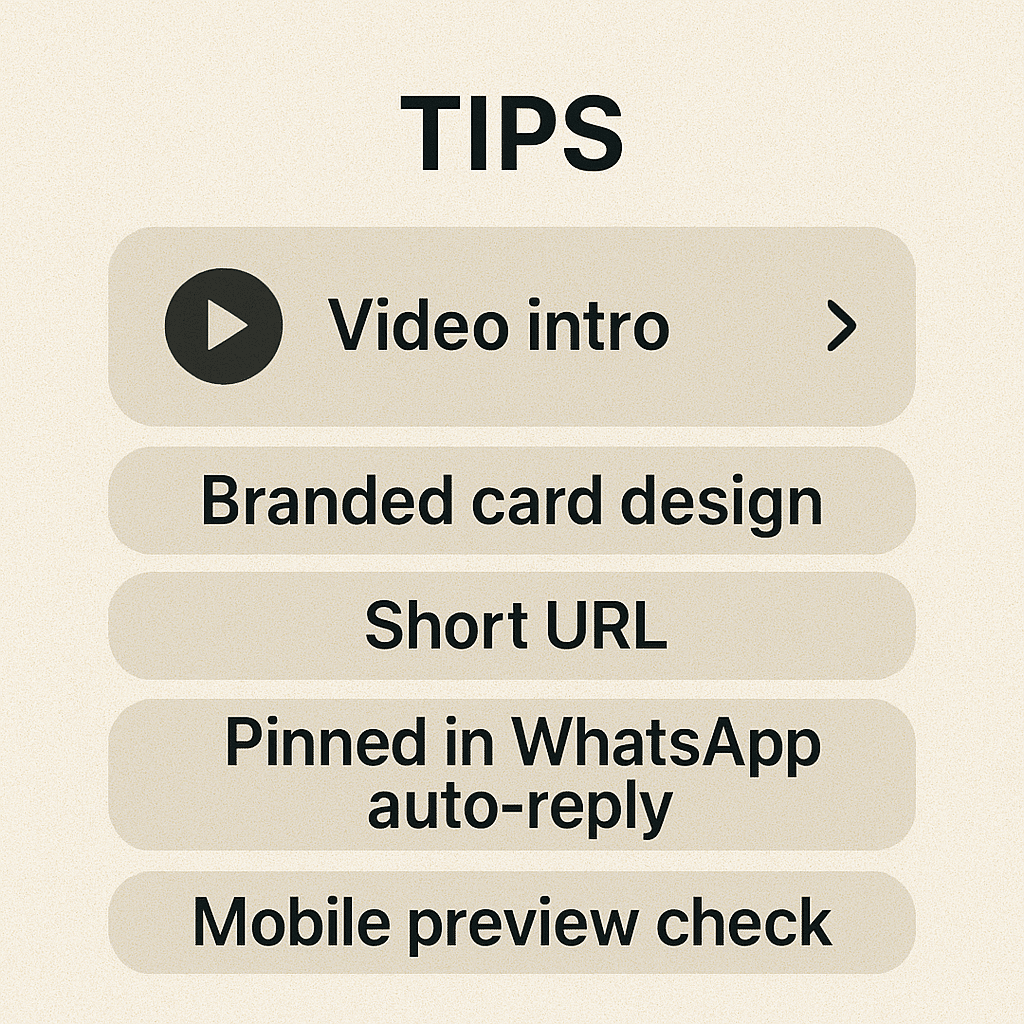
Pro Tips That’ll Help You Stand Out
- 1Include a 10-second video intro.
- 2Keep your card URL short and clean.
- 3Pin it to your WhatsApp Business greeting message.
- 4Match your card design with your brand identity.
- 5Test the card on mobile before sharing.
- 6Embed it in your virtual background during Zoom calls.
- 7Use it to promote events, offers, or affiliate links.
Your card isn’t just contact info — it’s a lead magnet. Use it like one.
Wrap-Up: This Is the Future of Networking
Let’s be real — nobody’s asking for your paper card in 2025. We’re messaging, scanning, tapping, and connecting in real time.
A digital business card for WhatsApp is more than just a smart move. It’s your ticket to:
Stay connected
Capture more leads
Look damn professional doing it
So if you’re still fumbling with outdated cards, it’s time to step up.
Download the app, create your card, grab that URL, and drop it in your next WhatsApp chat.
Trust me, your future clients will thank you.
