

Understanding LLM Temperature: Key Insights for Better AI Performance
Let’s Talk About LLM Temperature
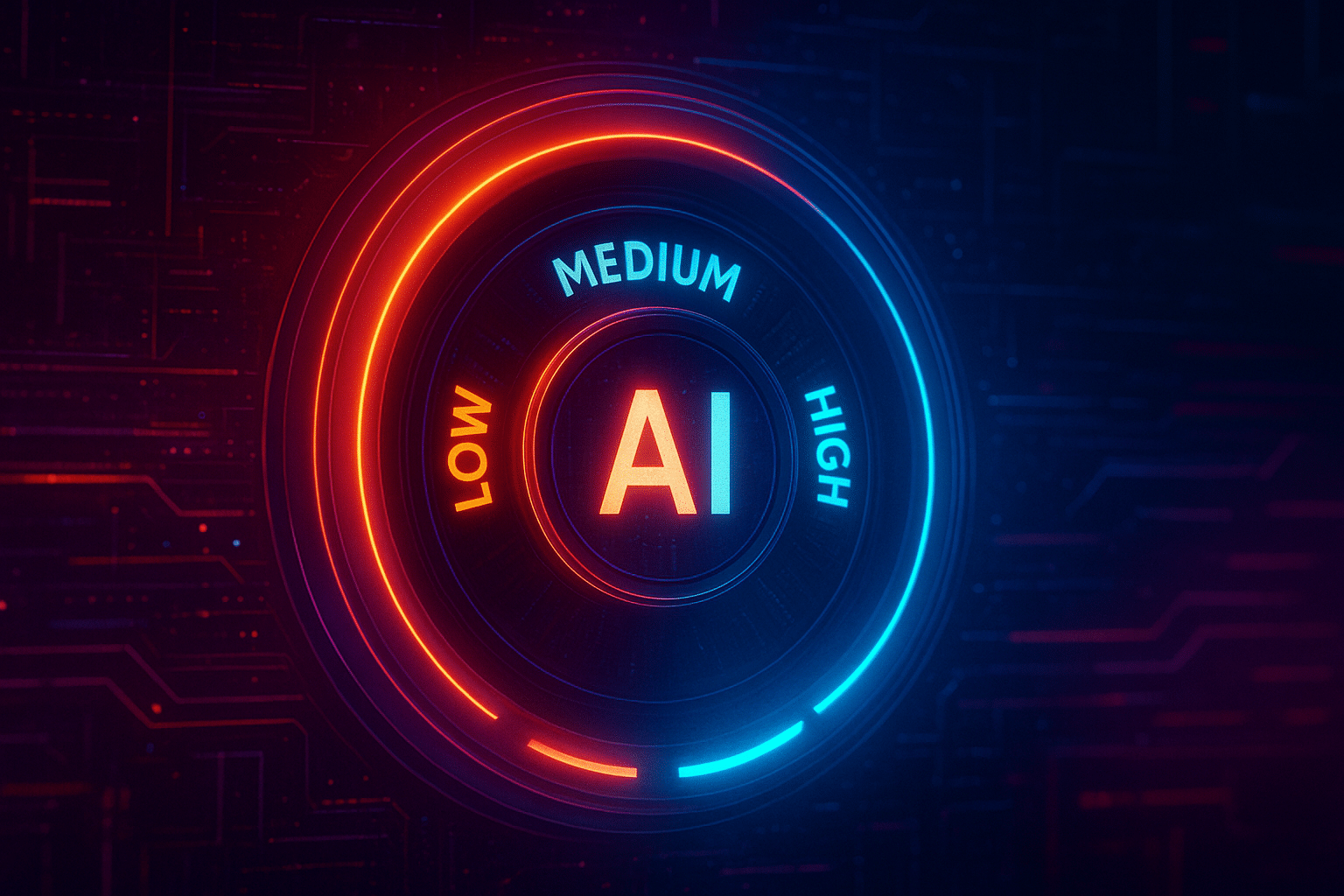
If you’ve ever played around with ChatGPT, Claude, or any other shiny large language model (LLM), you’ve probably noticed this weird little thing in the settings called “temperature.” And no, it’s not about how hot your GPU is running (although—if you’re self-hosting, that might actually be a problem).
This llm temperature parameter is like the model’s personality dial, acting as a control mechanism that adjusts the randomness and variability of generated text. Too low? It’s stiff, robotic, predictable. Too high? It’s wild, chaotic, spitting out answers like it’s had three espressos and a shot of tequila. Somewhere in the middle? That’s the sweet spot where you get useful, yet still creative outputs.
But here’s the deal: most people don’t actually know what the temperature parameter does. They just slide it around until things feel right. Today, let’s break it down—because once you really understand temperature, you can actually control your LLM instead of just praying it doesn’t hallucinate itself into a corner.
The Science-y Bit: What Does LLM Temperature Actually Do?
Okay, time to get just a little nerdy (but I promise not to bore you).
Every time an LLM generates text, it’s basically predicting the next word (token) based on probability. Think of it like autocomplete on steroids. The model has a list of possible next words with different probabilities. The model assigns high probabilities to the most likely tokens, and then the model selects the next token based on these probabilities. For example: For practical strategies on how to leverage high-performing content formats for LLMs, see this guide.
Now, here’s where temperature comes in. Temperature is a numerical value that adjusts the randomness of the model's output.
Under the hood, this works through something called the softmax function (a mathematical way to turn raw scores into probabilities). The softmax distribution converts raw scores into a probability distribution over possible next tokens. Temperature modifies that probability distribution: at low temperature, high probabilities are assigned to certain tokens, while at high temperature, the probabilities are more spread out.
When generating text, the model samples from this probability distribution to generate its output.

Low Temperature: Playing It Safe
Imagine you’re hiring a lawyer. Do you want them to get “creative” with your contract? Uh, no thanks. You want accuracy, structure, zero surprises. A lower temperature value leads to more predictable outputs, making it ideal for situations where consistency and reliability are crucial.
That’s what low temperature (0.1–0.3) is all about. Perfect for:
- Technical documentation
- Legal writing
- Customer support bots
- Summarizing text without adding fluff
Lower temperatures are ideal for tasks requiring accuracy and consistency.
The output here is predictable and factual—low temperatures produce predictable outputs—but yeah—it can feel a little lifeless. Ask the model to “write me a poem about tacos” at 0.1, and you’ll get something that sounds like it was written by a bored accountant.
High Temperature: Let’s Get Weird
Now crank that temperature up to 1.0 or beyond. Suddenly, your LLM starts spitting out wild ideas. Higher temperatures introduce more randomness and diversity into the model's output. Ask it to write a poem about tacos, and you’ll get something like:
“The tortilla is a universe, Salsa galaxies swirl…”
With a higher temperature value, the model increases the likelihood of selecting less probable words, resulting in more creative and unexpected responses. The LLM generates slightly more novel or diverse outputs as the temperature rises, so the temperature acts as a creativity parameter by influencing the variability and originality of the generated text.
Okay, maybe not Shakespeare, but you get the idea. High temperature makes the model take risks, which is gold for:
The downside? You’re also more likely to get hallucinations, contradictions, or just plain nonsense, since higher temperatures can lead to more randomness and less predictable results. Great for creativity, dangerous for accuracy.

Medium Temperature: The Goldilocks Zone
Honestly, most of the time, you want to live around 0.7–1.0. That’s the sweet spot where the model stays coherent, but still sprinkles in originality.
Many tools use a default setting for the temperature parameter in this range, as it represents a balanced baseline for most applications. This default at ~0.7–0.9 is the safe middle ground for:
When choosing the right temperature, consider experimenting with different temperature values to find the optimal temperature setting for your specific use case. Adjusting temperature values can help you balance creativity and accuracy depending on your needs.
👉 Pro tip: If you’re building a chatbot for customer-facing work, start at 0.7 and adjust based on how “fun” or “serious” you want the bot to sound.
Temperature vs. Other Parameters
Here’s a mistake I see all the time: people think temperature is the only creativity knob. It’s not. Making temperature adjustments, along with other parameter tweaks, can help you optimize output. There are other controls you should know:
![[Futuristic dashboard with glowing sliders labeled “temperature,” “top-k,” “top-p,” “frequency penalty,” clean neon infographic UI.]](https://www.misaias.com/wp-content/uploads/2025/08/ChatGPT-Image-Aug-20-2025-06_35_53-PM.png "ChatGPT Image Aug 20, 2025, 06_35_53 PM")
Choosing the Right Temperature
So, how do you know what’s right for your project? Here’s a quick cheat sheet:
Temperature changes can significantly affect the style, creativity, and quality of your model’s output. Testing different temperatures is key—try several values to see which works best for your application.
You can fine tune llms by adjusting temperature and other parameters to optimize results for your specific use case. Incorporating user feedback during this process helps you further refine and optimize temperature settings for your needs.
👉 My advice? Don’t overthink it. Start with 0.7 and tweak depending on how stiff or chaotic the responses feel.
Real-Life Applications
Let’s zoom out and see how companies actually use temperature control in the wild. Temperature settings directly influence the nature of llm output, affecting the randomness, creativity, and coherence of generated text in different applications.
One fun example: I once cranked GPT’s temperature to 1.4 while asking for “business ideas for 2025.” It suggested a “Subscription Box for Virtual Pets.” Completely insane… but also? Kinda genius. Here, the input context and the model's training data, along with the high temperature, all played a role in shaping the output.
Side Note: Why This Matters for Marketers & Founders
Here’s where it gets practical. If you’re using AI to:
…then messing with temperature is the difference between sounding like every other SaaS on LinkedIn vs. actually standing out. Adjusting temperature directly shapes the model's output, influencing how creative or consistent the generated text will be.
Low temperature = safe, but forgettable. Use low temperature for predictable outputs when you need consistency and reliability. High temperature = risky, but memorable. Use high temperature for more focused outputs when you want the model's output to be more creative and engaging, depending on your business needs.
The magic is knowing when to use which.
Future of Temperature (and My 2 Cents)
Here’s the thing: Temperature is powerful, but it’s also blunt. It doesn’t know if you want funny or professional—it just changes the randomness.
Future models will probably make this more intuitive. Instead of “temperature = 0.8,” you’ll just say:
Until then, you’re stuck with sliders and knobs.
👉 Side note: There’s active research into making LLMs more controllable without so much guesswork. Empirical analysis, including studies by max peeperkorn, has shown that temperature is weakly correlated with novelty and creativity, and moderately correlated with incoherence.
Wrapping It Up
So, what’s the big takeaway here?
- Temperature = randomness dial.
- Low = predictable. High = creative. Medium = your best friend.
- Use low for accuracy, high for creativity, and medium for pretty much everything else.
- Don’t forget the other parameters (top-k, top-p, penalties).
At the end of the day, temperature isn’t just some “developer setting” you can ignore. It’s a core part of how you shape AI outputs to actually work for your business, your content, or your creative projects.
So next time you’re messing with your chatbot, your blog drafts, or your marketing copy? Don’t just pray for better answers. Play with the temperature dial—you might be surprised at what comes out.
