

Pika vs Canva: A Comparative Guide to Design Efficiency and Features
Every week some new design platform or “AI-powered tool” pops up promising to change your creative life. And honestly? Half the time it’s just hype, smoke, and a few buzzwords sprinkled in.
But two names keep popping up in my world lately: Pika (the AI video kid on the block) and Canva (the OG of drag-and-drop graphics).
So… Pika vs Canva—who wins in 2025? Which platform’s actually giving you value, features, and that cool vibe instead of wasting your time? Let’s dig in.
Pika vs Canva: The Basics
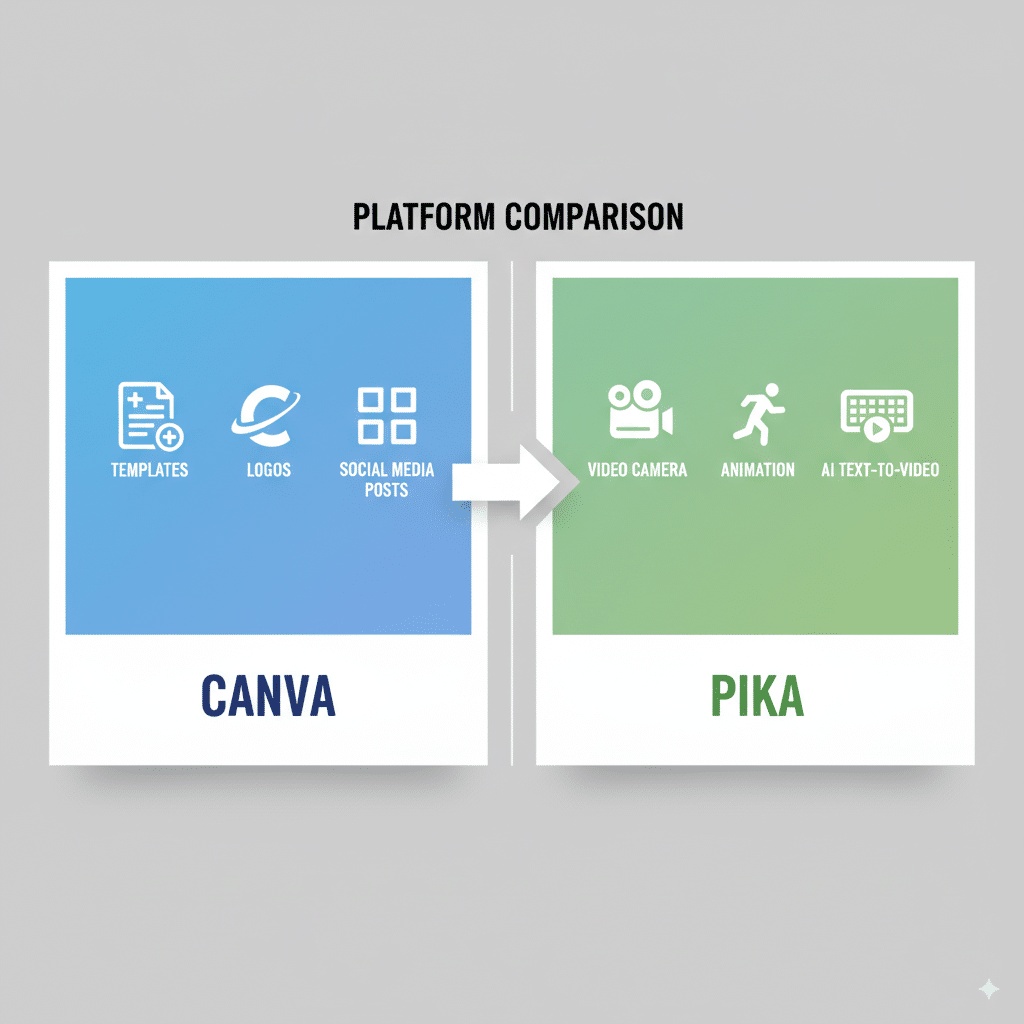
Alright, quick and dirty:
Both tools are user-friendly platforms, both have AI features, and both want to eat up your time in exchange for “efficiency.”
But their focus is completely different. Canva plays in visual content (images, graphics, presentations, social media posts), while Pika is going all-in on video editing tools and animated videos.
Canva

Features
- Drag and drop interface (super easy).
- Thousands of templates for social media content, presentations, posters, resumes.
- AI features like Magic Write and background remover.
- Branding kit for businesses.
- Collaboration tools.
- Pricing tiers: Free, Pro, Enterprise.
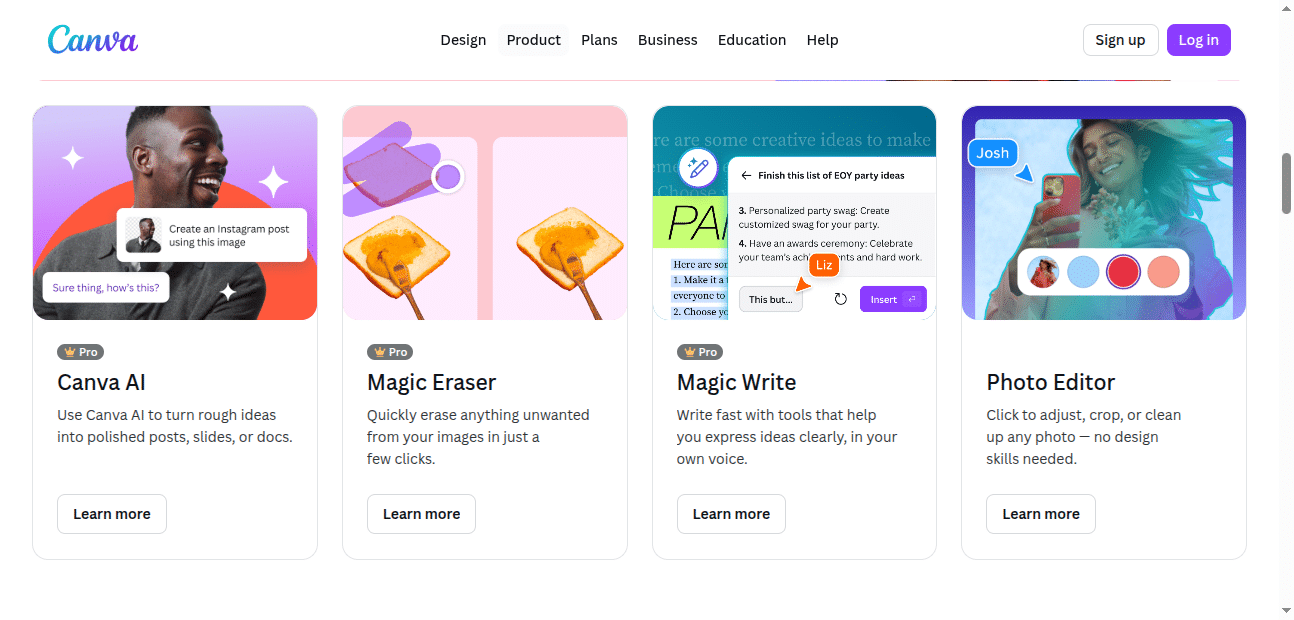
Pros
- Huge template library.
- Easy-to-use (literally anyone can make designs).
- Collaboration-friendly.
- Great for visual content (social media, presentations, graphics).
Cons
- Advanced features locked behind Pro.
- Video editing is basic compared to real editing software.
- Can feel cookie-cutter if you don’t customize templates.
Pika
Features
- AI-generated animated videos.
- Add Music automatically.
- Magic Write for video scripts.
- Pika Live for real-time style generation.
- Focused on speed—generate content in seconds.
- Tailored for video-first platforms like TikTok, Instagram Reels, YouTube Shorts.
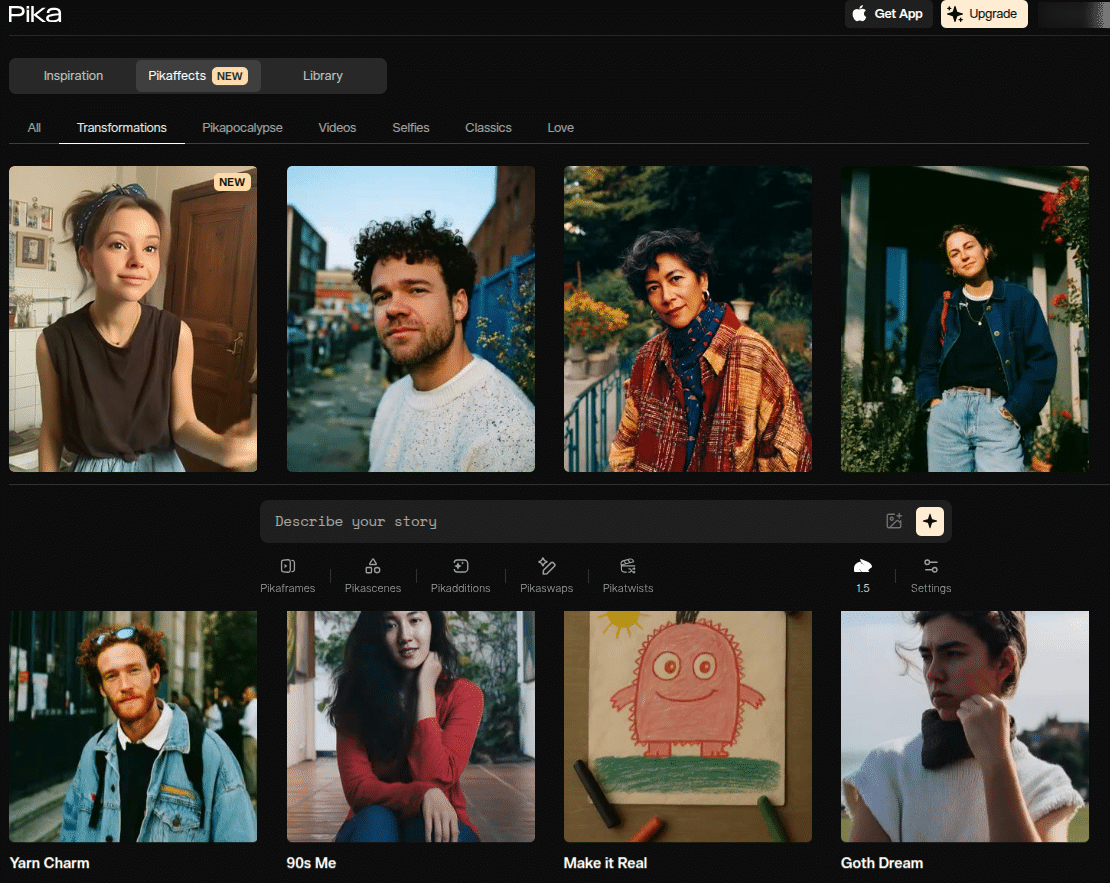
Pros
- AI-powered video creation = fast, unique content.
- Perfect for marketers chasing trends.
- Affordable compared to pro editing software.
- User-friendly (no editing background needed).
Cons
- Still new—features are evolving.
- Not as versatile as Canva for graphics or static content.
- AI sometimes outputs weird stuff (expect trial and error).
AI Tools: Who’s Flexing Harder?
AI tools are now everywhere. Even your calculator’s probably claiming “AI-powered features” at this point.
Honestly? Pika feels cooler right now because video is hot. But Canva’s AI is more polished and practical if you’re making day-to-day business content.
Canva Free vs Canva Pro vs Canva Enterprise
Alright, let’s break this down before you throw your credit card at the screen.
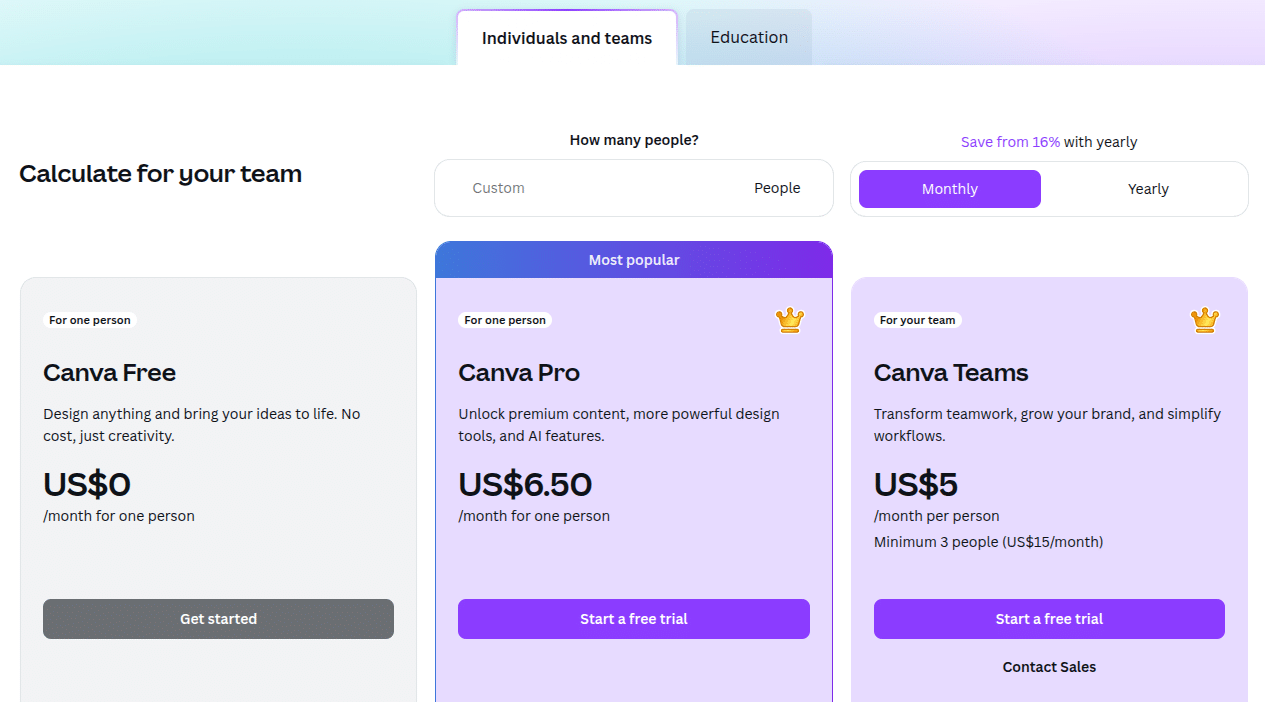
Canva Free:
Canva Pro:
Canva Enterprise:
(Side note: I used Canva Free for a year before rage-quitting when I realized every cool template had a Pro crown on it. Don’t say I didn’t warn you.)
Pika’s Pricing
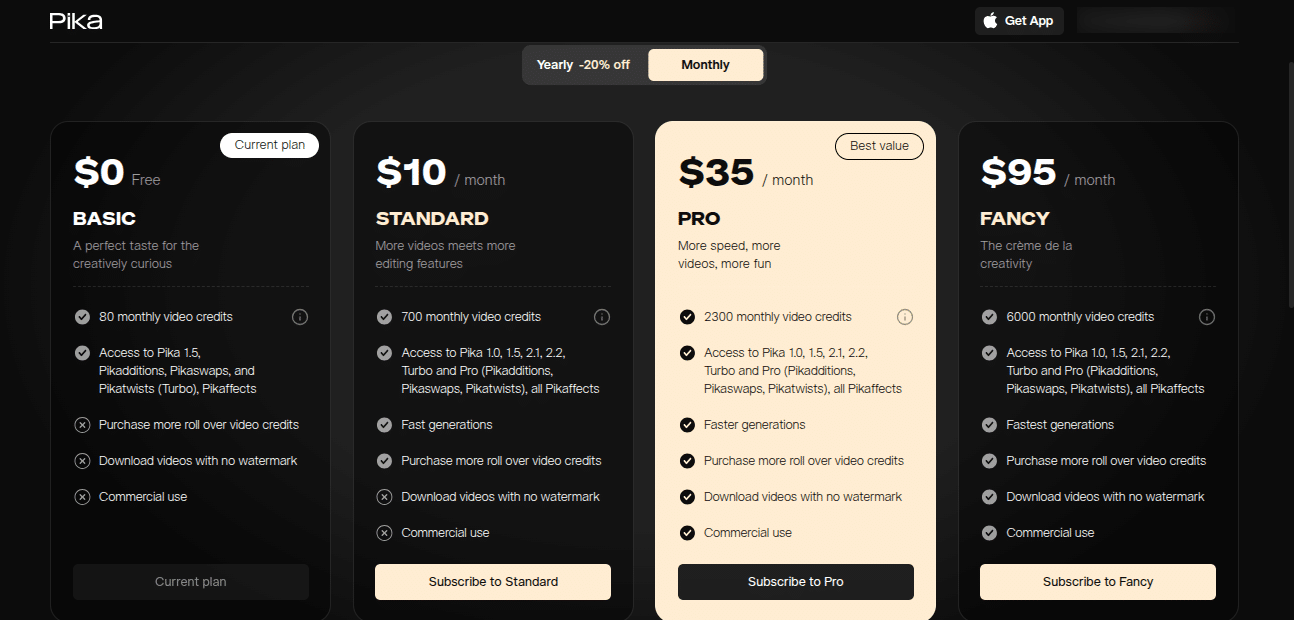
Pika hasn’t blown up to Canva’s level yet, so their pricing is still pretty chill. Plans are tailored for creators, startups, and marketers who need quick video outputs. They offer free trials and then step into affordable tiers with extra rendering credits and advanced AI capabilities.
Video Editing: The Showdown
This one’s easy:
So, Canva = practical video editing. Pika = experimental, AI-generated videos.
Which One’s Better in 2025?
FAQs
Q1: Is Pika free?
Yes, Pika has free options but with limited credits. Paid plans unlock more AI capabilities and faster rendering.
Q2: Can Canva replace pro editing software?
Nope. Canva’s video editing is handy but super basic. Don’t expect Adobe Premiere vibes.
Q3: Is the American pika really going extinct?
Sadly, yes. Climate change is wrecking their habitat. They’re considered a vulnerable species.
Q4: Which is more user-friendly: Pika or Canva?
Both are user friendly, but Canva has a gentler learning curve since it’s mostly templates. Pika requires experimenting with prompts.
Q5: Do Canva Free and Canva Pro have huge differences?
Yes. Canva Free is decent but limited. Canva Pro gives access to premium templates, images, and AI features.
Final Thoughts
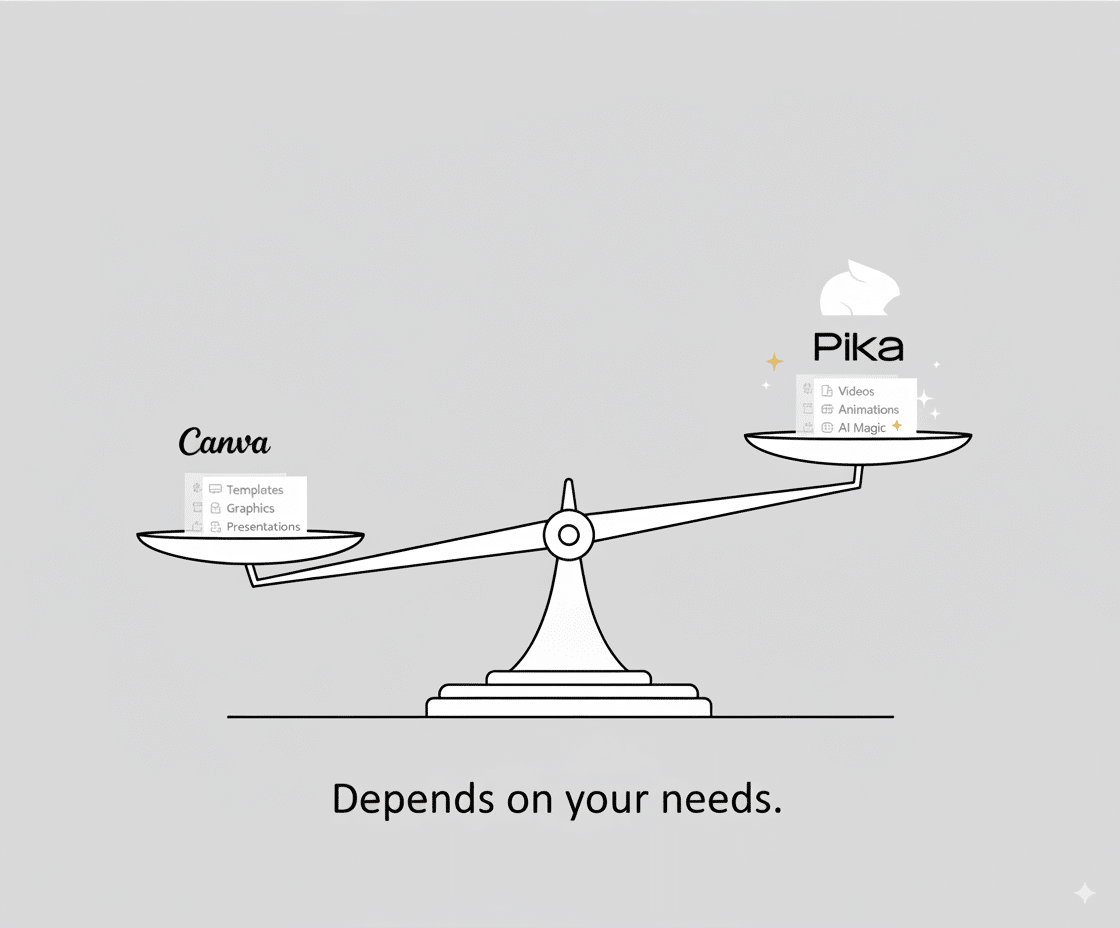
The whole Pika vs Canva debate comes down to this: what do you actually need? Canva is your all-around design toolkit—great for graphics, social posts, and presentations. Pika is your AI video wizard—ideal for short, flashy content in 2025.
And hey, maybe you’ll use Canva to design your campaign slides while Pika spins out your animated promo video. Teamwork.
(And if you Googled this looking for the cute mountain pika, sorry… but hey, now you know about design tools AND climate change. Win-win.)
