

Boost Your Channel with the AI Video Generator for YouTube Shorts
YouTube Shorts are everywhere right now. Like, scroll through your feed and it’s just endless short form videos memes, quick hacks, faceless video creation, all that jazz.
And honestly, if you’re not hopping on it, you’re kinda leaving views (and money) on the table.
But yeah, creating good shorts? That’s the part where people get stuck. Editing eats up time.
Adding captions manually is a pain. Finding stock footage ugh. That’s where an AI video generator for YouTube Shorts feels like a cheat code.
You just throw in your script, or even a blog post, and boom you’ve got a short video with music, subtitles, and sometimes even auto reframing done.

I’ve tested a bunch (and wasted time on some really clunky ones too). So let me just break down the 5 best AI short video generators you can actually use without wanting to throw your laptop out the window.
5 Best AI Video Generator for Youtube Shorts
1. Pictory: The Storytelling Beast

What it does:
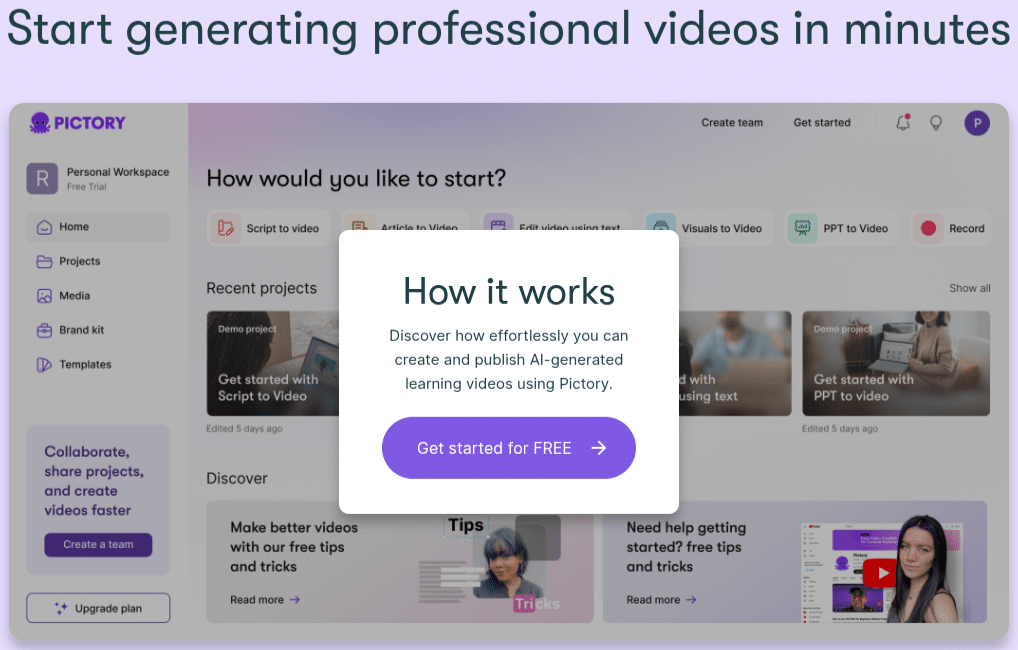
Pictory is one of those AI short video generators that takes your blog post, script, or even long form videos and chops them into scroll stopping shorts.
Features:
Auto subtitles with freakishly accurate captions.
Pulls key moments from long form videos (yes, even a podcast).
Tons of stock footage + background music library.
Faceless video creation great if you don’t wanna be on camera.
Check Pictory Pricing
Pros:
Super easy, honestly even my tech challenged cousin could use it.
Saves so much time on captioning (seriously, manual captions are a pain).
Great for repurposing content across YouTube Shorts, Instagram Reels, TikTok.
Cons:
Video styles feel a bit “template-y” if you don’t customize.
Free plan is limited.
Best for: Content creators who blog or have podcasts but wanna turn them into snackable short form videos without hiring editors.
2. InVideo: The OG Short Form Editor with AI Sprinkle

What it does:
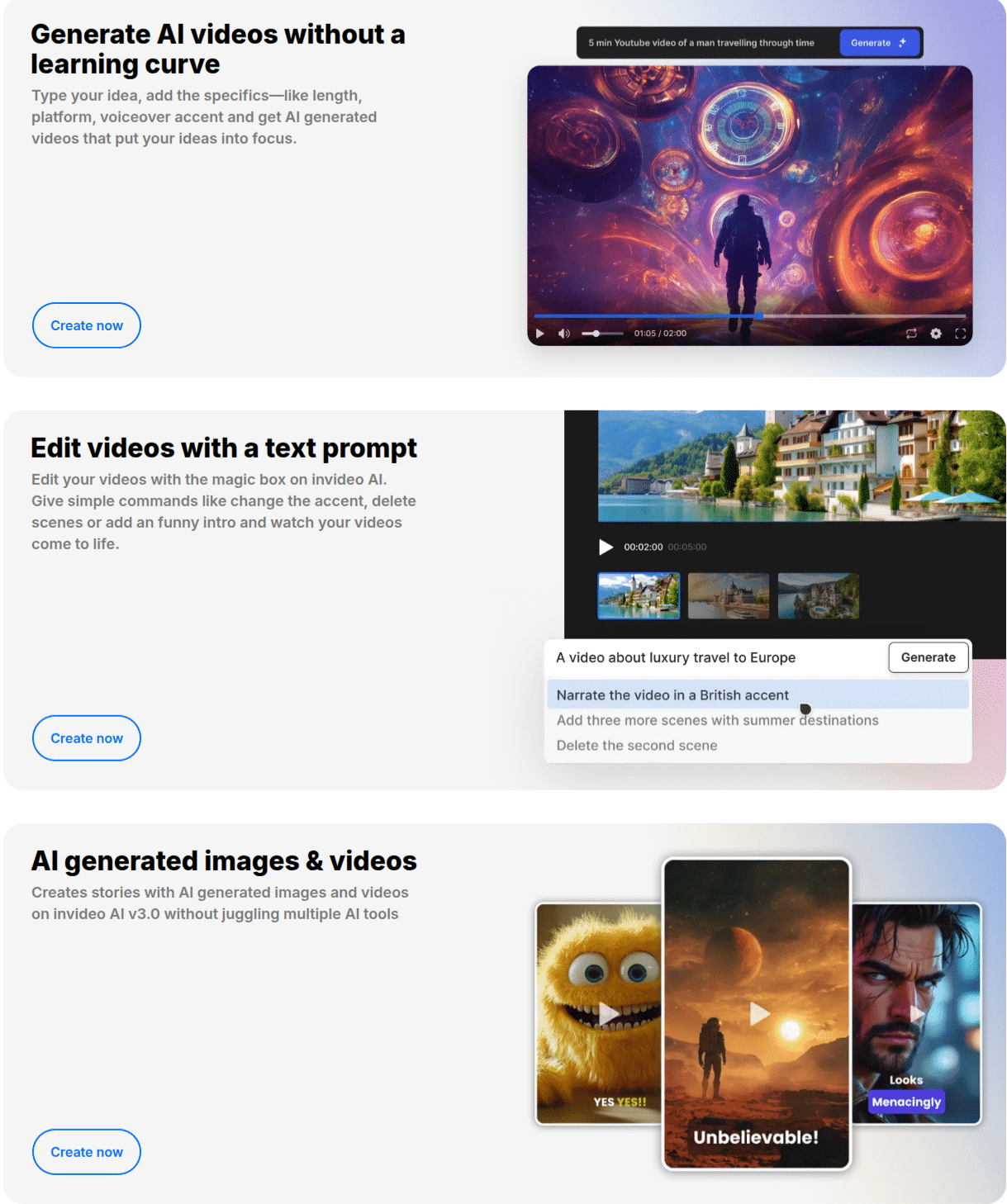
InVideo’s been around for a while, and now they’ve thrown in AI powered video creation. It’s like Canva but for videos.
Features:
Pre-built YouTube Shorts templates (literally plug and play).
Text-to-video generator for faceless video creation.
Auto voiceovers with surprisingly human voices.
Split screen editing, captions, transitions, all the jazz.
Check Invideo Pricing
Pros:
Huge template library.
Great customization options (not locked into cookie cutter designs).
Affordable plans compared to some “fancy” AI tools.
Cons:
Can feel overwhelming with so many features (bit of a learning curve).
Rendering speed isn’t the fastest.
Best for: Beginners and social media managers who want variety and flexibility without touching complex tools like After Effects.
3. Veed.io: Quick, Clean, and Team Friendly

What it does:
Veed.io is like the sleek MacBook version of video editing software. Minimalist, smooth, and doesn’t overcomplicate things.
Features:
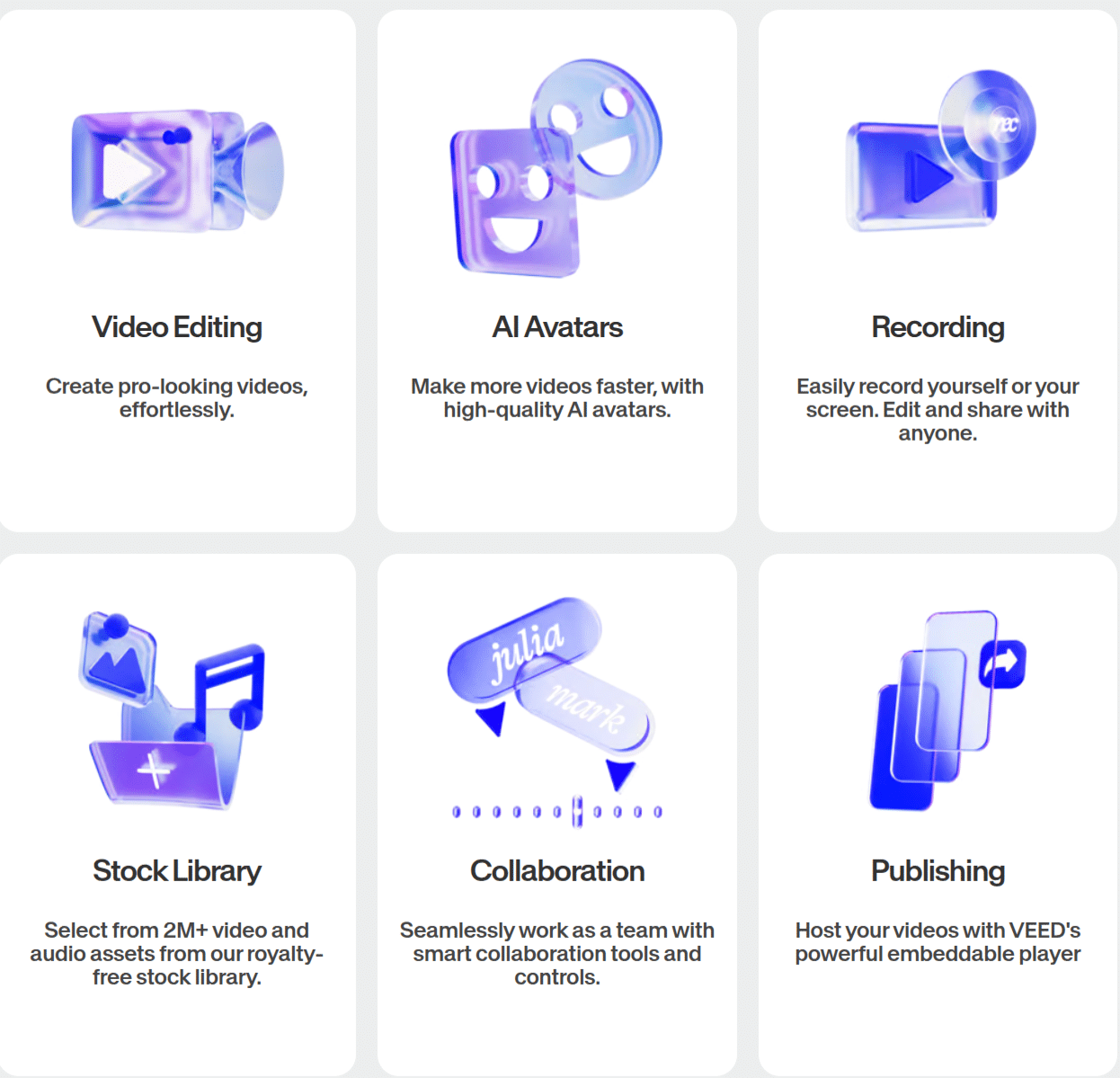
Auto captions (multi language too).
Magic background remover.
Built-in stock footage, music, and b-roll.
One click “resize” for Shorts, Reels, TikTok.
Check Veed Pricing
Pros:
Honestly the easiest UI of the bunch.
Perfect for short video editing and collaboration (great if you’ve got a team).
Exports are crisp, no watermark on paid plans.
Cons:
Free plan slaps a watermark.
Some AI features feel limited compared to others.
Best for: Small YouTube creators or agencies who need a no fuss editor for short clips.
4. Synthesia: The Face Swap Wizard

What it does:
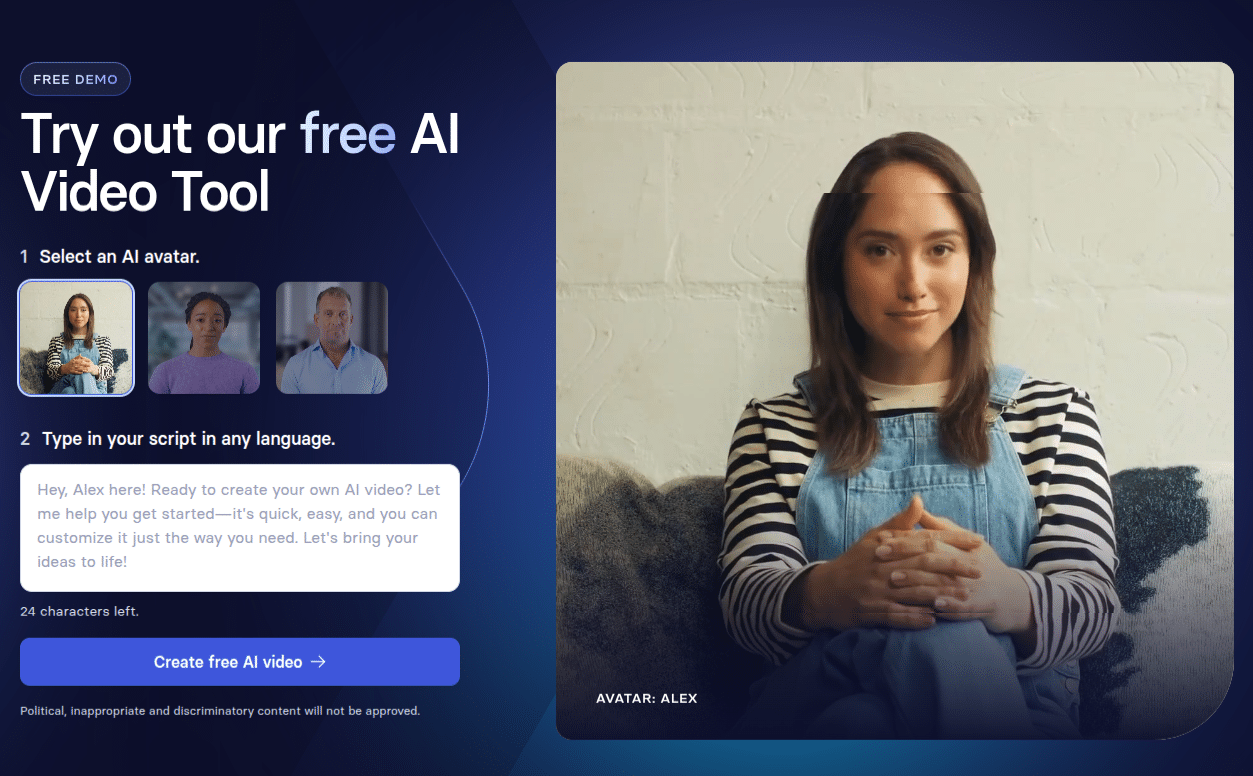
This one’s kinda wild. Synthesia lets you generate AI videos with avatars reading your script. So yeah, totally faceless video creation with realistic presenters.
Features:
140+ avatars that actually move like humans.
120+ languages (hello, global reach).
Auto subtitles + background music.
Simple editing interface, no complex tools.
Check Synthesia Pricing
Pros:
Amazing for faceless YouTube Shorts and explainer content.
Saves money on hiring actors/voiceover artists.
Big brands already use it (so it’s pro-level).
Cons:
Avatars can feel a bit “AI uncanny valley” if you overuse them.
Pricey compared to other AI video generators.
Best for: Educators, explainer channels, or anyone who wants to pump out professional short form content without showing their face.
5. Runway: The Artsy One

What it does:
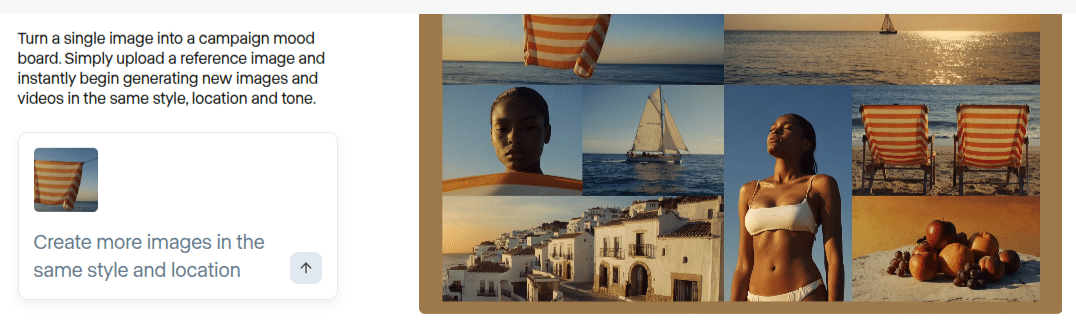
Runway is for creators who like to push visuals. It’s not just an AI short video generator, it’s like a full on experimental studio.
Features:
AI text to video (yep, type a prompt and get clips).
Auto reframe + auto editing magic.
Green screen without a green screen.
Advanced AI effects (stylization, motion tracking, etc.).
Check Runway Pricing
Pros:
Next-level creative freedom.
Perfect for making viral shorts that don’t look like everyone else’s.
Constantly adding new AI powered tools.
Cons:
Steeper learning curve feels “pro”.
Free plan is limited.
Best for: Creators who wanna stand out with unique, experimental short form content (think artsy reels, cinematic Shorts).
Don’t overthink tools. Like seriously, pick one, stick with it, and focus on actually posting.
I’ve seen small channels explode not because they had the “perfect” AI video generator but because they just kept uploading attention grabbing shorts. Consistency beats perfection.
FAQs
1. Can AI video generators replace real editors?
Not really. They’re great for fast content, captions, and faceless video creation. But for advanced storytelling or cinematic editing, humans still win.
2. Are these tools free?
Most offer a free plan, but if you’re serious about YouTube Shorts growth, the paid versions save time and give you way more features.
3. What’s the easiest one for complete beginners?
Honestly, InVideo or Veed.io. Super intuitive.
4. Can I use these for Instagram Reels and TikTok too?
Yep! All of them support multiple social media platforms.
5. Do AI generated videos actually help channel growth?
Yes, if you post consistently. AI just removes the editing bottleneck, and improving your AI content writing skills can further elevate your channel. The audience + ideas still matter most.
Final Thoughts
So yeah, if you’re stuck in editing hell, these AI video generators for YouTube Shorts are a life saver.
Whether you want faceless video creation, scroll stopping videos, or just wanna repurpose long form content you’ve got options.
Personally, I’d say:
Pick your weapon. Start creating. Post more Shorts. Grow your channel. Simple.
